



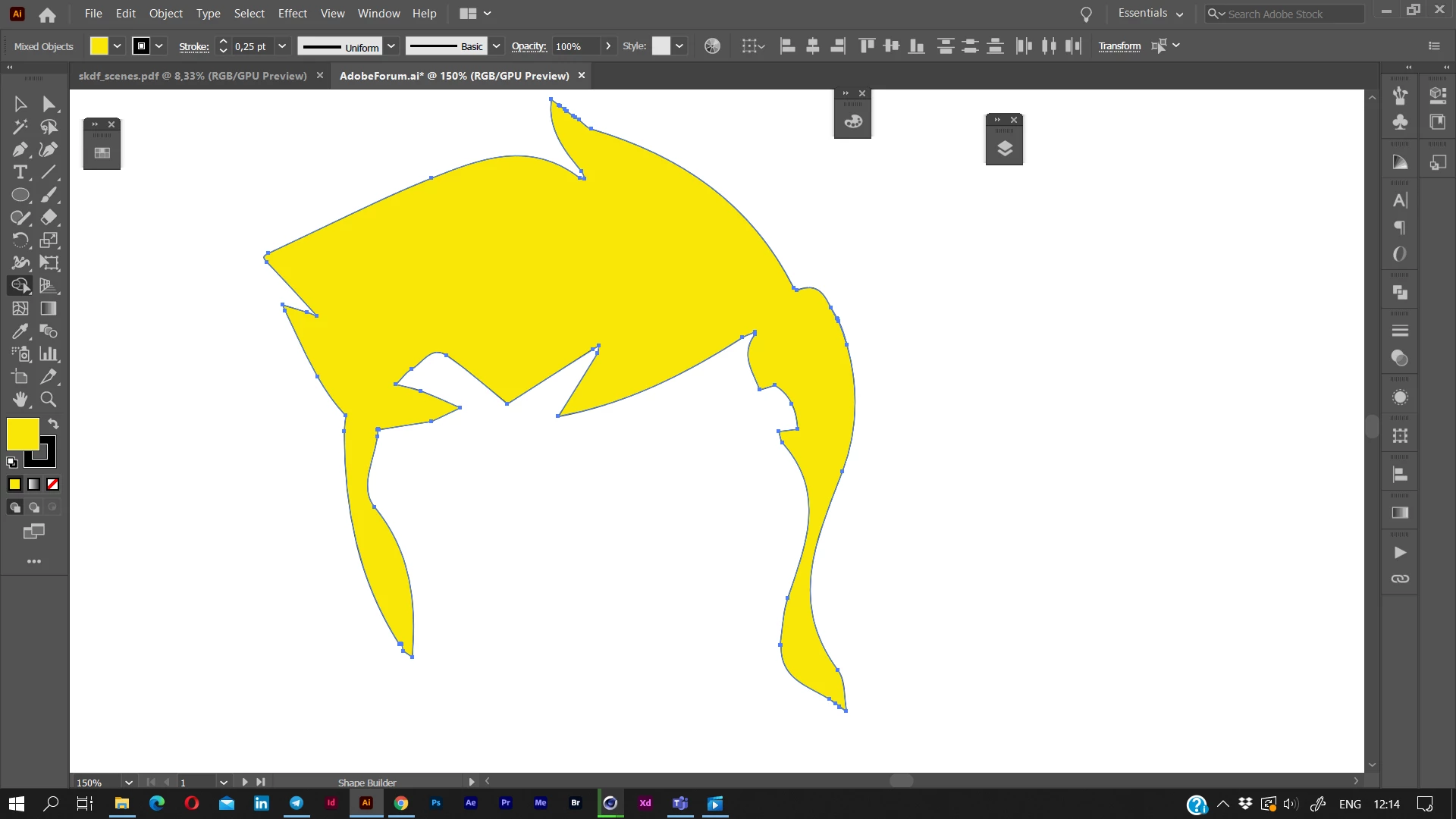
How do I turn this '''thing''' into a solid shape?
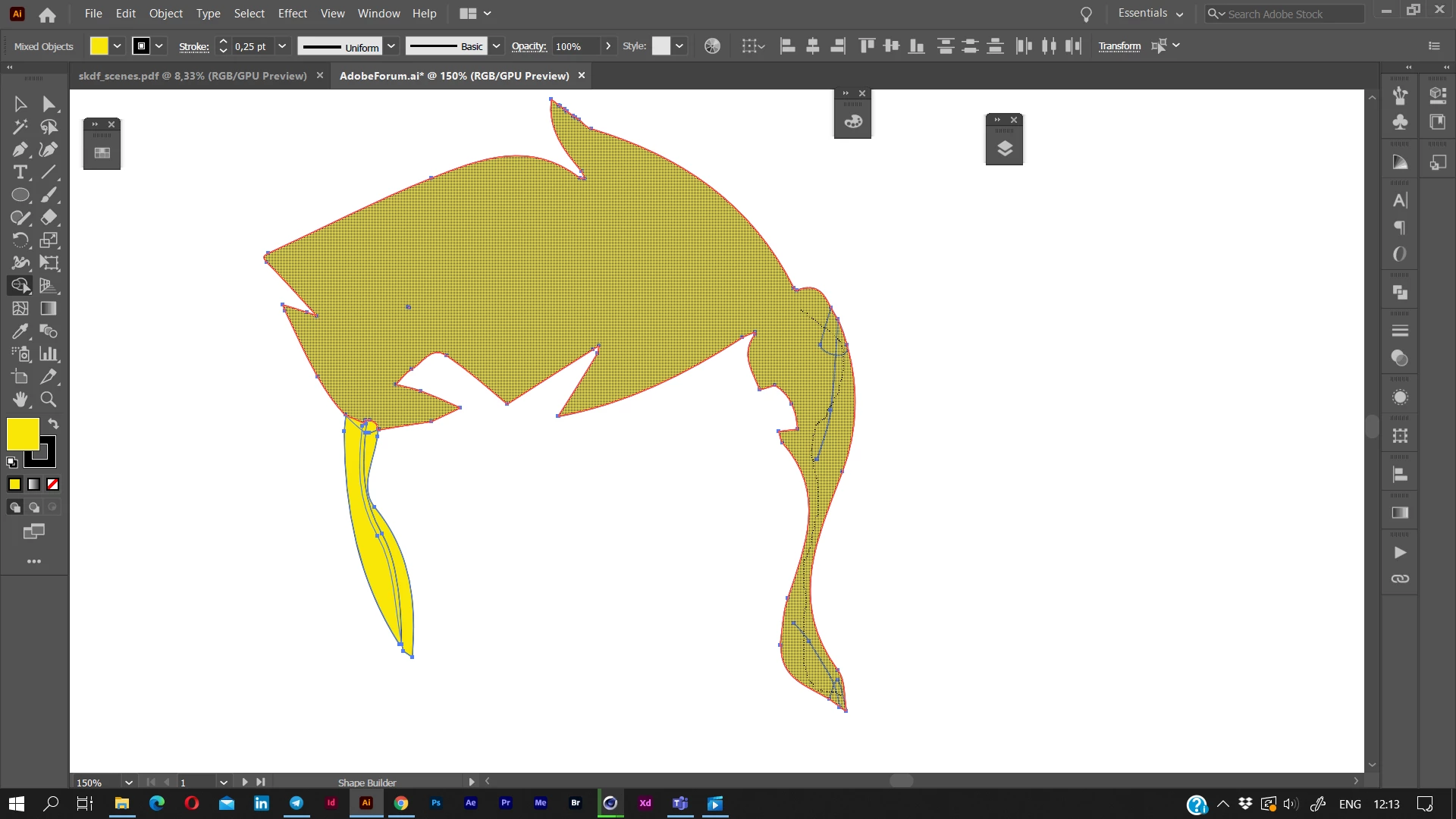
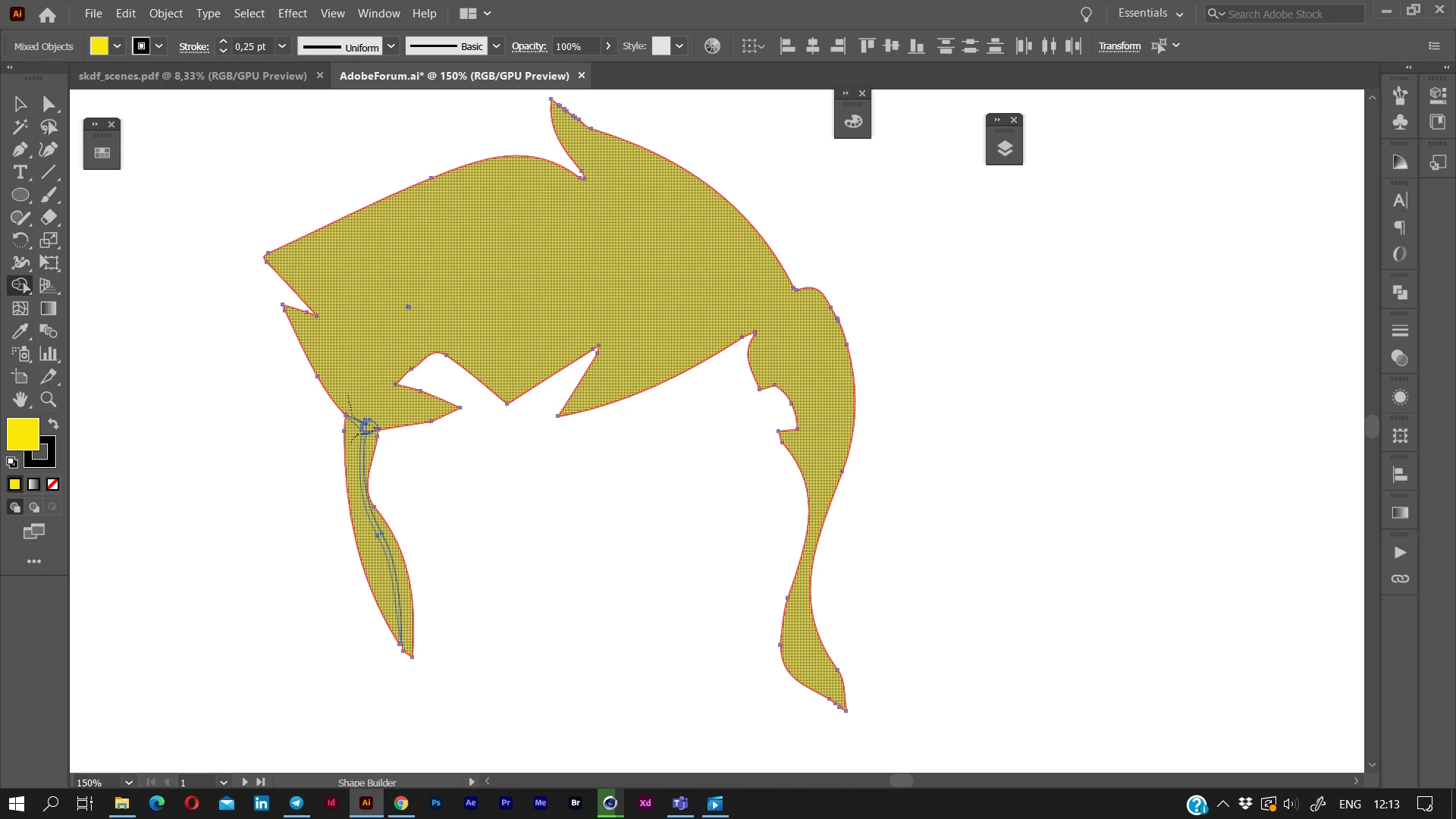
I'm about ready to pull out my hair. Let me preface this first - I'm making a VSG so I can use it in a die cut machine, but in order to cleanly cut it requires a solid outline of the object. As you can see in this, there are stray remnants from image trace, they also REFUSE to join. In the side panel, these are apparently a compound path for the top hair, and grouped for the other pieces.
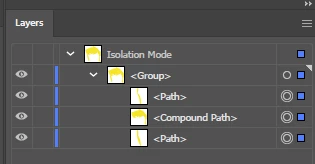
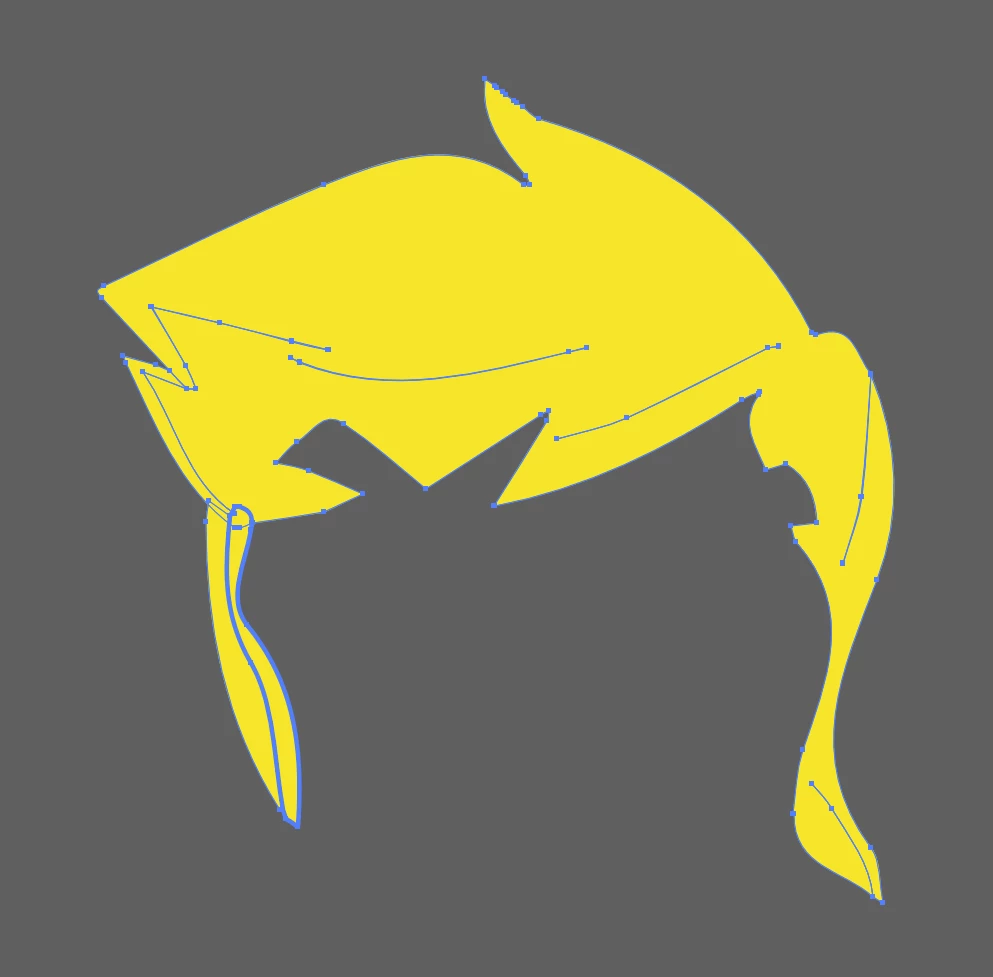
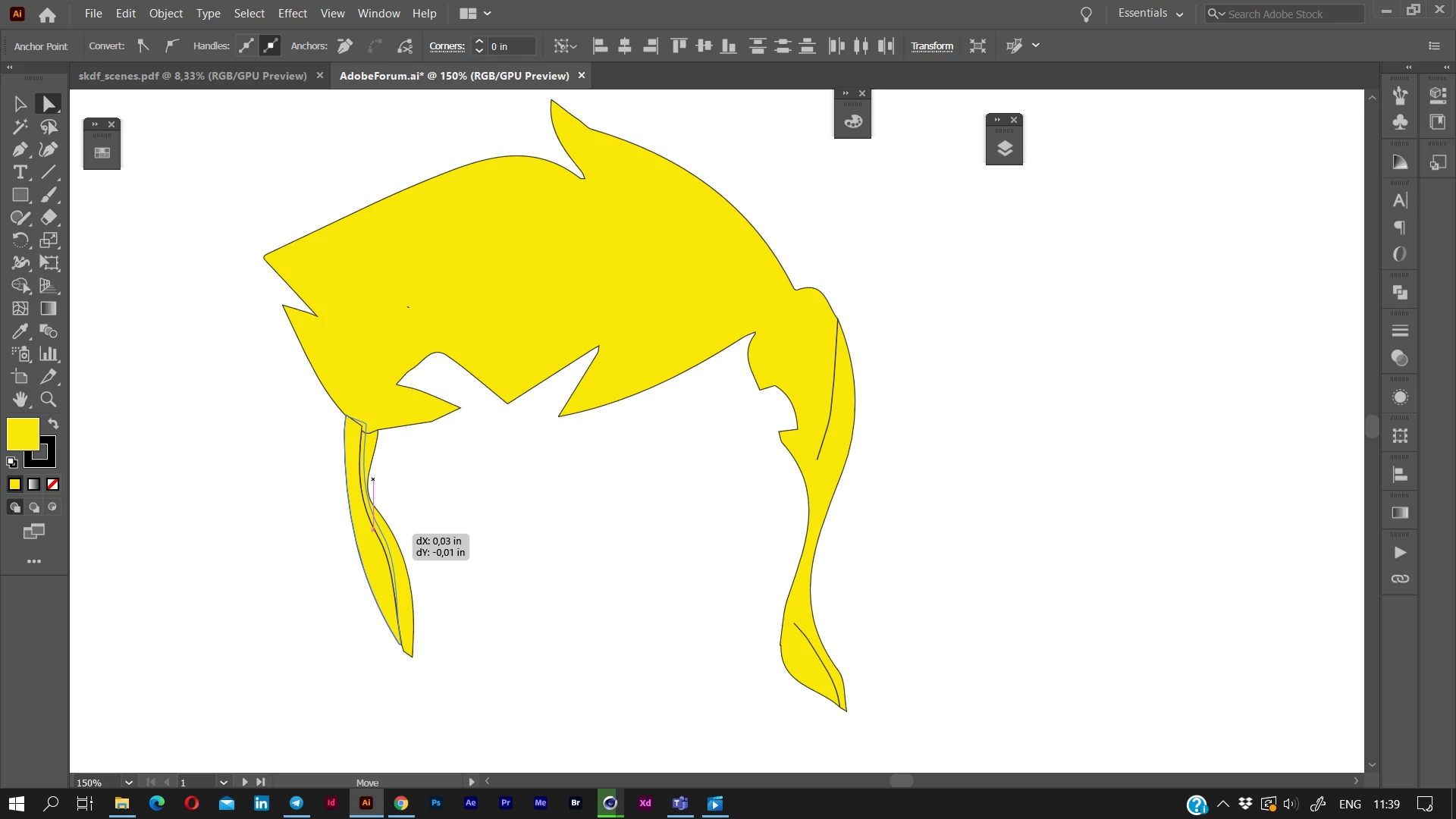
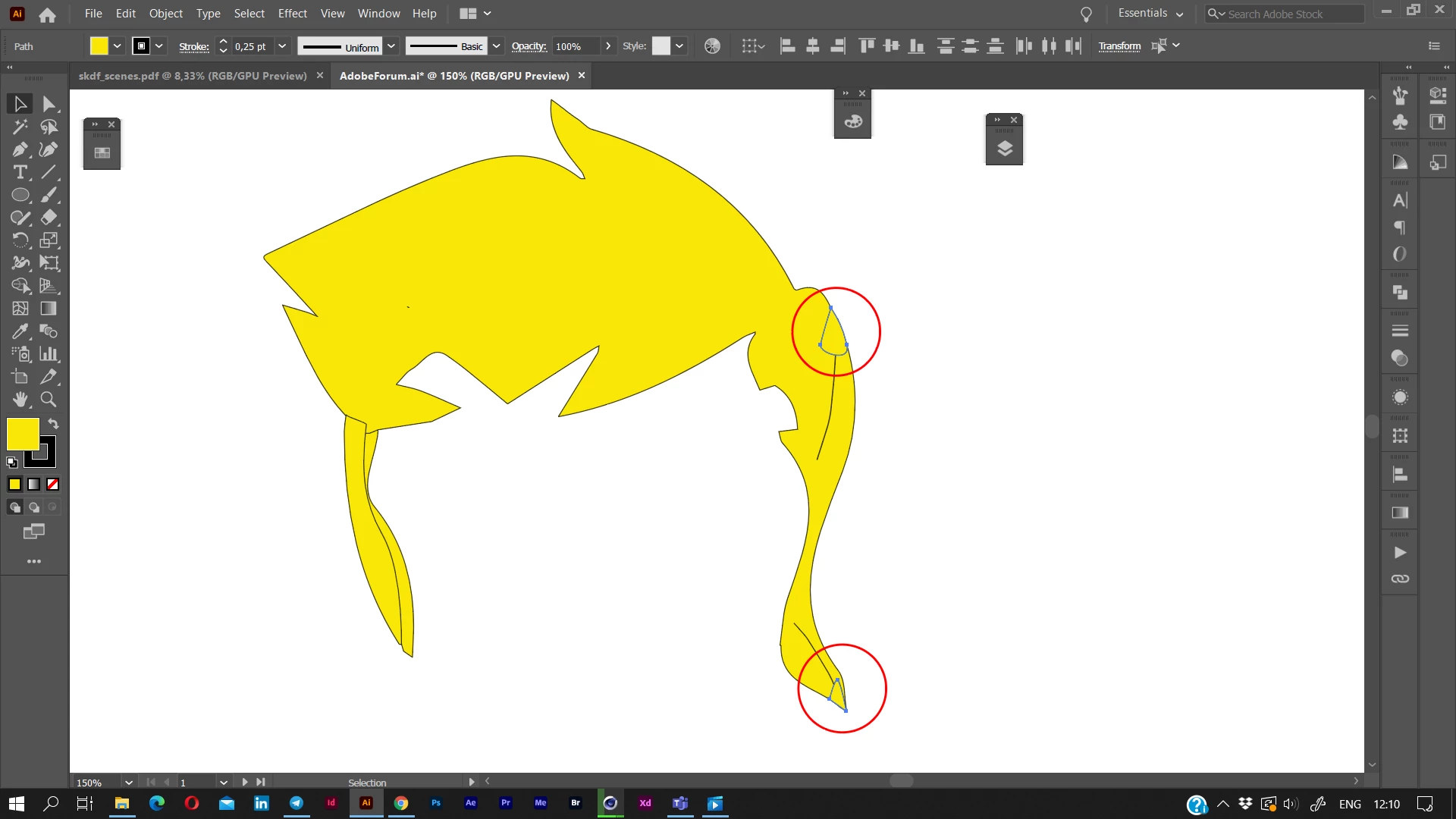
The issue is the die cut machine will literally cut every line, so those dangly bits of hair are not one piece, but 2. It also decides to cut up the single line on the right dangly bit of hair. I have been trying for hours, and I am so incredibly frustrated with AI right now. Is there NO WAY to just WELD it altogether so it's ONE seamless piece? I want it to join and fill in the slices. I've literally only been able to come up with one solution which is barbaric compared to what AI is capable of, zoom in, print screen, image trace it. That's so much added work when I have 30 of these per character to do.
Those straggler bits are pieces of path that are an absolute nightmare to remove and half of them I can't without affecting it's shape. I don't even know if this a PATH that has fill, or a SHAPE that has fill? I'm guessing path because shapes are created inside AI using the SHAPE tool, yes? Please help I am desperate here. It seems like such an incredibly simple thing to do yet this powerful software can't do it with 1 click. I've tried path erase tool which is a gong show of a time, I've tried path joining, shape builder tool, nothing works. Compound paths, uniting, grouping, joining. I'm not about to sit there and use a pen tool to create a new outline. Is there a way to do that faster and easier? Then I can just fill it?
 AdChoices