


Answered
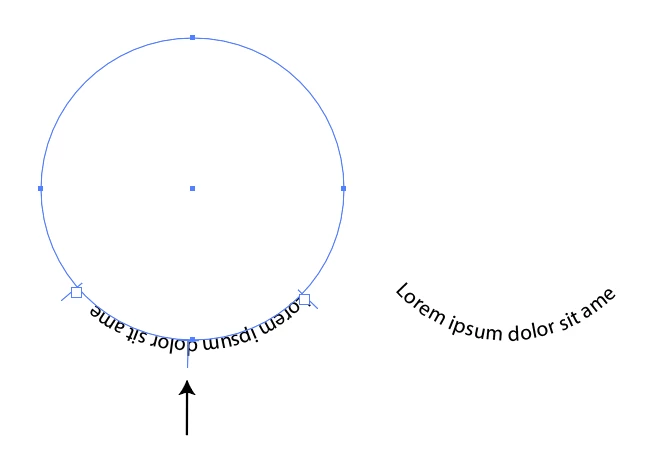
How do I type text right side up at bottom of curve
I am using Illustrator CC 2019 on a macbook pro
I know how to type text right side up at the top of a curve - and have it go around a circle so it is upside down on bottom half of circle.
But I am trying to create a logo with a word at the top curved and a word at the bottom curved and I want both words to be right side up.
Can someone give me a link to a video or article on how to do this? Thank you in advance!
 AdChoices