Known Participant
March 31, 2023
Answered

How do you change multiple strokes simultaneously

  • March 31, 2023
  • 2 replies
  • 1272 views

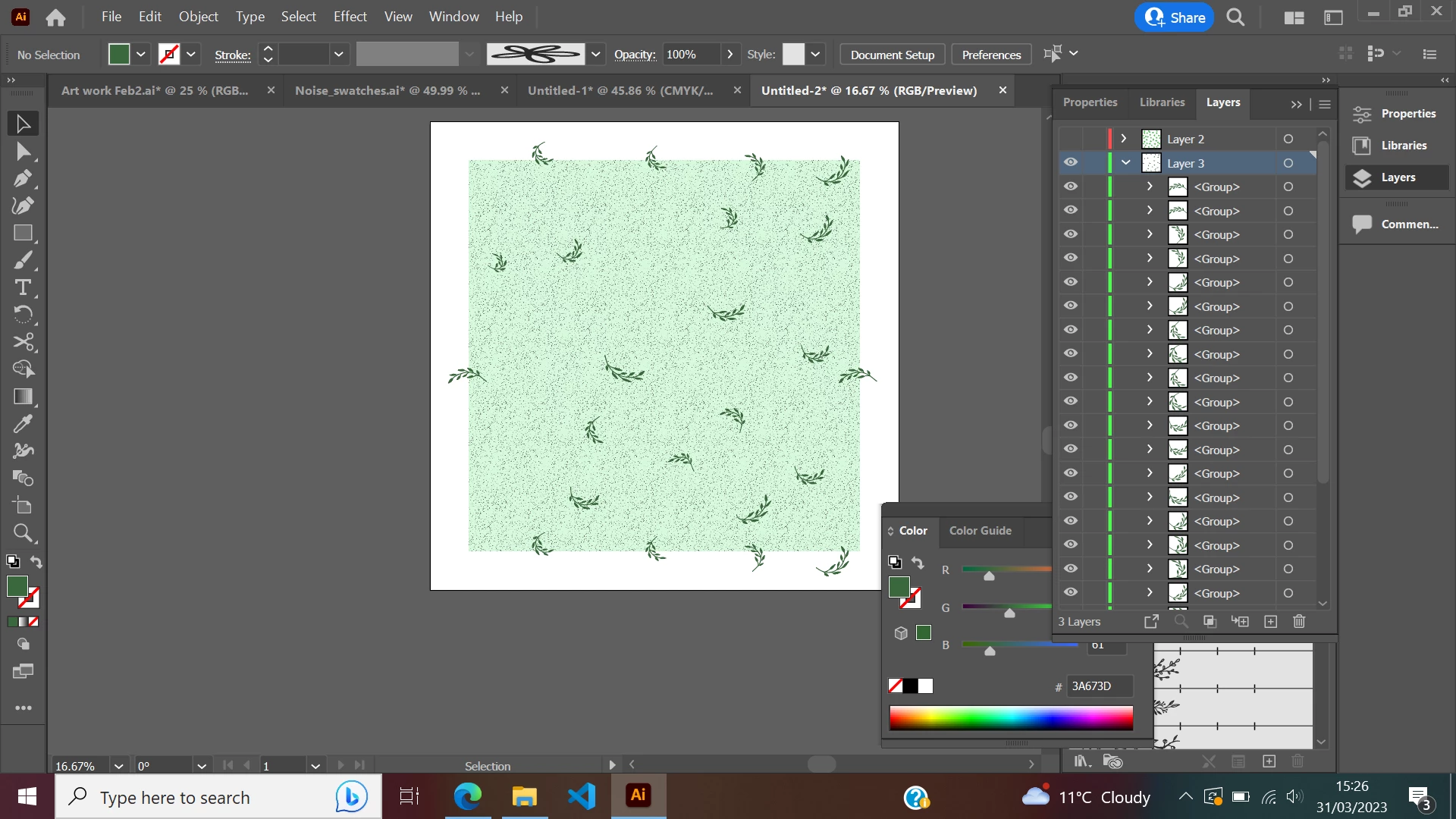
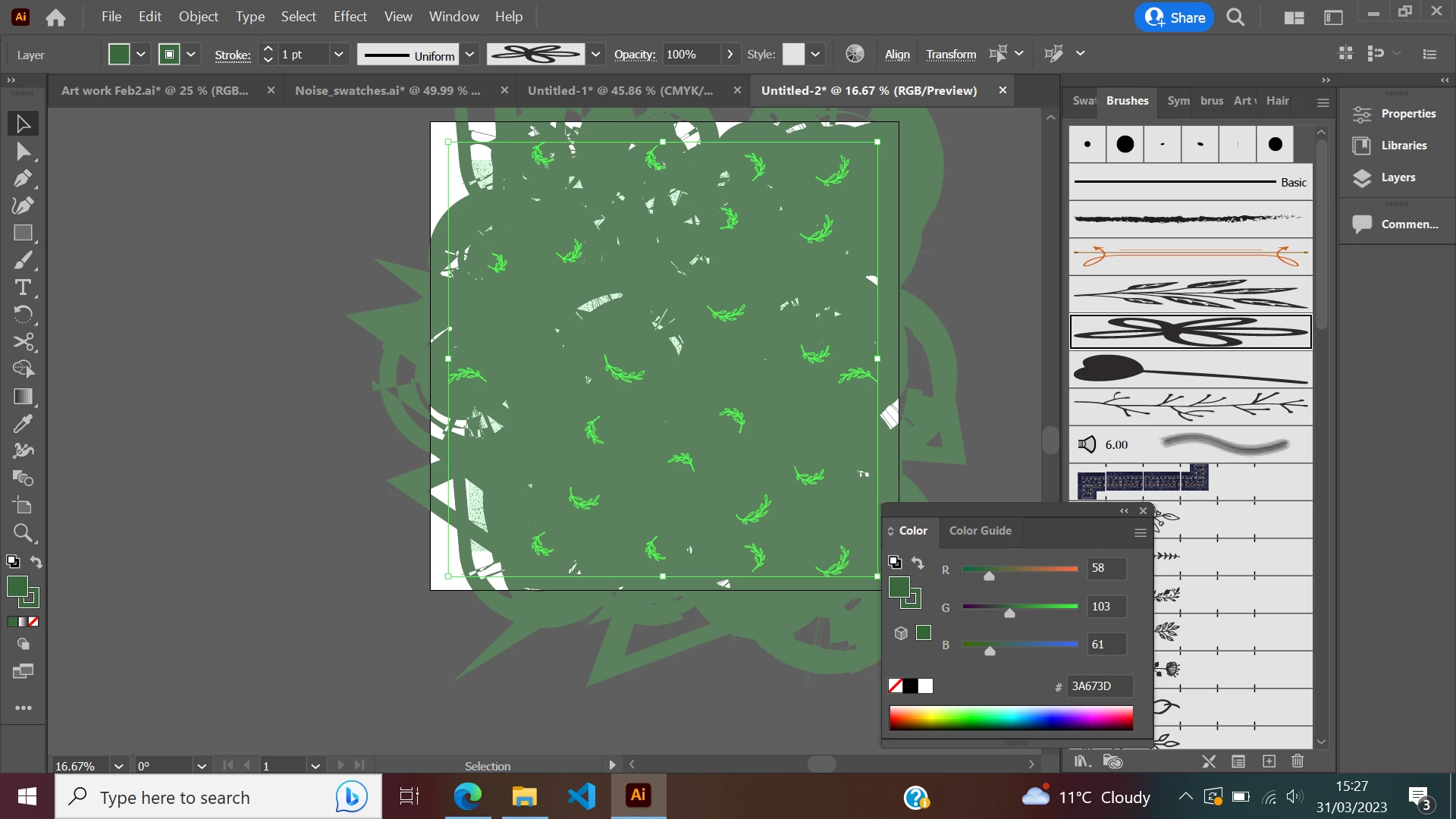
I am trying to change multiple brush strokes at once, I've tried changing the brush definition in the stroke panel, however the below before and after shows what happens which obviously isn't what I want. Any tips?


    This topic has been closed for replies.
    Correct answer Monika Gause

    I would like to replace the shapes with another brush yes, I sent the brushes that I would like to replace them with in a separate link.


    Ah, OK. Sorry I missed that there were 2 links.

    So what you need to do is draw new strokes like so

    And then you can apply a brush to it:

    2 replies

    Monika Gause
    Braniac
    March 31, 2023

    The brush shape might be too large. You could edit the brush and reduce the size. Or you could reduce the stroke weight. But the latter might lead you into the 0.0x range, so you probably want to edit the brush.

    Known Participant
    March 31, 2023

    Thanks for the reply, I think the way I'm trying only changes the outline to the stroke I select. Because I've tried scaling it down very small and the original stroke is still there at the same size. 


    Any other ideas would be appreciated 

    Known Participant
    March 31, 2023

    Please upload an AI file that contains just one of the objects in question and the brush. Otherwise we will need to keep guessing the whoöe evening.

    Upload to Dropbox or the like and post a link.


    https://drive.google.com/file/d/1FMXudyXe6W-360PNC4gCfulvy06vgsub/view?usp=sharing, https://drive.google.com/file/d/1NsAgof3D-1i98YSRlbkJBOnC2wuLCujI/view?usp=sharing


    Here you go, this is a link to the object and the brushes I'm trying to use (thanks again)

    kglad
    Braniac
    March 31, 2023

    in the future, to find the best place to post your message, use the list here, https://community.adobe.com/


    p.s. i don't think the adobe website, and forums in particular, are easy to navigate, so don't spend a lot of time searching that forum list. do your best and we'll move the post if it helps you get responses.


    <moved from using the community>

    Known Participant
    March 31, 2023

    Thanks, I'll try next time