



Copy link to clipboard
Copied
Hello,
I was wondering if there is any way I can apply two or more gradients on the same shape in Illustrator.
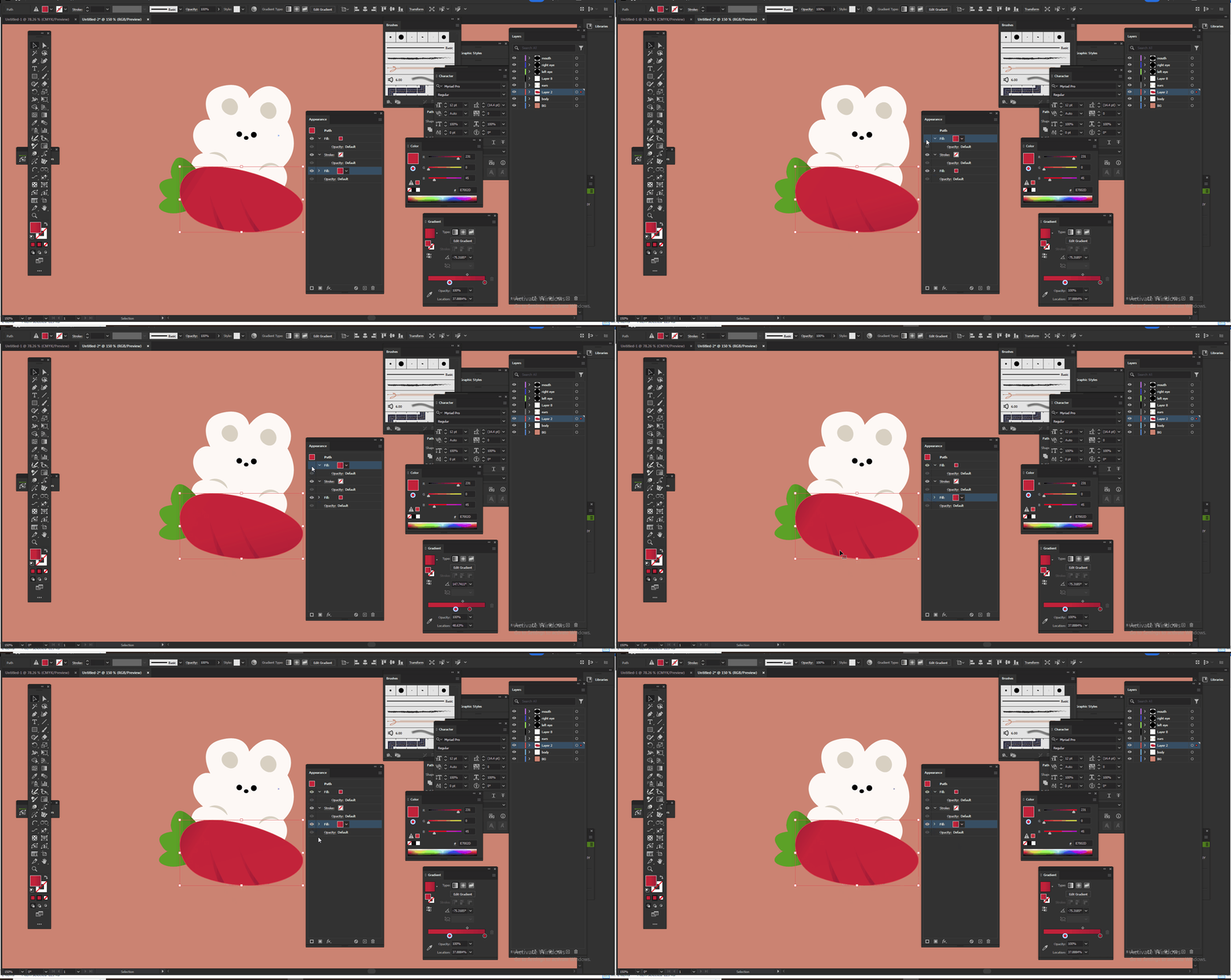
I used appearance, two fills, two gradients but one overlaps another. I want them both (Gradients) in two different palces but on same shape.
Anyway I can do that?
Thank you,.
Copy link to clipboard
Copied
I am not sure if I understand what you want, but you can select the gradient item in the Appearance panel and change the start/end point, direction and blend mode/opacity.
Copy link to clipboard
Copied
You can set some colors in the gradient to 0%. Which then will create some nice overlapping effects.
Copy link to clipboard
Copied
Hello,
Certainly! In Adobe Illustrator, to apply multiple gradients to a single shape without one overlapping the other, you can use Opacity Stops and Gradient Mesh.
Get ready! An upgraded Adobe Community experience is coming in January.
Learn more