



Answered
How to Create a New Selection Around Shape & Disgard the Original Selection?
Hey, I have been searching for a way to delete the original anchor points to my shape, and create a new seleciton that would go around the border of this shape.
I started with a circle, then warped and twisted it into what it is now.
I would like to be able to have new points that go along that outside of this new shape and not this selection that is the origional from what I edited before.
The only way I can think of that might work would be to trace this image, tho that seems tedious and I feel there is a better way...
Any assistance with this would be much appreciated.
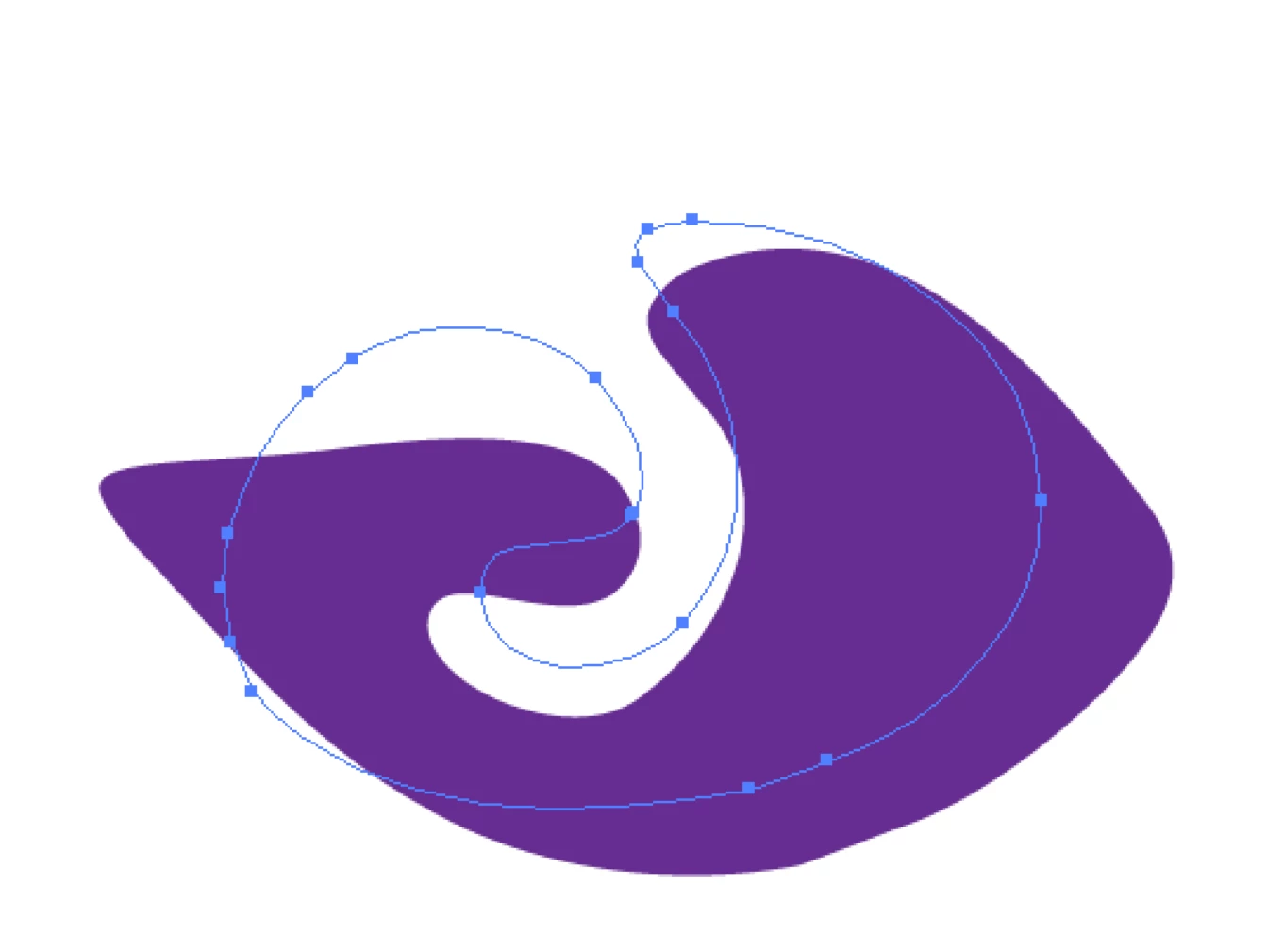
(Basically how to delete the blue path, and have a new path that is on the perimeter of the purple).
 AdChoices