

New Participant
March 19, 2018
Answered

How to create irregular wavy line pattern (reference attached)

  • March 19, 2018
  • 3 replies
  • 15082 views

Can anyone help me figure out the best way to do an effect like this in Illustrator? Zig Zag and Warp effects all only seem to do a very regular/repeated pattern.

This topic has been closed for replies.
Correct answer helmsbane

Figured out a pretty good method. Following up in case it helps anyone.

Start in photoshop with a straight rectangle. Apply the "liquify" tool and make it a smart object. Then use the liquify tool to draw stretch the line with straight horizontal strokes (hold shift to make sure they're straight). Vary the brush width for some variety.
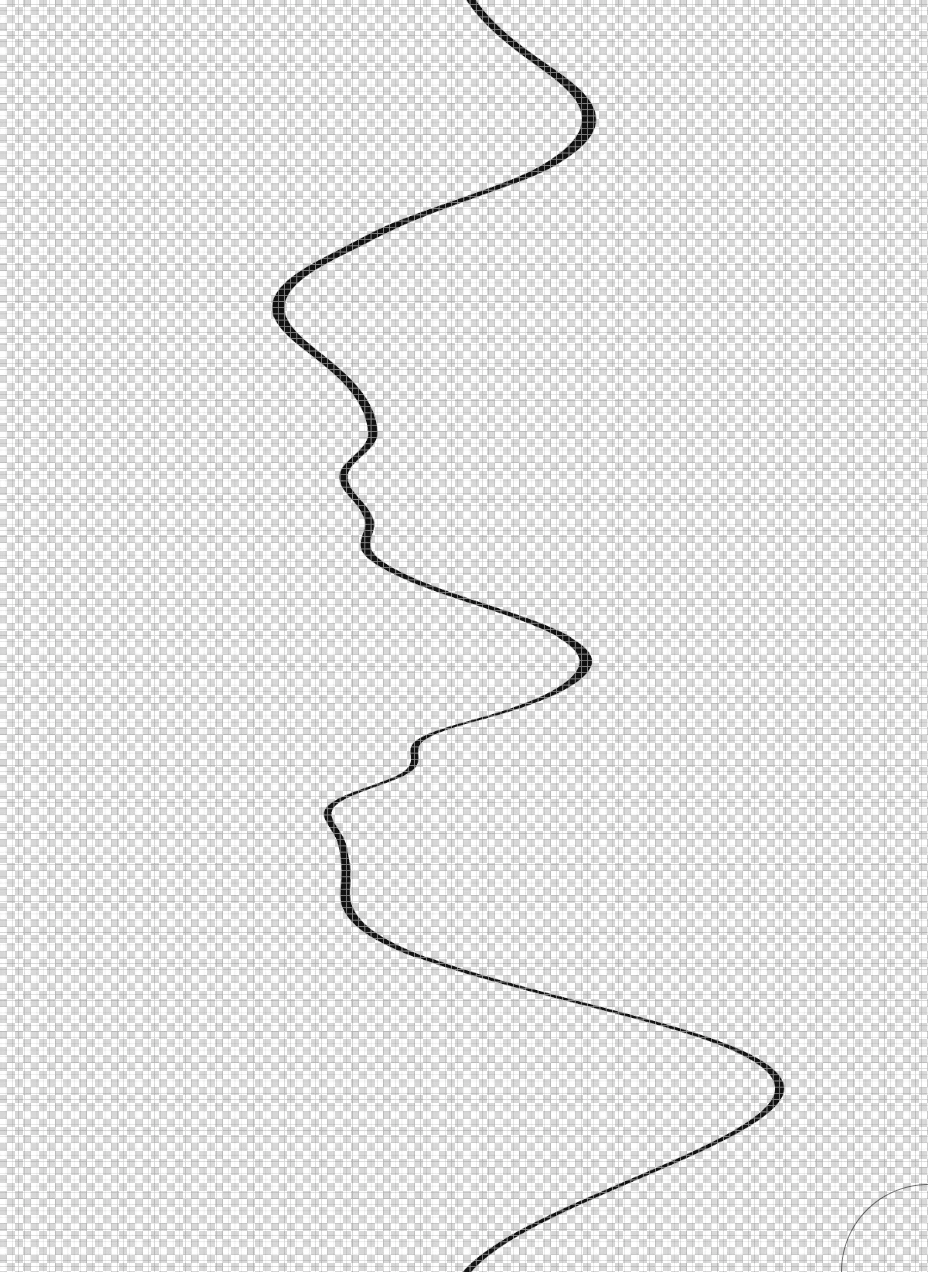
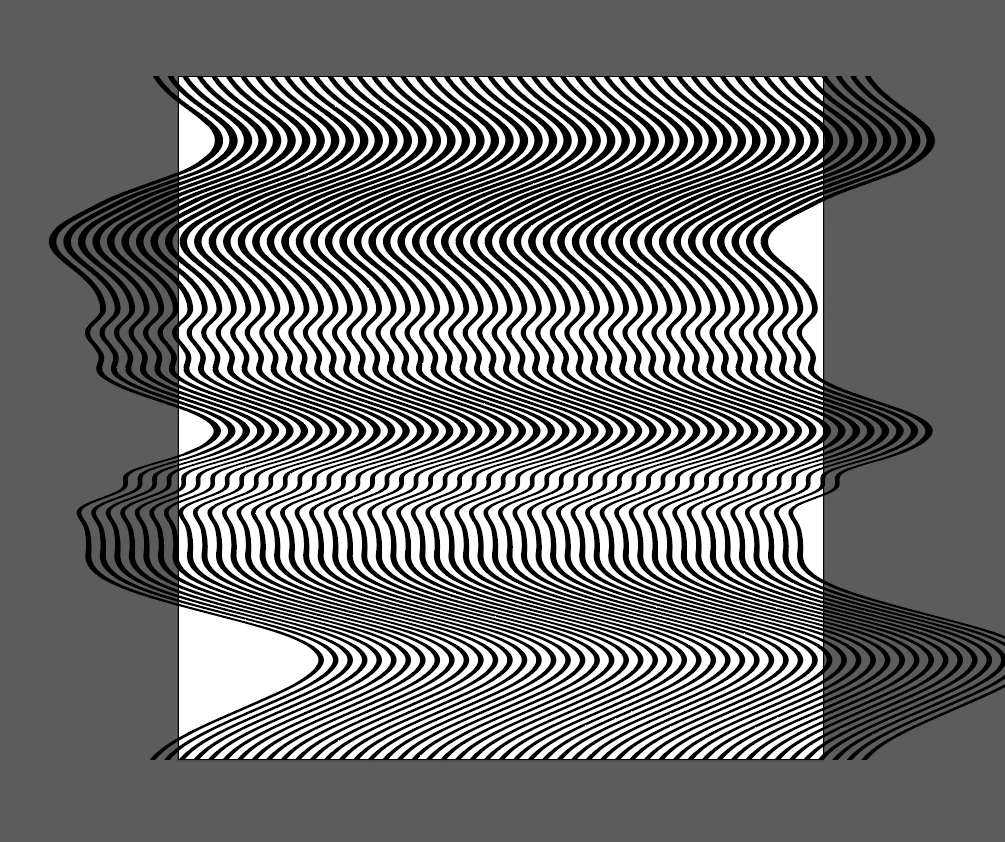
Save the image as a PNG, and import into Illustrator. Use the Live Trace tool to expand and make it a vector object (be sure to check "ignore white"). Duplicate the line horizontally. Voila.
3 replies

helmsbaneAuthorCorrect answer
New Participant
March 19, 2018

Figured out a pretty good method. Following up in case it helps anyone.

Start in photoshop with a straight rectangle. Apply the "liquify" tool and make it a smart object. Then use the liquify tool to draw stretch the line with straight horizontal strokes (hold shift to make sure they're straight). Vary the brush width for some variety.

Save the image as a PNG, and import into Illustrator. Use the Live Trace tool to expand and make it a vector object (be sure to check "ignore white"). Duplicate the line horizontally. Voila.

Doug A Roberts
Adobe Expert
March 19, 2018

it's much simpler than that. i can replicate your initial image by drawing one line duplicating it.

rcraighead
Brainiac
March 19, 2018

Doug, are you using a flattened calligraphic brush to get "thin-thick" effect? I hope the thread author will re-evaluate the "correct" answer.

Ton Frederiks
Adobe Expert
March 19, 2018

You can try the Transform Effect to duplicate a line with variable width and distort it with Object > Envelope Distort > Make with Mesh.

Doug A Roberts
Adobe Expert
March 19, 2018

Draw it with the pen or whatever other tool you're comfortable with.

helmsbaneAuthor
New Participant
March 19, 2018

That would only product the stroke itself, but wouldn't account for the thicker and thinner weights of the line to give it the stretched/warped look.

Doug A Roberts
Adobe Expert
March 19, 2018

those are just the result of setting the same path side by side:
