


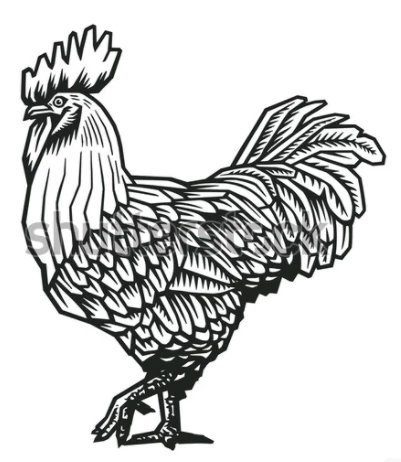
Answered
How to delete everything in a shape/outline
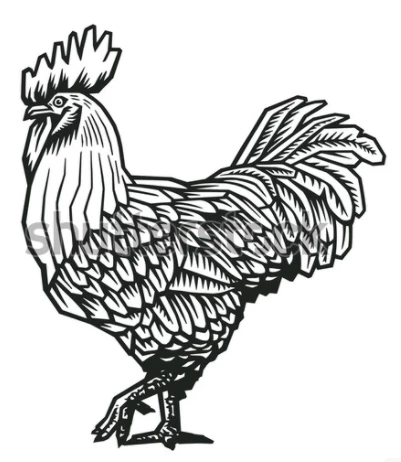
I'm not sure how to best explain what I'm asking, but i have a drawing similar to the image attached that has a lot of design inside a thick outline. I'm trying to remove everything inside the outline but can't seem to do so "cleanly". I tried to use the eraser but can't get a smooth line. I thought maybe I could remove all of the thinner lines but don't know if that's possible? There are so many paths and anchors that it's too tedious to delete them one at a time. I'm too new to AI and I feel that the answer must be easier than this. Please help, thank you!
 AdChoices