


Participant
August 10, 2020
Answered

How to edit/center anchor points on a text box (default is left bottom corner)

  • August 10, 2020
  • 1 reply
  • 15229 views

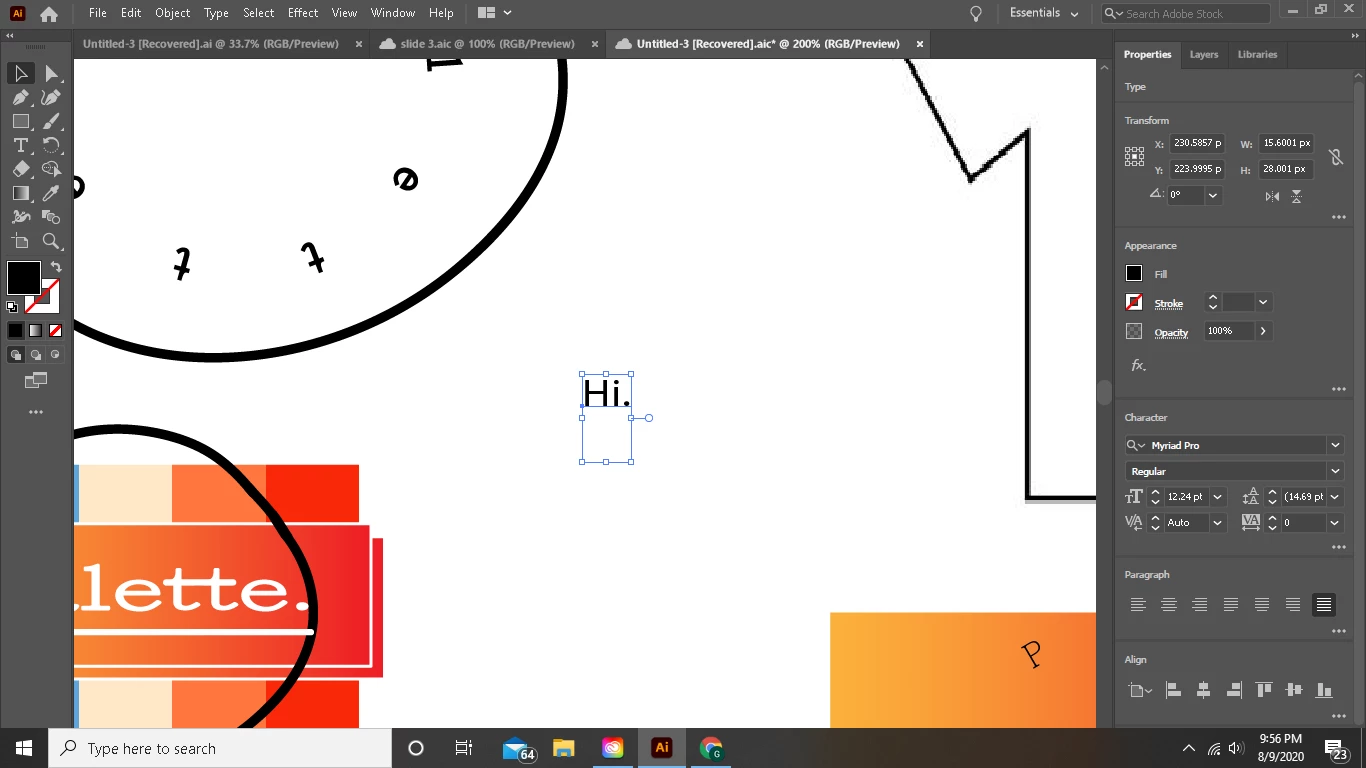
I'm pretty frustrated because I've been looking everywhere and can't seem to figure out how to take the anchor point of this text and center it to the true center of the text; if someone could at least show me how to move it to the horizontal bottom or preferably show me how to center it vertically as well that way when im placing the text box in my designs I can judge it from its true center alot easier. Thanks!!!!


Correct answer Larry G. Schneider

oh okay thats what im looking for, the issue for me is how to do that because click the text box and go to properties->paragraph, and try to center it there nothing changes; then when I go to 'align'->'horizontal align center' that doesn't change it either (it displaces the text box to the true center of the drawing board). Do you have a couple steps I could use to replicate your success


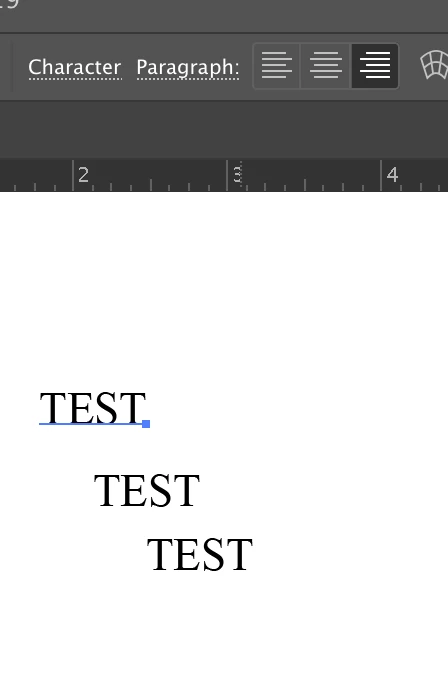
The text alignment from Left, Center, or Right can be changed using the Control bar as this

Or using the KBSC Cmd(Ctrl)-Shift-L or -C or-R with the Text tool selected.

1 reply

John Mensinger
Community Expert
Community Expert
August 10, 2020

I'm not sure I truly understand the nature of the question, but the "anchor" of left-aligned L to R point text is the left end of its baseline, the placement of which is an element of the font design, and it can't be "edited".


The "true center" of live text is a gray area at best. With the Use Preview Bounds preference enabled, you'll come close to getting true-to-geometric-center alignments using Illustrator's Align features, but it can vary from font to font, and change depending on the characters involved; uppercase/lowercase, ascenders/descenders, etc. And of course any subsequent editing, tracking/kerning changes, alternate glyphs, and whatnot, will cause futher movement of that center.

gabeshortAuthor
Participant
August 10, 2020

Yeah, Im really new to illustrator & editing software, so I may not be explaining it well. Its just frustrating that, that small blue dot can't be moved to a different place on the baseline of the text. Thanks anyway for the reply. 

John Mensinger
Community Expert
Community Expert
August 10, 2020


"Its just frustrating that, that small blue dot can't be moved to a different place on the baseline"


Oh, well it does move along the baseline, based on paragraph alignment.


See below: left-aligned, center-aligned, and right-aligned...