


Answered
How to fill in & color/ create a shape from brush
I’m a beginner with illustrator and don’t know how to quickly fill in to color.
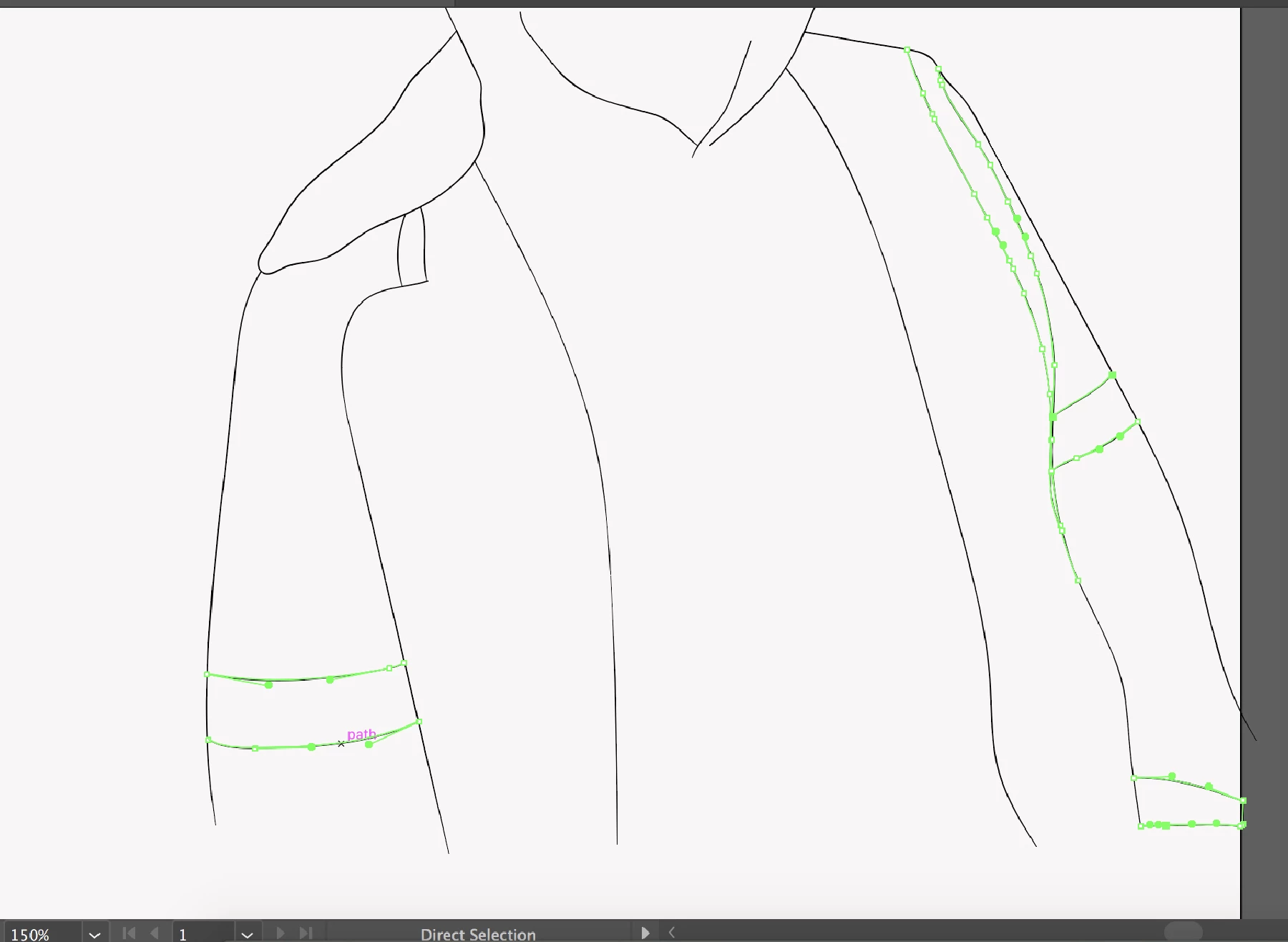
I’m trying to use a live paint or any other alternative way to fill in,
but I can’t make an object/shape. I selected the paths in which I’m trying to select & fill in but can’t.
For this instance I’m outlining and trying to fill in the paths highlighted.
In the most simplest way, why is this so complex? I’ve tried creating anchors and all.
Yes, everything is updated to the latest version & I’m running on iOS (which I don’t think has anything to do with it)
I CAN‘T MAKE A PROPER SHAPE TO SELECT & FILL IN BASICALLY.
 I can now fill in anything.
 AdChoices