


Participating Frequently
October 28, 2023
Answered

I'm having trouble masking drawn objects

  • October 28, 2023
  • 3 replies
  • 1802 views

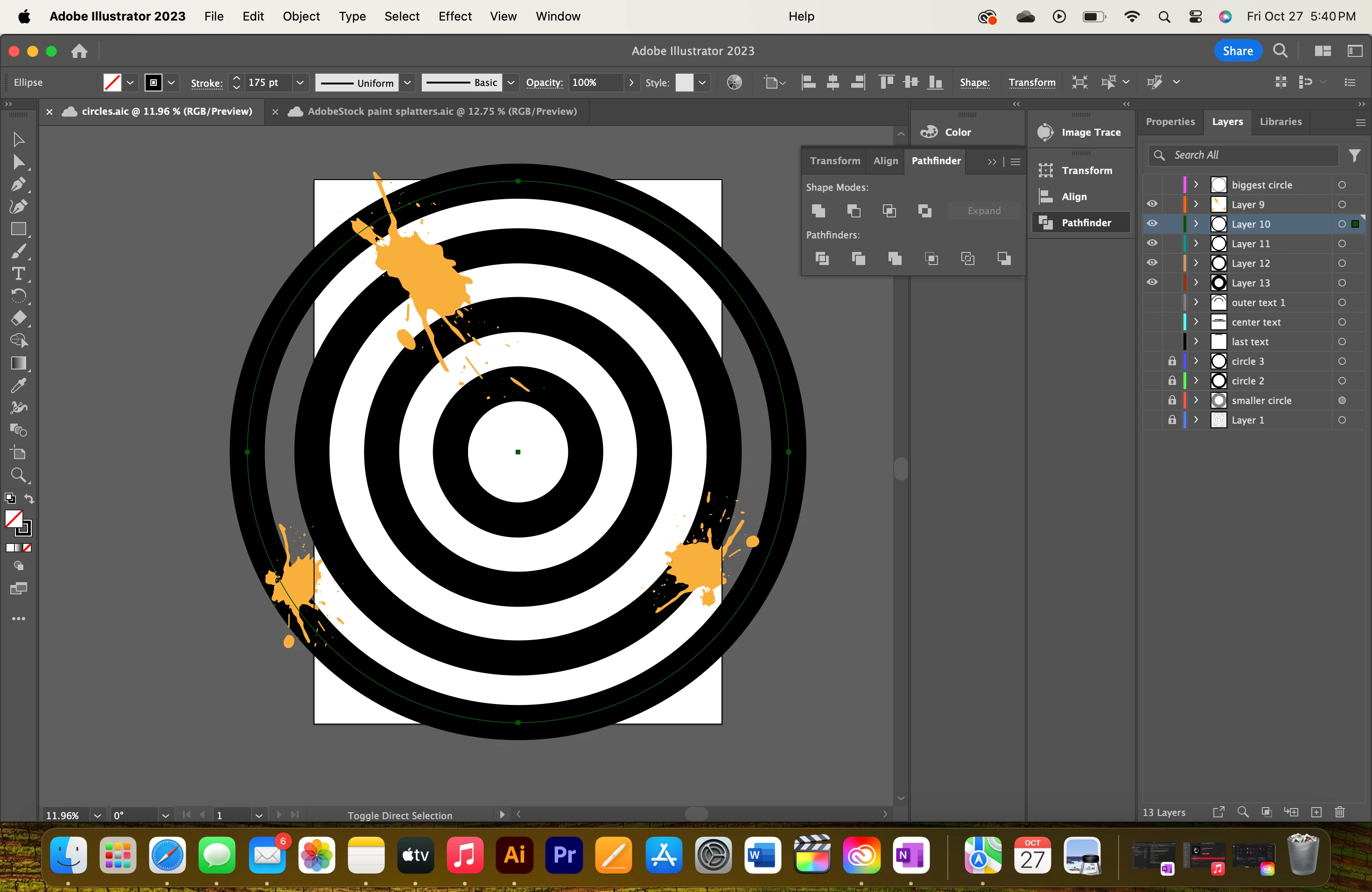
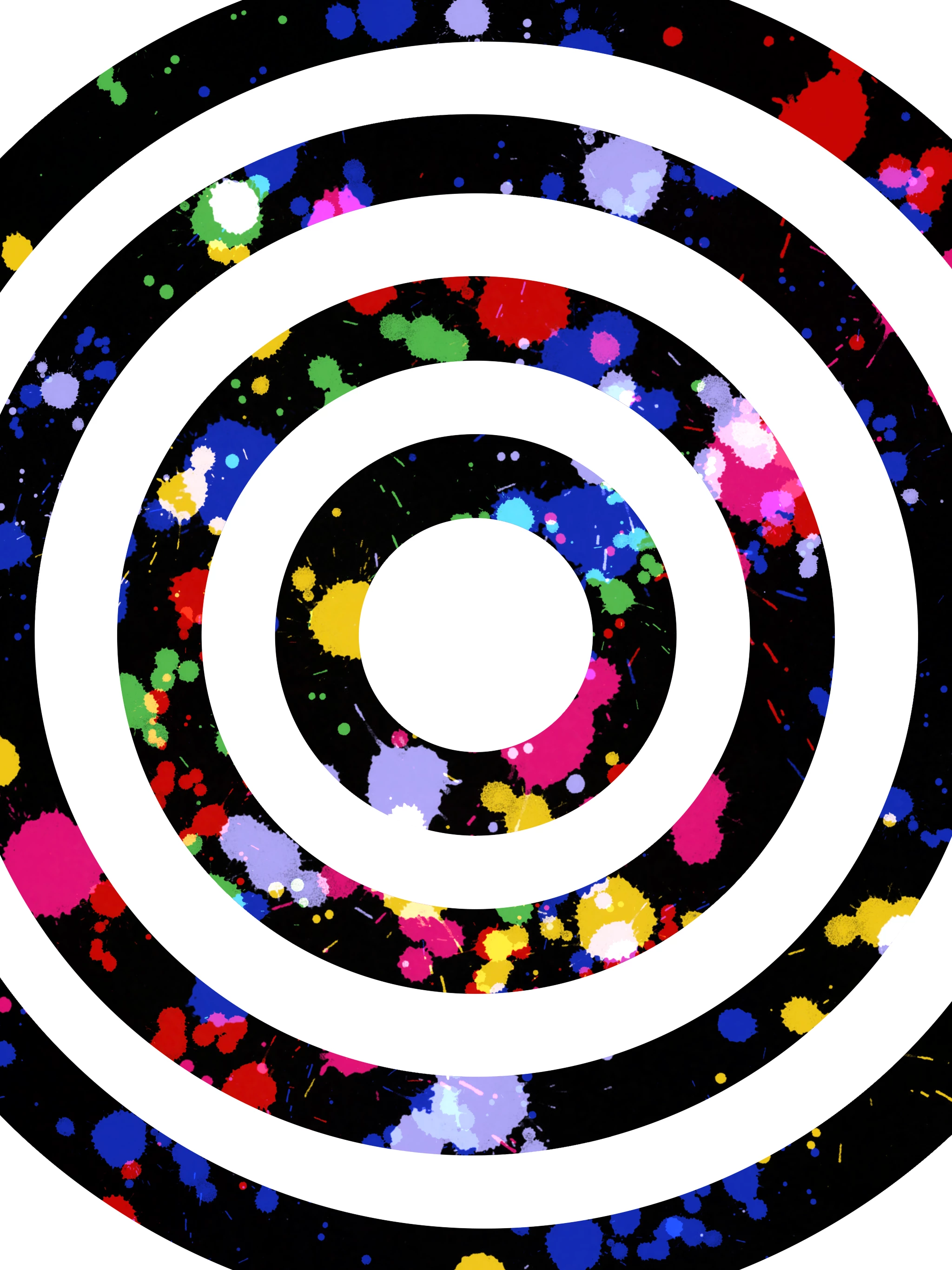
I've been doing research on how to add a paintbrush effect to a circle but can't really get a solid answer on how to do it, a lot of it seems to making objects into compound shapes and then uniting them but it makes what I drew disappear. In short how do I add the paintbrush effects onto the black circles like the second piece. I drew the second one on Procreate and the tool was 'Alpha Lock' but on Illustrator it's clipping mask?
This topic has been closed for replies.
Correct answer Michael Ambroise

Follow this example in a few steps. I hope this can help you achieve your goal.

https://youtu.be/yoYP9KSKFVM

3 replies

Michael Ambroise
Community Expert
Michael AmbroiseCommunity ExpertCorrect answer
Community Expert
October 28, 2023

Follow this example in a few steps. I hope this can help you achieve your goal.

https://youtu.be/yoYP9KSKFVM

_______Senior graphic designer | United Nations Population Fund
Monika Gause
Community Expert
Community Expert
October 28, 2023

That's basically the content of my video.

Ton Frederiks
Community Expert
Community Expert
October 28, 2023

Outline the stroked circles.
Object > Compound Path > Make
When still selected: Click the Draw Inside button at the bottom right of the Toolbar.
Cut the paint blobs and choose: Edit > Paste in Place
Click the Draw Normal button at the bottom left of the Toolbar.


Participating Frequently
October 28, 2023

I followed the instructions but the paint blob appears on the outside rather than in

Ton Frederiks
Community Expert
Community Expert
October 28, 2023

Monika Gause
Community Expert
Community Expert
October 28, 2023

First of all:

those black lines: are they fat strokes? 

If they are actually shapes, then if the 4 compound paths are grouped: ungroup them.

Then make a compound path.

Then select that compopund path and click on "Draw inside" in the tool panel.

Then paint your blobs in them.

Participating Frequently
October 28, 2023

They were originally 2 circles from the elipse tool then I used the live paint tool to fill in the black, then I just made 1 circle and made the stroke 70pt.

The single 70pt stroked path is able to be made into a compound path but when I select the draw inside, the paint blobs appear on the outside. And when i use the other circle, I ungroup and try to make into a compound path but i get an error.

Monika Gause
Community Expert
Community Expert
October 28, 2023

You still have a live paint group. This needs to be expanded. And then you need to check it in the Layers panel and make one single compound path out of the four rings. 


Here's how I would do it. In this video there is no live paint.

https://youtu.be/1D_0xorStqI