


Answered
If I save a file in Photoshop, then open it in Illustrator, Illustrator adds a second background
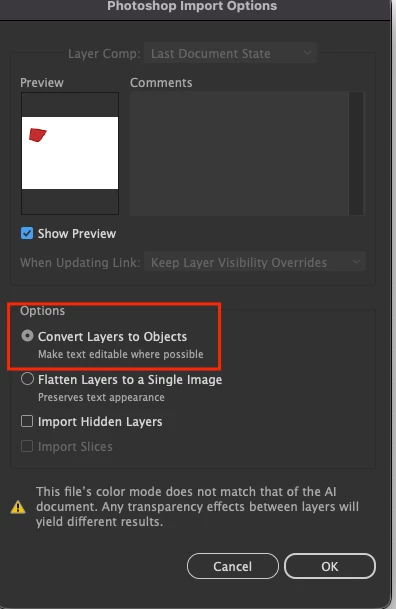
I've been having this problem a lot lately. I included two sccreenshots to show what I mean. I worked on the line art in Photoshop, when sent it to Illustrator in order to overlay a line grid for enlarging it onto canvas.
But what I got in Illustrator, un-requested, was the hoped-for image, but with another white background added to it, the wrong size and shape, overlapping the image. It takes other forms as well-like, in Illustrator, I start a new file and get two of the same size backgrounds, adjacent to each other. I have regularly trashed the prefs when this happens, but it persists. How can I get rid of it?

 AdChoices