



Illustrator 25.4.1 crashes/ quit unexpectedly on Windows while working on a file
Hey Community....
Just updated Illustrator to 25.4.1 today.
I am running a Surface Pro 7 w/ Windows 10. Intel i7 core, 64 bit, 16GB of RAM, 238GB of HDD storage.
see my .NFO here: https://shared-assets.adobe.com/link/e5f3034d-d165-4a74-65fd-d4b9dbd1121a
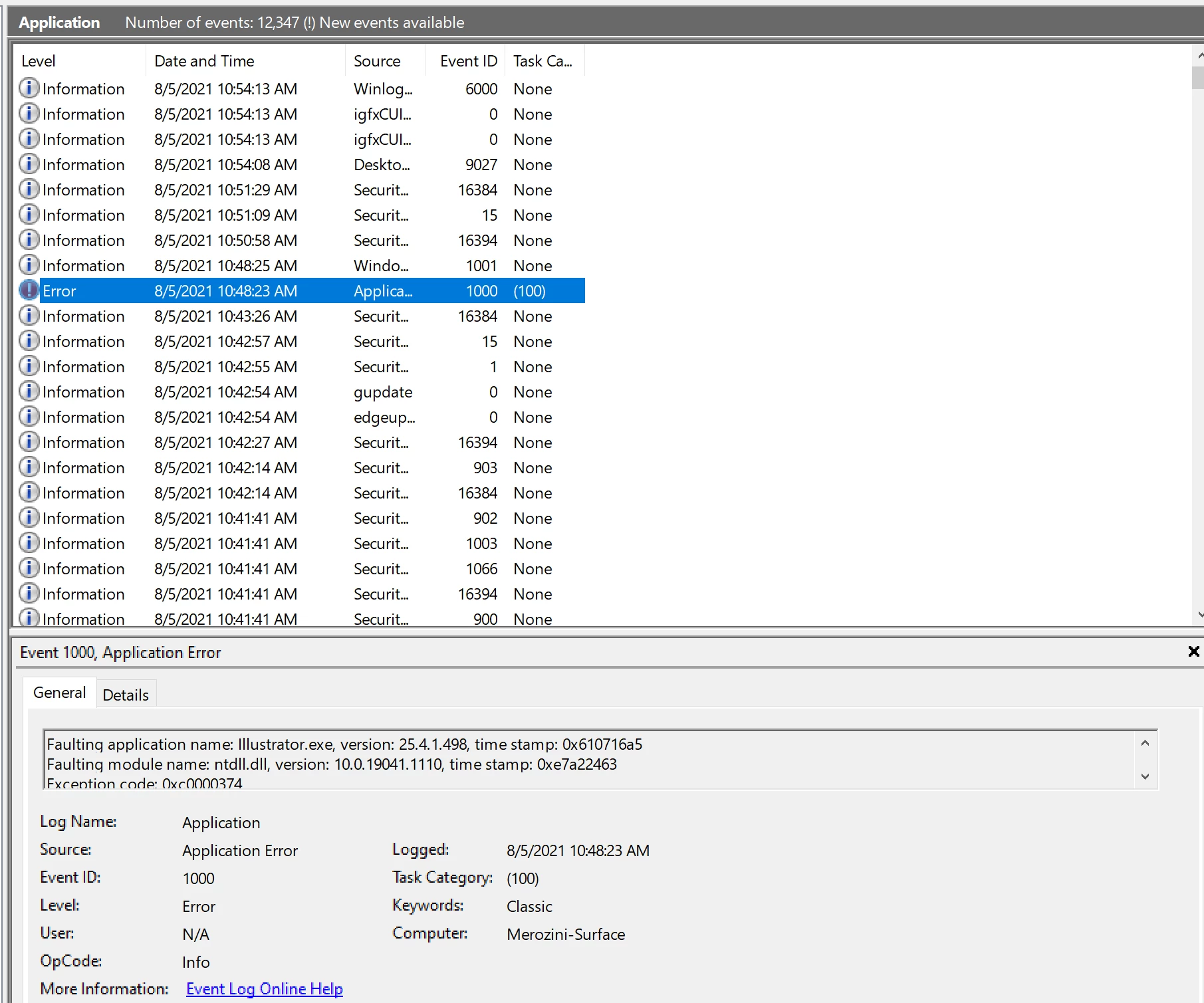
also see my Event Viewer screenshot, as it says this (unsure what this means):
Faulting application name: Illustrator.exe, version: 25.4.1.498, time stamp: 0x610716a5
Faulting module name: ntdll.dll, version: 10.0.19041.1110, time stamp: 0xe7a22463
Exception code: 0xc0000374
Fault offset: 0x00000000000ff259
Faulting process id: 0xc4c
Faulting application start time: 0x01d78a10c7b025fe
Faulting application path: C:\Program Files\Adobe\Adobe Illustrator 2021\Support Files\Contents\Windows\Illustrator.exe
Faulting module path: C:\WINDOWS\SYSTEM32\ntdll.dll
Report Id: d2e0169e-a220-4114-87ed-d66cb2eee292
Faulting package full name:
Faulting package-relative application ID:
My exact workflow was this:
- Opened Doc
- dbl click the Radial Repeat group to get into isolation mode (I wanted to change the star).
- drew a few straight pen tool lines.
- also trying to add a "offset path" command to the stars.
- With either of the commands, it locks up for a few seconds, then Crashed with no warnings.
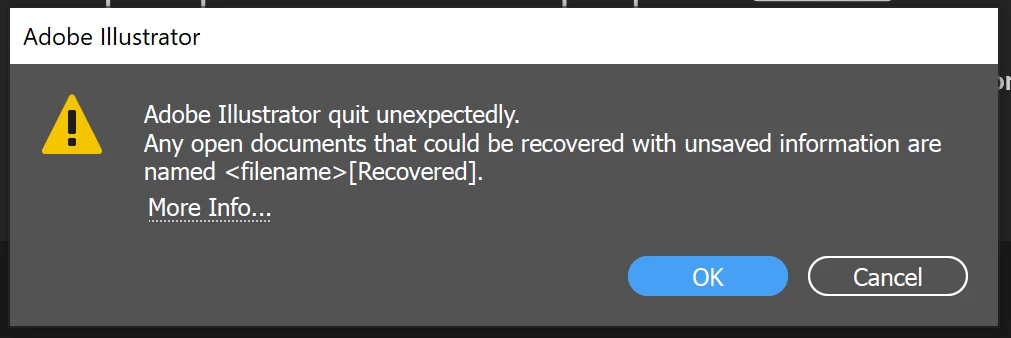
- Reopened Illustrator and it says "Illustrator Unexpectedly Quit".
ANY IDEAS ON HOW TO FIX?
Thanks for reading...
{Renamed by MOD}
 AdChoices