



Illustrator 28.1 | Dimension Tool, Improved Share for Review, & Enhancements based on your Feedback!
- December 12, 2023
- 21 replies
- 14838 views
Hello everyone,
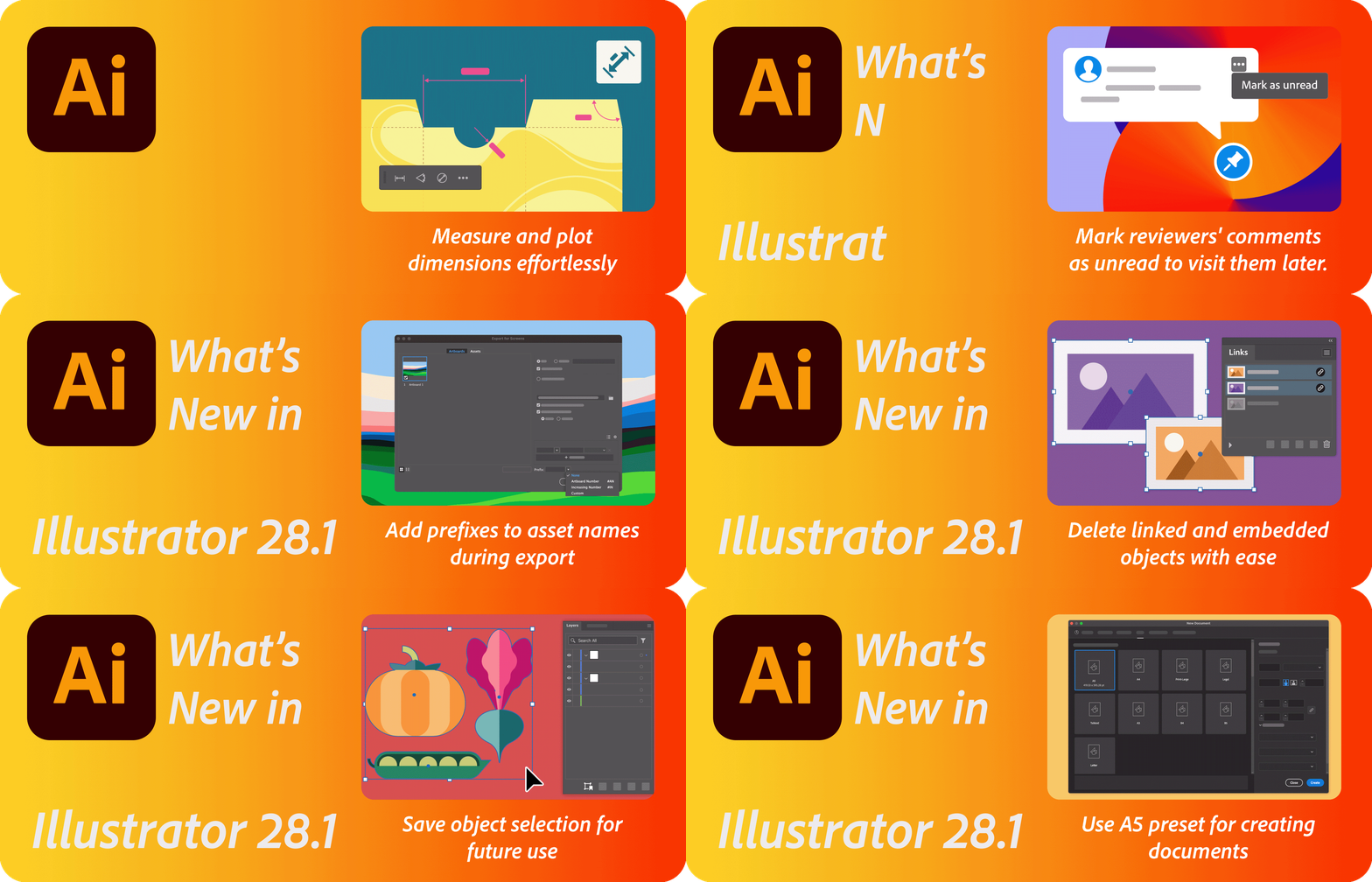
We're excited to announce that Adobe Illustrator's latest update (version 28.1) is now available for download via Creative Cloud Desktop. This release offers a range of new features, including the ability to Measure and plot dimensions effortlessly using the Dimension Tool (Beta), mark reviewers' comments as unread, allowing you to return to them quickly at a later time in Share for Review, and enhancements inspired by your feedback including the ability to Add prefixes to asset names during export for better file management, Unembed multiple images at once, Delete linked and embedded objects with ease, Save object selection for future use, and use A5 preset for creating documents, as well as general performance improvements and bug fixes.
You may also visit the links to access comprehensive lists of all the features and bug fixes available.

|
|
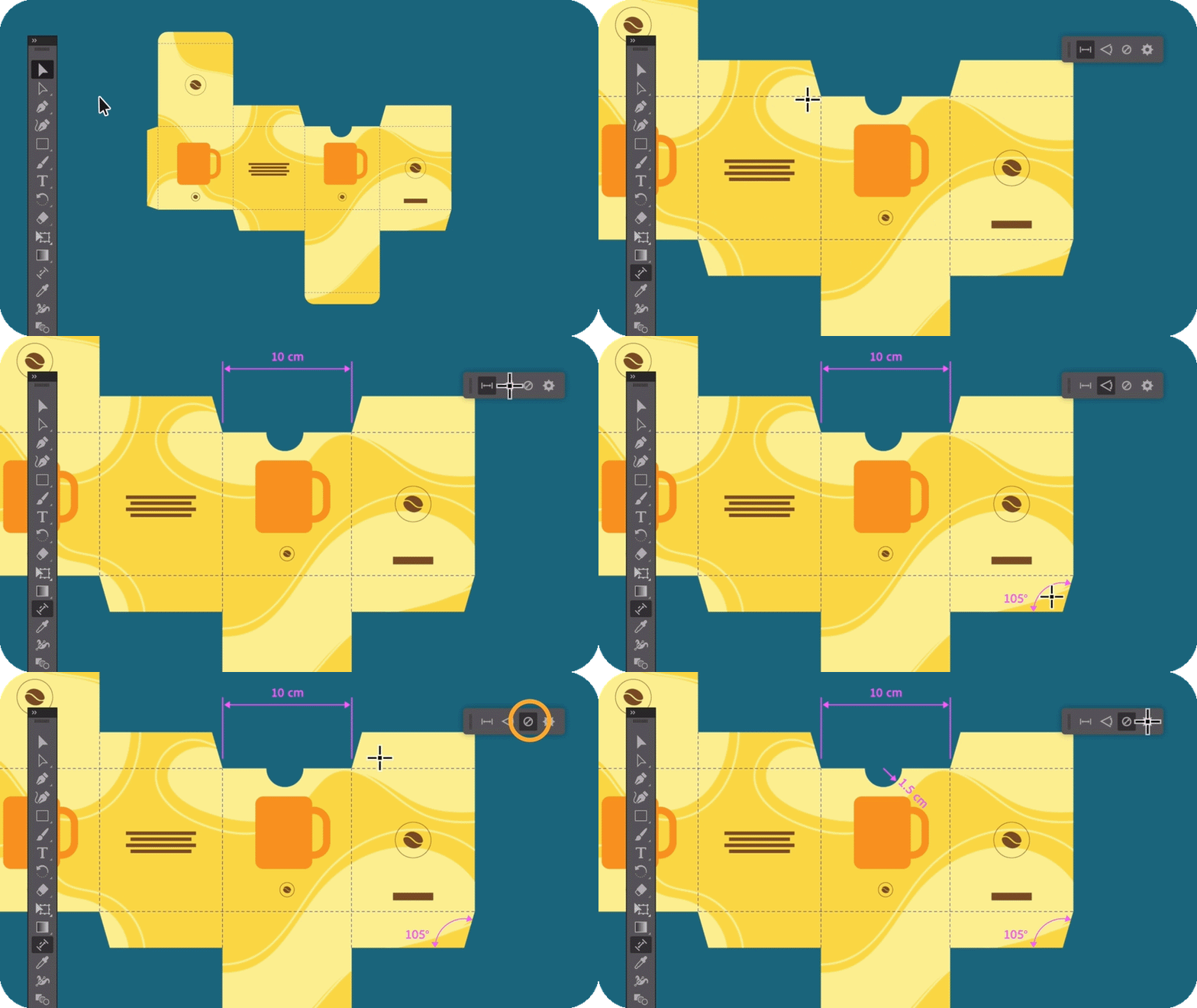
Dimension ToolUtilize the Dimension tool to easily measure and plot/show dimensions like distances, angles, and radii in your artwork. Customize settings for the dimensions you plot and easily modify their position. To view your design without the plotted dimensions, hide them at once. Learn more about the Dimension Tool today! |
Revisit Reviewer's commentsThe "Share for review" feature now enables you to designate reviewers' comments as unread, making it convenient to revisit them at a later time. Learn more about how to organize your feedback comments. |
|

Explore enhancements inspired by your feedback
We are dedicated to ongoing improvement to cater to your evolving needs, and we've incorporated enhancements to Illustrator in response to your feedback for the December release. Some of them include:
|
|
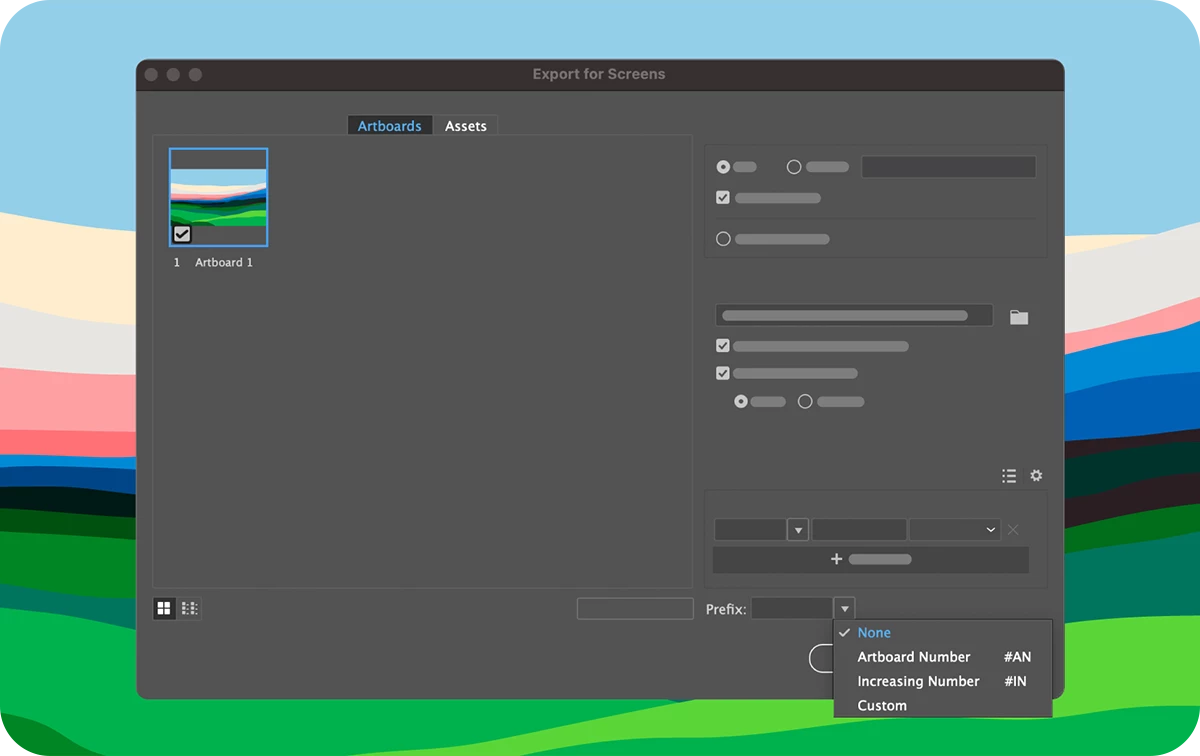
Add prefixes to asset names during exportNo need to manually add numbers as prefixes to artboard and asset names post-export for proper folder ordering. Illustrator now allows you to include artboard numbers, ascending numbers, or custom text as prefixes during the export process. Learn more about how to add prefixes to artboard and asset names. |
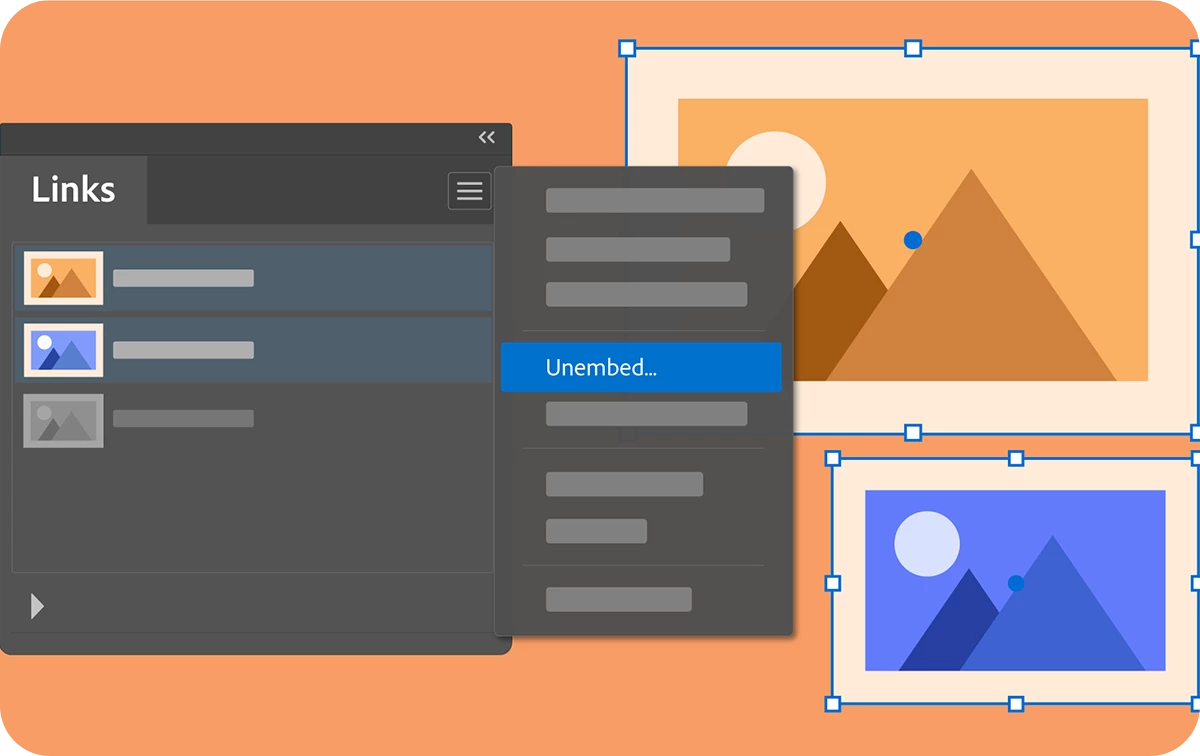
Unembed multiple images at onceYou will now have the capability to convert numerous embedded images within your artwork into linked images and position them collectively in a single folder simultaneously. Learn more about how to unembed images. |
|
|
|
Delete linked and embedded objects with easeNow, you have the option to remove linked and embedded objects from your artwork by utilizing the "Delete Link" |
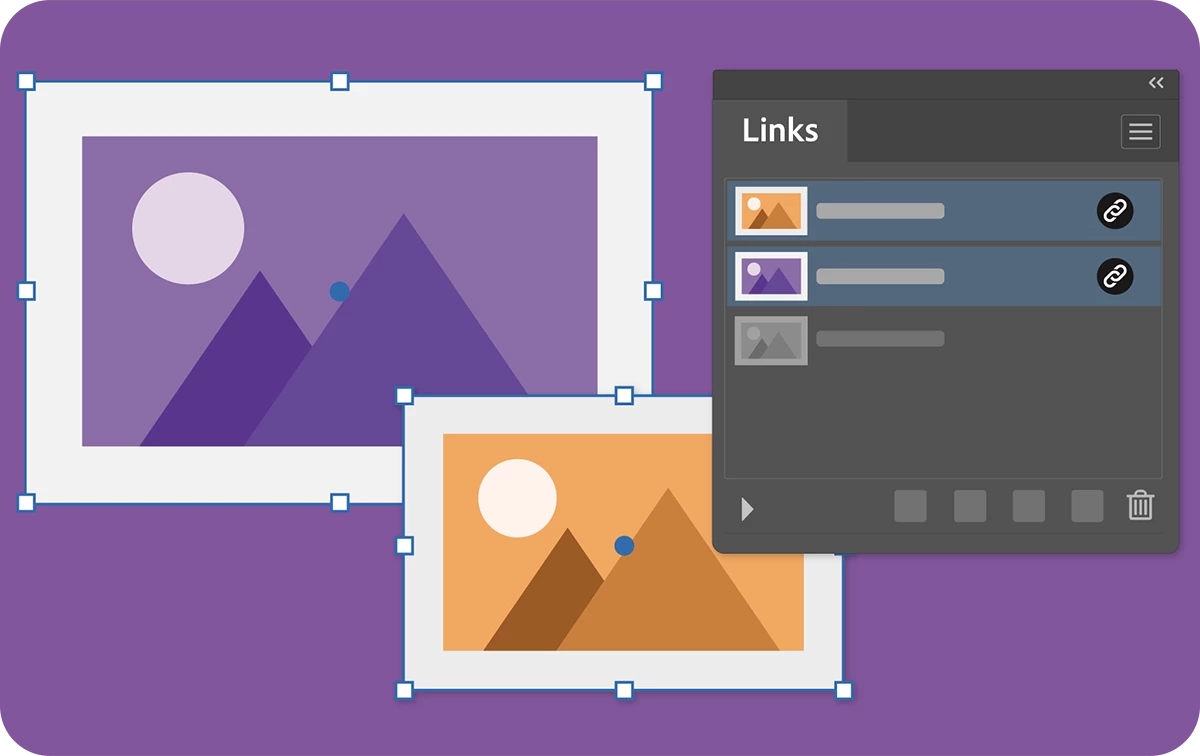
 button located in the Links panel.
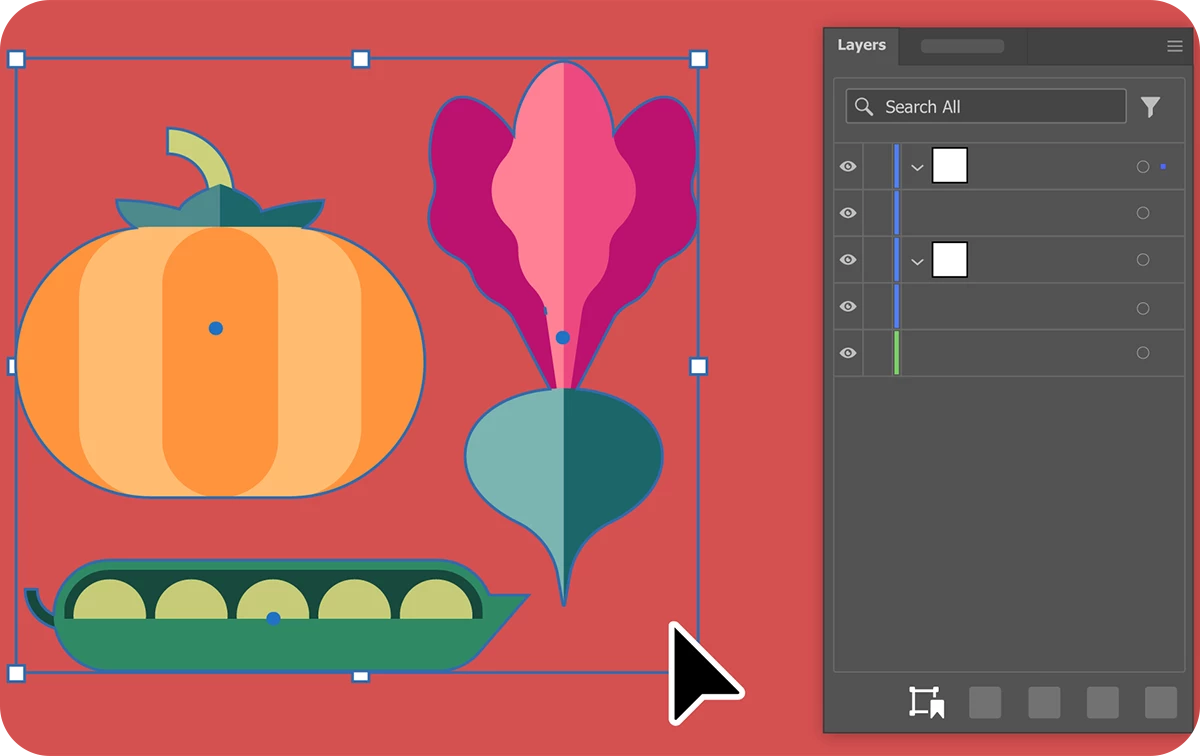
Save object selection for future useUsing the Save Selection feature, you can select multiple objects and save the selection for future use. This saved selection allows you to collectively move the objects or modify their appearance, similar to working with a grouped object. Unlike grouping, Save Selection selects the objects without bringing them/moving them all to the same layer. Learn more about how to save and update a selection. |
|
|
|
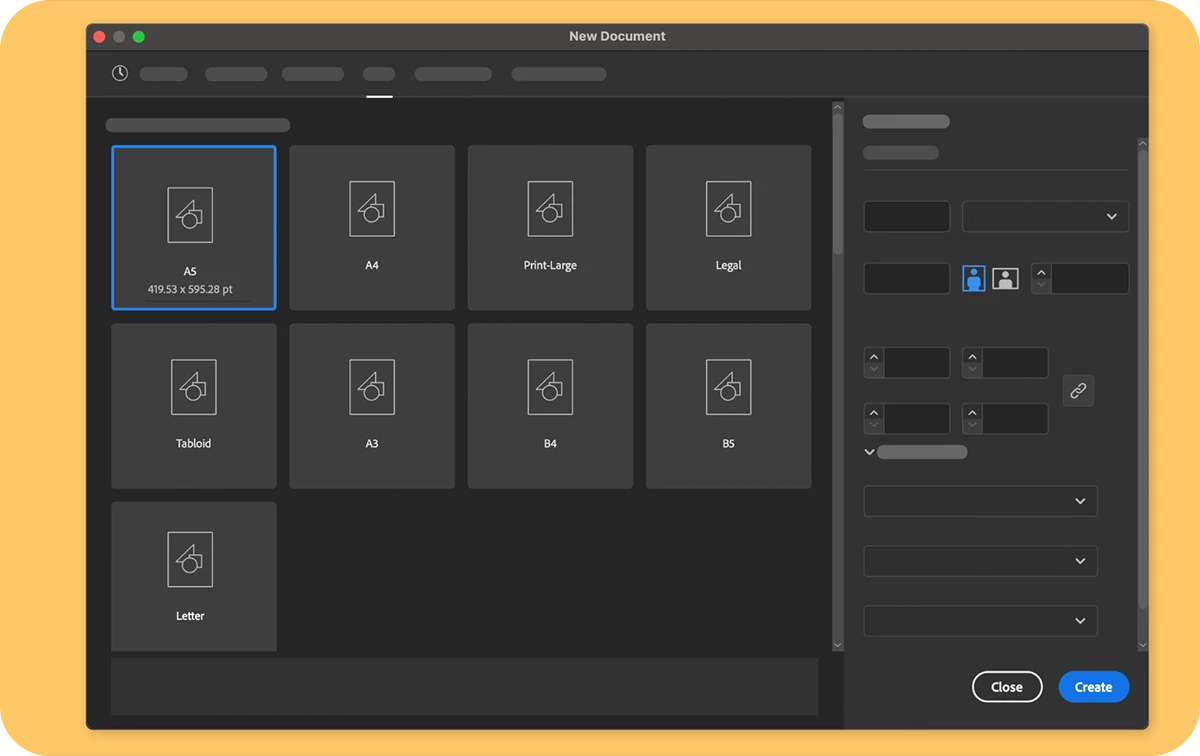
Use A5 preset for creating documentsYou can now use the A5 preset in the Print preset section to create documents. |
Fixed IssuesOur team has tried to fix some issues with Illustrator 28.1, including:
|
|

See What's New for more information on the latest features. To help us have focused discussions, create separate posts for feedback on features related to this update.
Thanks,
Anubhav
|
|
If you've found value in this post, a friendly upvote would be fantastic. Your thoughts are even more precious – share them with us in the discussion! |

 AdChoices