Community Manager
December 12, 2023

Illustrator 28.1 | Dimension Tool, Improved Share for Review, & Enhancements based on your Feedback!

  • December 12, 2023
  • 21 replies
  • 14838 views

Hello everyone, 

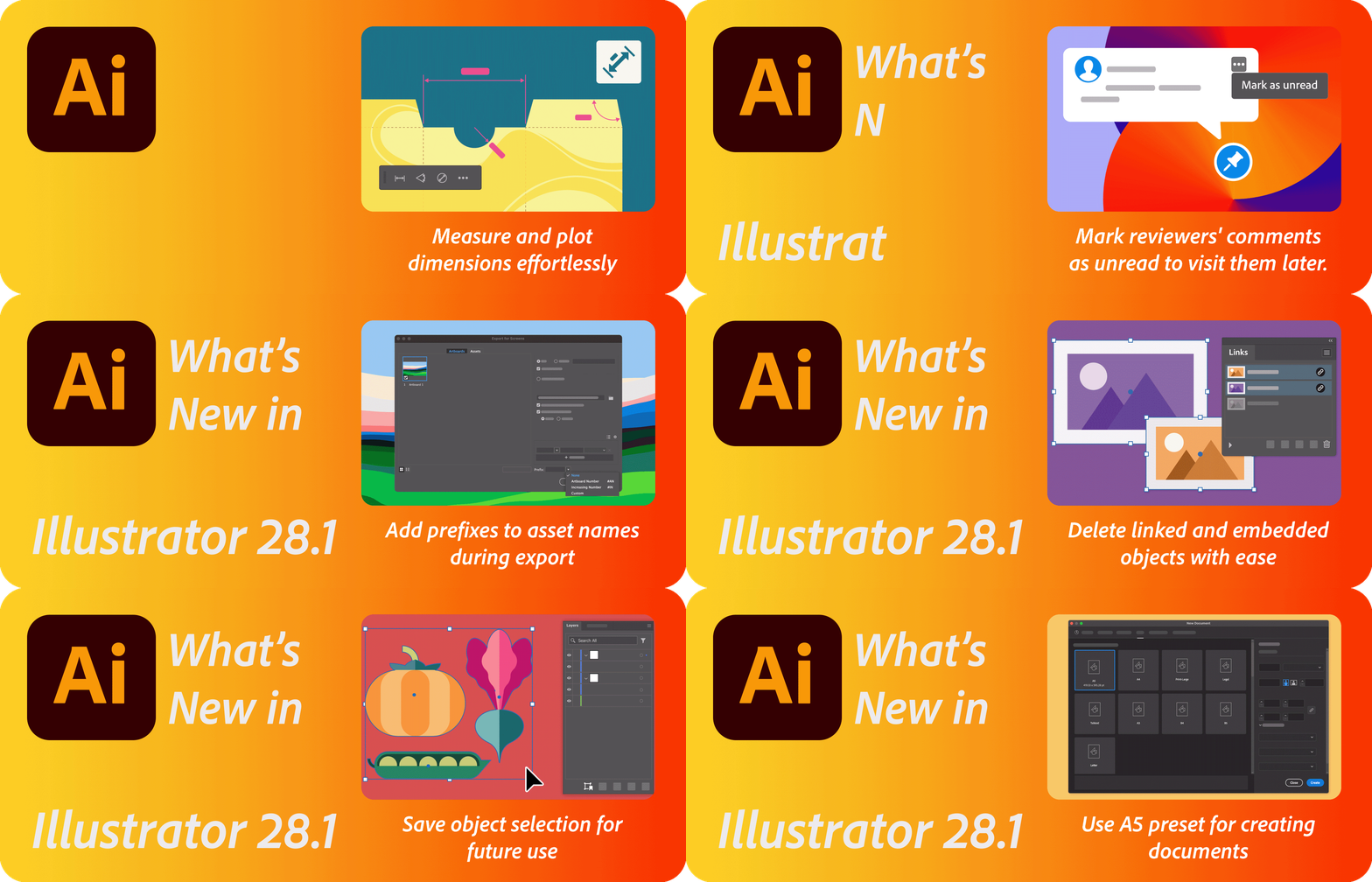
We're excited to announce that Adobe Illustrator's latest update (version 28.1) is now available for download via Creative Cloud Desktop. This release offers a range of new features, including the ability to Measure and plot dimensions effortlessly using the Dimension Tool (Beta), mark reviewers' comments as unread, allowing you to return to them quickly at a later time in Share for Review, and enhancements inspired by your feedback including the ability to Add prefixes to asset names during export for better file management, Unembed multiple images at once, Delete linked and embedded objects with ease, Save object selection for future use, and use A5 preset for creating documents, as well as general performance improvements and bug fixes.

You may also visit the links to access comprehensive lists of all the features and bug fixes available.

 

Update the App
Try out the Latest Features and Enhancements in Illustrator!


Dimension Tool

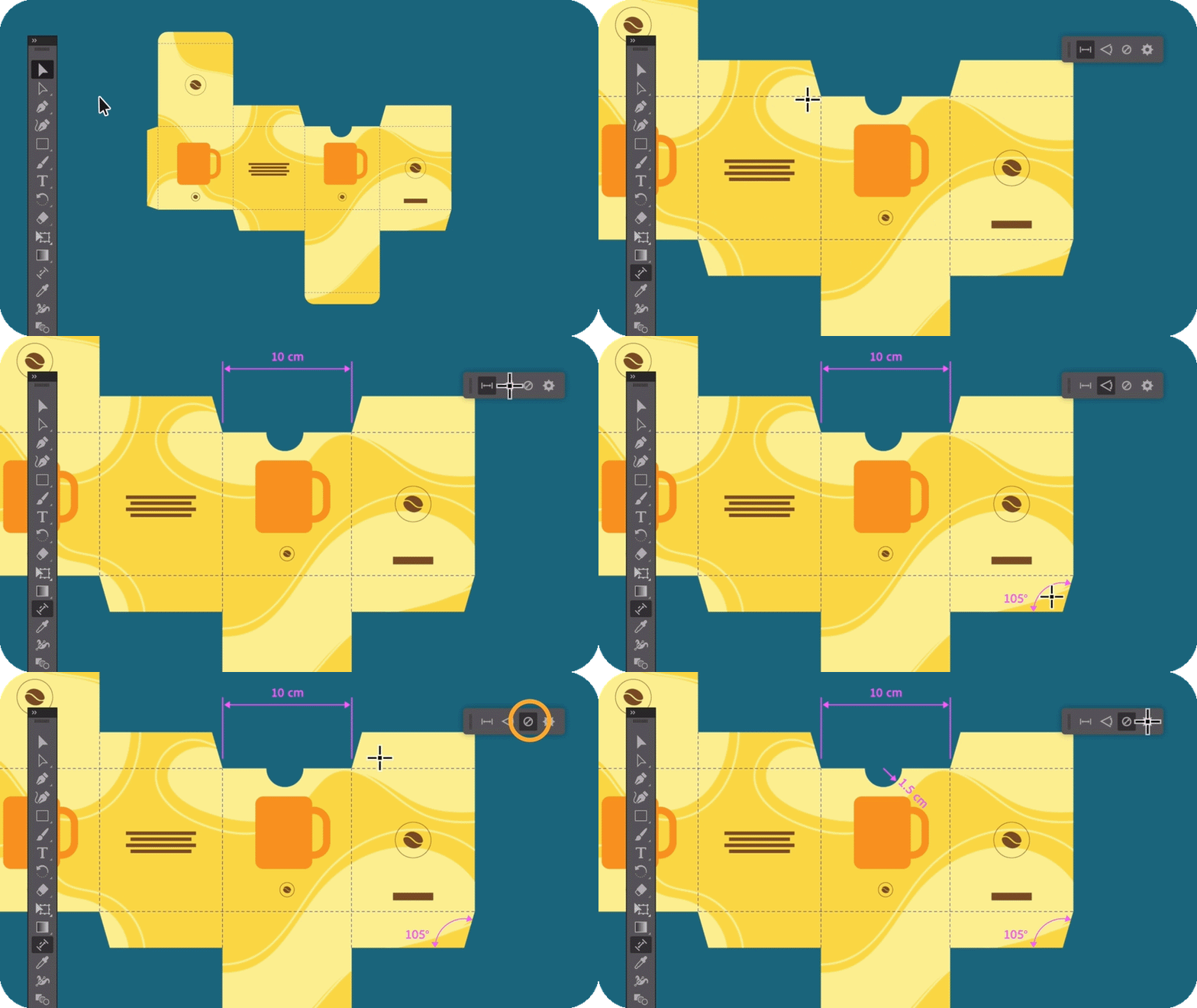
Utilize the Dimension tool to easily measure and plot/show dimensions like distances, angles, and radii in your artwork. Customize settings for the dimensions you plot and easily modify their position. To view your design without the plotted dimensions, hide them at once. Learn more about the Dimension Tool today!


Revisit Reviewer's comments

The "Share for review" feature now enables you to designate reviewers' comments as unread, making it convenient to revisit them at a later time. Learn more about how to organize your feedback comments.

Explore enhancements inspired by your feedback

We are dedicated to ongoing improvement to cater to your evolving needs, and we've incorporated enhancements to Illustrator in response to your feedback for the December release. Some of them include:

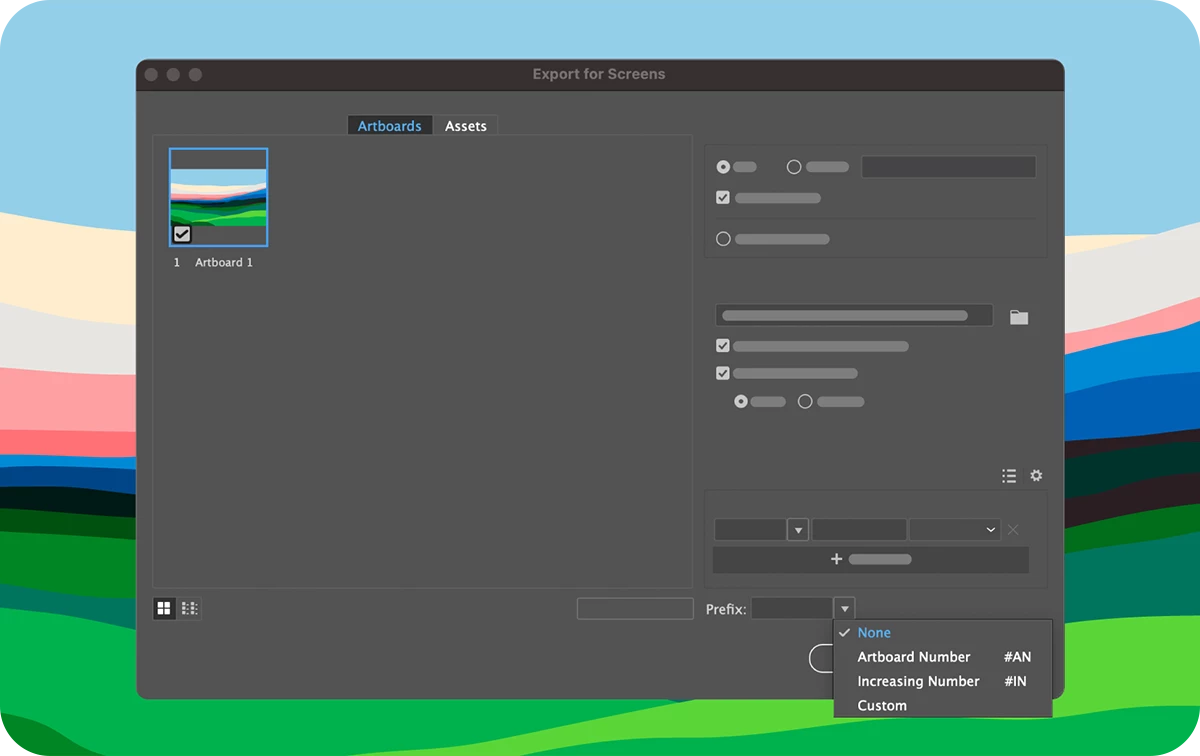
Add prefixes to asset names during export

No need to manually add numbers as prefixes to artboard and asset names post-export for proper folder ordering. Illustrator now allows you to include artboard numbers, ascending numbers, or custom text as prefixes during the export process. Learn more about how to add prefixes to artboard and asset names.


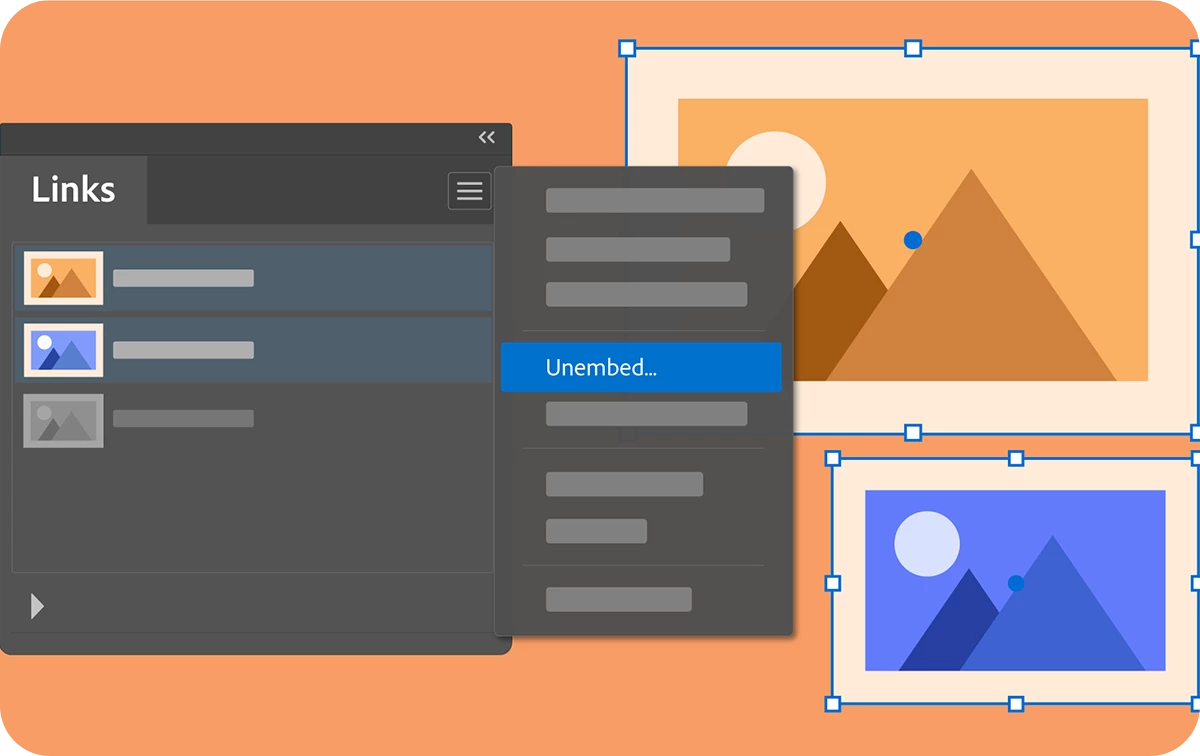
Unembed multiple images at once

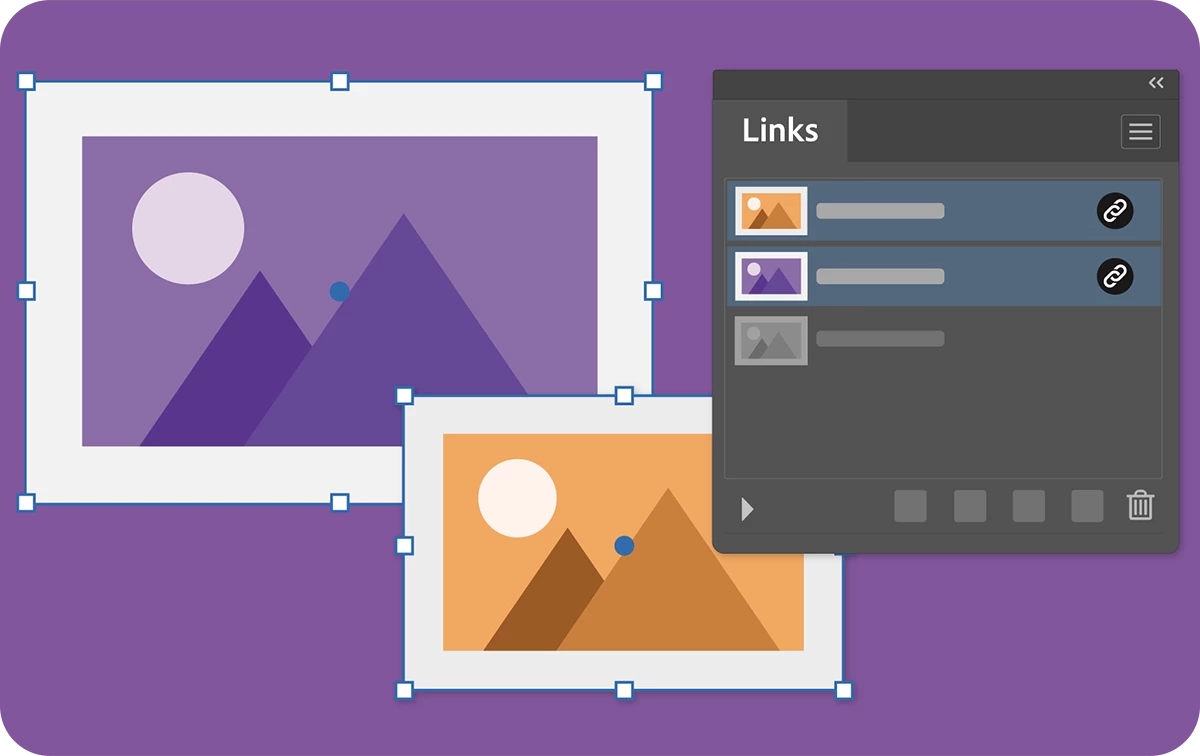
You will now have the capability to convert numerous embedded images within your artwork into linked images and position them collectively in a single folder simultaneously. Learn more about how to unembed images.


Delete linked and embedded objects with ease

Now, you have the option to remove linked and embedded objects from your artwork by utilizing the "Delete Link"  button located in the Links panel.


Save object selection for future use

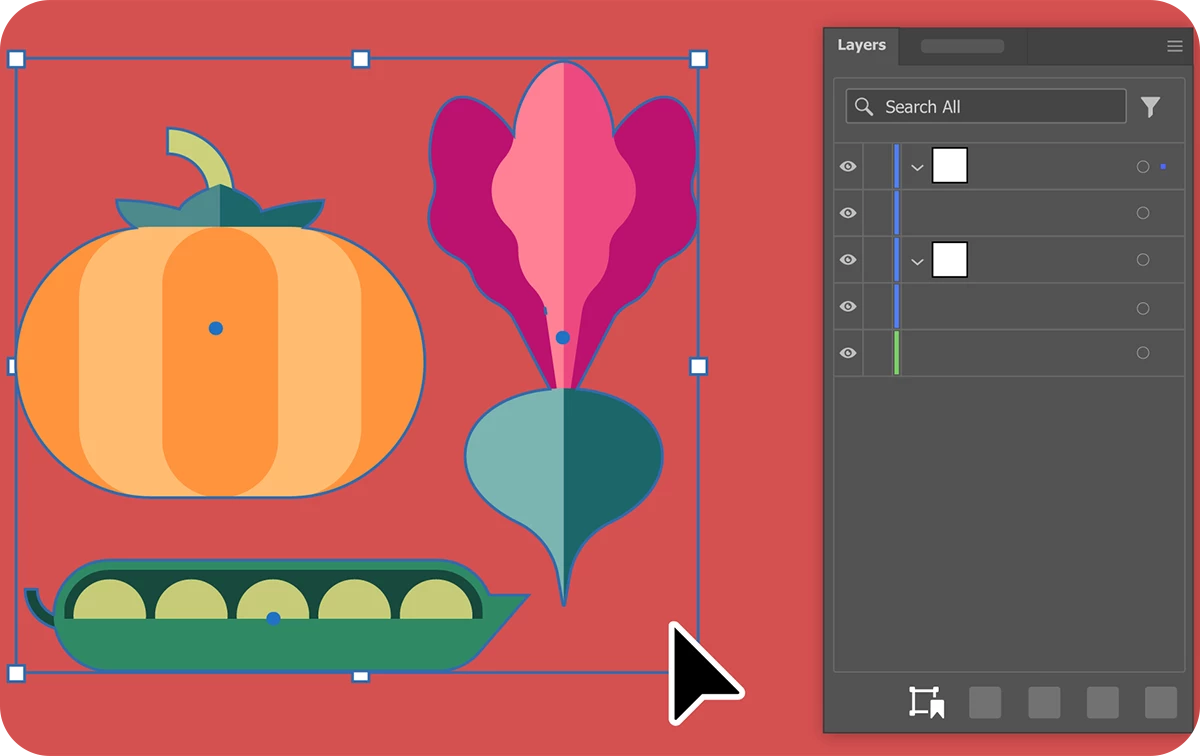
Using the Save Selection feature, you can select multiple objects and save the selection for future use. This saved selection allows you to collectively move the objects or modify their appearance, similar to working with a grouped object. Unlike grouping, Save Selection selects the objects without bringing them/moving them all to the same layer. Learn more about how to save and update a selection.


Use A5 preset for creating documents

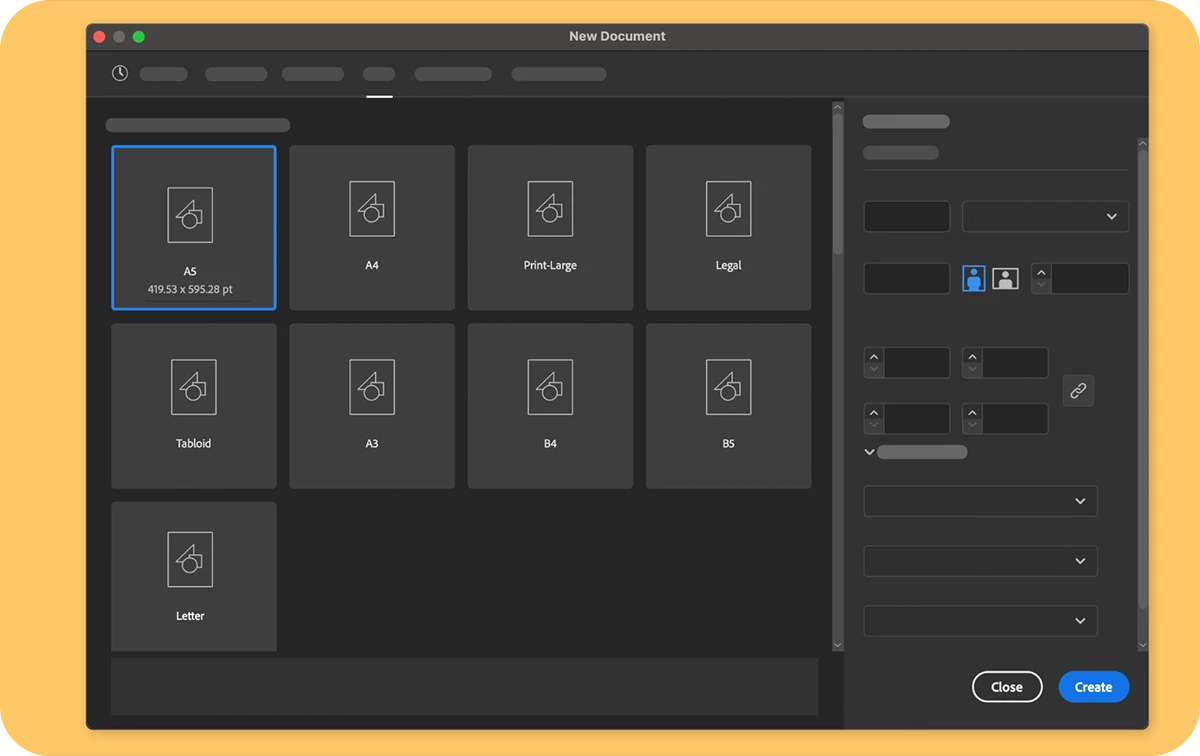
You can now use the A5 preset in the Print preset section to create documents.


Fixed Issues

Our team has tried to fix some issues with Illustrator 28.1, including:

  • Waking MacBook Pro from sleep causes the Illustrator window to resize to half screen and panels to be moved. (UserVoice)
  • Composite fonts result in blank PDF data in Illustrator files created with Create PDF Compatible File enabled. (UserVoice)


We would love to hear your feedback on the improvements in the UserVoice.


See 
What's New for more information on the latest features. To help us have focused discussions, create separate posts for feedback on features related to this update.
 

Thanks,
Anubhav

If you've found value in this post, a friendly upvote would be fantastic. Your thoughts are even more precious – share them with us in the discussion!

    21 replies

    Participating Frequently
    February 10, 2024

    A second, additional line colour would be helpful to achieve visible dimensioning on both light and dark backgrounds.

    Participating Frequently
    February 10, 2024

    Great, it's the right way, the palette is also very useful.


    It would be nice if the total dimension of an object could also be measured, such as the width of a U at the top. Likewise several objects together.

    Monika Gause
    Community Expert
    Community Expert
    February 10, 2024

    Please post feature requests to https://illustrator.uservoice.com 

    Participating Frequently
    February 10, 2024

    Illustrator crashes on the Mac when arrow number 9 is selected.

    Inspiring
    January 17, 2024

    Loving the dimension tool, but I'd rather not have the dimensions in a seperate layer.
    Is there any way to use the tool without creating a new layer?

    Monika Gause
    Community Expert
    Community Expert
    January 18, 2024

    @Wouter28651033dqiu  schrieb:

    Loving the dimension tool, but I'd rather not have the dimensions in a seperate layer.
    Is there any way to use the tool without creating a new layer?


    Currently: no.

    You might want to make a feature request to introduce an option.

    Participating Frequently
    February 10, 2024

    A new level is created here, called Dimension.

    It would be practical if you could select the name beforehand, because various scripts and plugins with a similar function already use this name. In addition, different dimension layers are sometimes necessary.

    After manual renaming, a new "Dimensions" layer is created.

    Participant
    January 14, 2024

    Itz great to see that Adobe has finally introduced this much needed tool (Dimension Tool) to Illustrator but I have noted that it lacks a major feature of measuring the circumference of a circle... I hope that the developers team will try to work on it and come up with it in the next update of the software... Thanks.

    Monika Gause
    Community Expert
    Community Expert
    January 14, 2024

    If you want to get this feedback to the people that are even able to make it happen, you might want to use https://illustrator.uservoice.com 

    xtank666
    Participant
    January 10, 2024

    I am very happy you added this tool. I have some suggestions. 

    1) can you add in your setting panel in the scale column 1/4" 1/8" and 3/4" settings ?

    2) can you make the precision go to 1/8" for more acurate measurements ?

    3) can you make it change measurements in real time as you scale ?

    thanks : )

    Monika Gause
    Community Expert
    Community Expert
    January 10, 2024

    Please post feature requests to https://illustrator.uservoice.com 

    Participant
    January 10, 2024

    Hi there,

    Does someone know why I can't use the Color Swatches button in the Color Picker window?

    The button is not clickable. I've tried different things but without any success.

    See attachment. It's in Dutch.


    Thanks

    Inspiring
    January 9, 2024

    Great Addition!  One setp closer to retiring Hot Door CADTools (for my limited purposes).


    It would be nice if I could change the offset of the "dimension" line AFTER the fact. All I can see is that appears to be set when I first pull the dimension from the object being measured? I might be missing something (and I cannot find a way to select it after it is drawn).


    Also I notice on both my Macs, that selecting the dimension tool knocks out all my 3rd party Astute Graphics toolbar icons? Have to restart AI to get them to reappear.

    Participating Frequently
    January 4, 2024

    This tool is really nice. I use it to make sign panel. But sometimes I have to manually edit dimensions like edit from 9mm to 10mm to be more convenient for me. Is it possible to manually edit the dimension displayed ?

    Monika Gause
    Community Expert
    Community Expert
    January 4, 2024

    Just apply Object > Expand appearance to expand it. It will be a group then and you can edit the text.

    Participating Frequently
    January 4, 2024

    Oy yeah ! Thanks a lot !

    Have a nice day ! And Happy new year also 🙂

    mave1969
    Known Participant
    January 2, 2024

    The Dimension tool is great, but it boggles my mind that it's a one-shot deal, and that once you've plotted a dimension, there's no way to adjust it and have the dimension text update to reflect the new measurment. It seems obvious to me that would be one of the most basic use cases: plot a dimension, then adjust a dimension, not merely scale the whole thing. 

    Monika Gause
    Community Expert
    Community Expert
    January 2, 2024

    Please post feature requests to https://illustrator.uservoice.com 

    There the engineers read them.