Participating Frequently
January 22, 2017
Answered

Illustrator CC - New document window display error

  • January 22, 2017
  • 2 replies
  • 1181 views

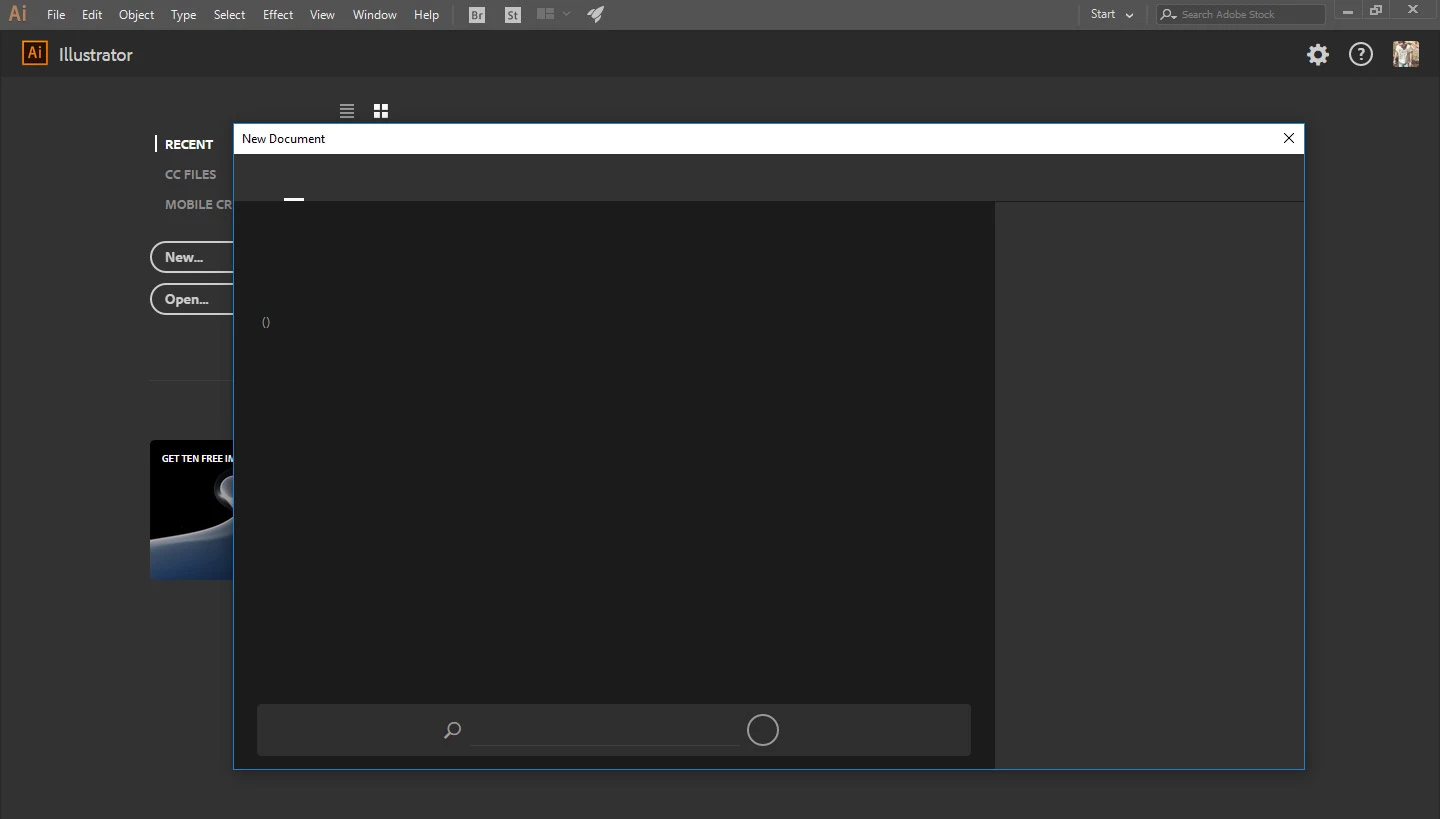
When i open Illustrator cc, i am not able to see any of the dialog selections except 'X' button. The whole window is gray as the sceenshot.

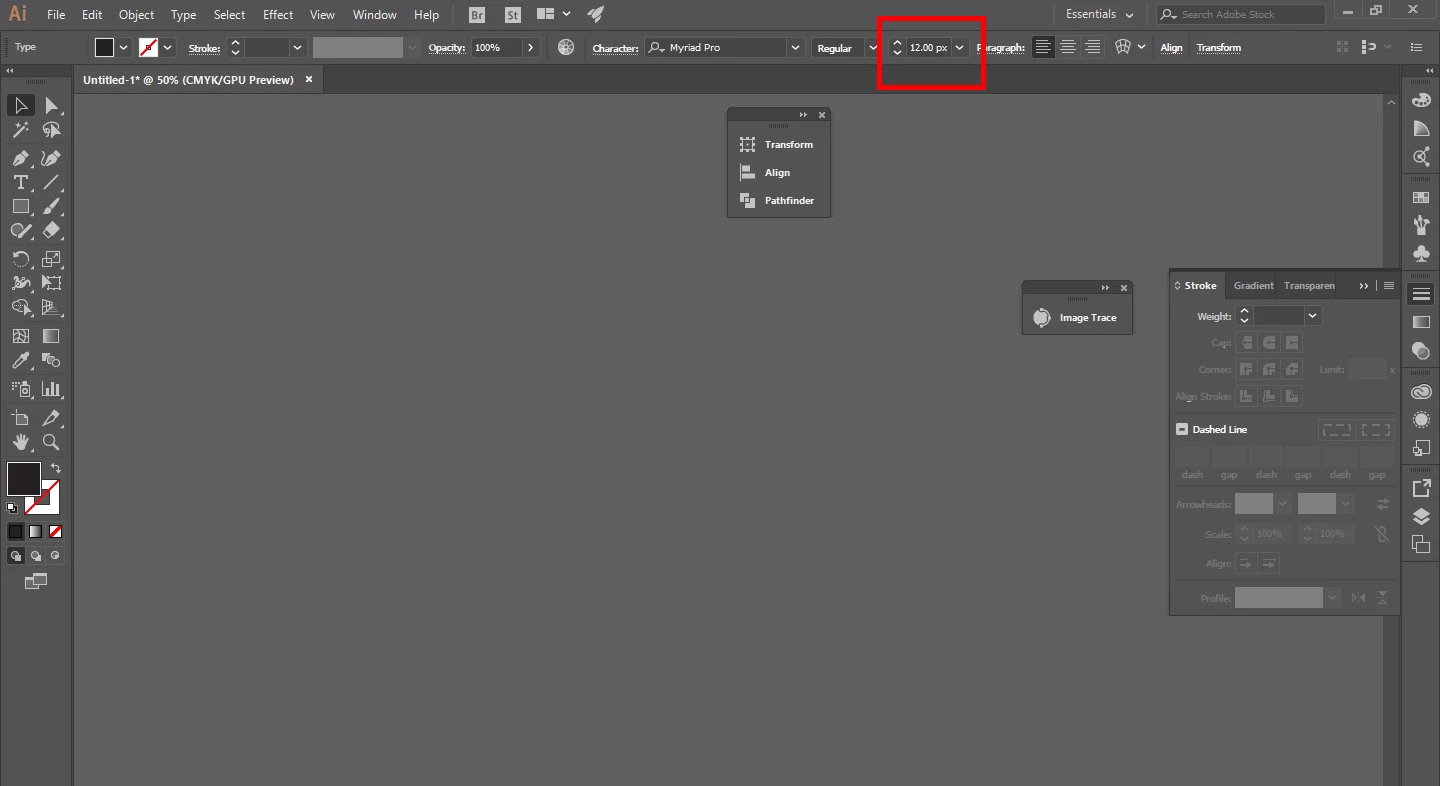
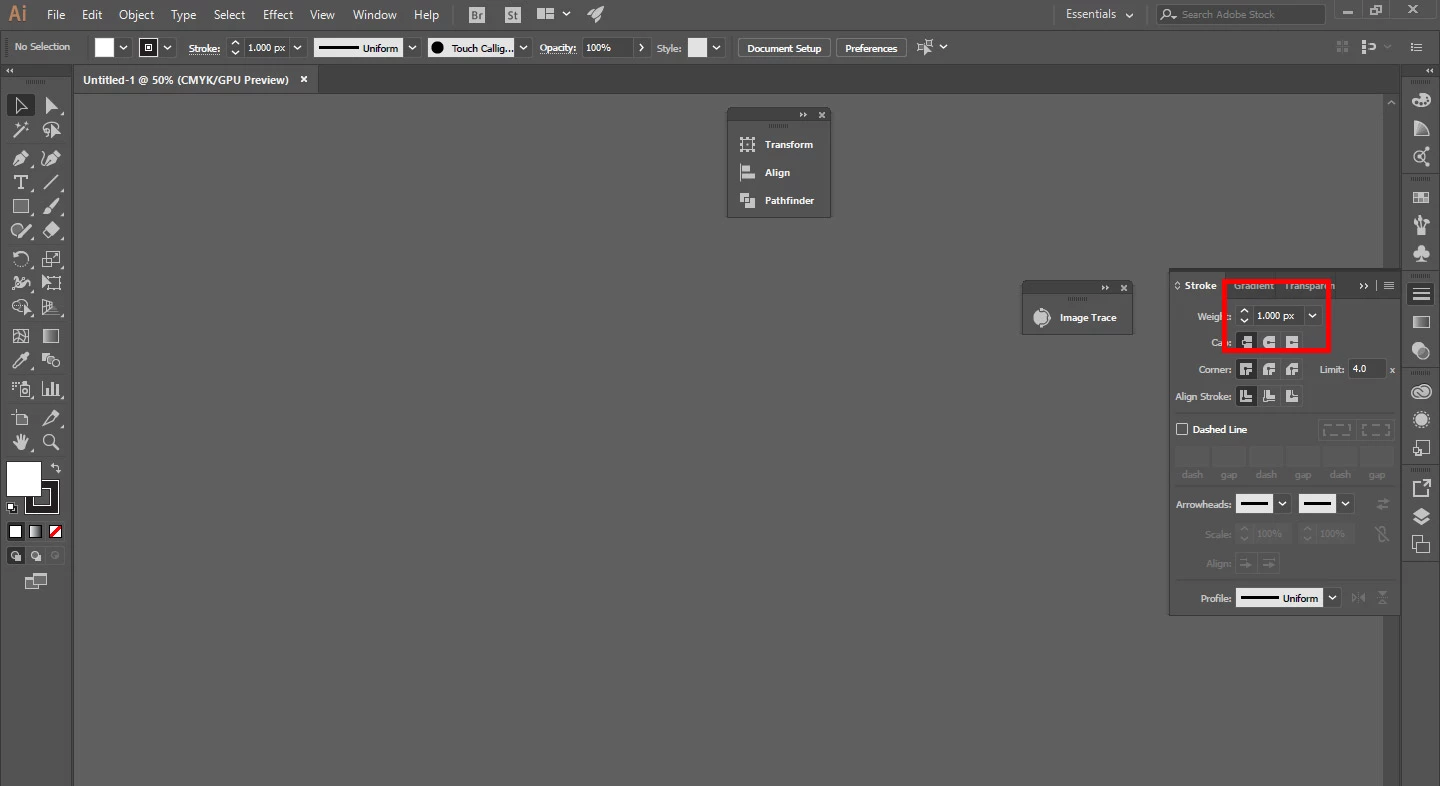
However i can open any older file and edit it. Also suddenly have appeared decimals in stoke and font size as the screenshot and it doesn't accept any number change.

My pc has 24Gb ram and intel i5-3350p. I never had this problem before. I also uninstalled and re installed the setup of creative cloud app. I have the latest version installed.
This topic has been closed for replies.
Correct answer Ton Frederiks

In many other posts that mentioned this, uninstalling Avast anti virus solved the problem.

2 replies

Ton Frederiks
Community Expert
Ton FrederiksCommunity ExpertCorrect answer
Community Expert
January 22, 2017

In many other posts that mentioned this, uninstalling Avast anti virus solved the problem.

anosdAuthor
Participating Frequently
January 22, 2017

@Ton Frederiks

Thank you for your solution. That works. Uninstalling Avast solved the problems. I will try to re install the antivirus.

cinziamarotta
Participating Frequently
January 22, 2017

Hi,

Try to uninstall and reinstall Illustrator.