



Answered
Illustrator CC text doesn't change color using eyedropper
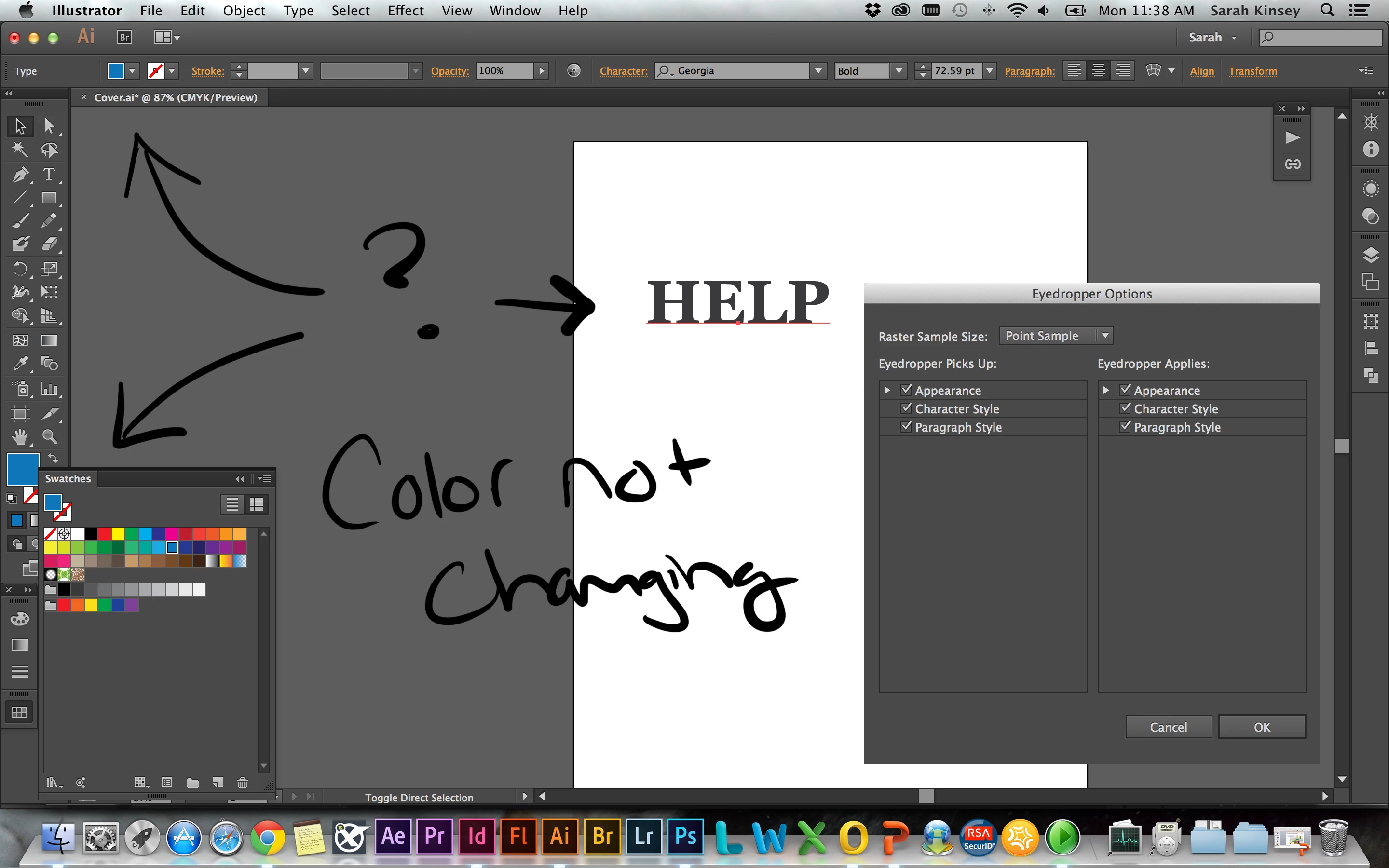
Hello, I've been having this problem for a while with Illustrator CC but not with older versions. If I use the eyedropper to pick up a color, it captures that color and acts like it is applied but object/text continues to stay the older color. With text I have to use the type tool, highlight all of the text, and then select a color. This process if very annoying when I need to highlight and change several text boxes at once. Am I doing something wrong? What can I do to fix this. I would like to just be able to click on the object/text and use the eyedropper tool to capture whatever color I need.
Thank you in advanced
 AdChoices