


Exit
  • Global community
    • Language:
      • Deutsch
      • English
      • Español
      • Français
      • Português
  • 日本語コミュニティ
  • 한국 커뮤니티
0

Illustrator crashed and kept crashing whilst trying to recover files now they are gone, please help!

Explorer ,
Sep 30, 2023 Sep 30, 2023

Hello, 


I was working on an important project for a client when my Ai suddenly crashed. Usually when I restart the app the recover file window pops up and I can recover the files no problem but this time when I pressed ok to recovering my files it kept crashing again. 


I thought it was because my app wasn't updated so I updated the app, when I opened Illustrator again the window was gone! I have the automatic data recovery switched on so I located the folder where it saves all recovered files. 
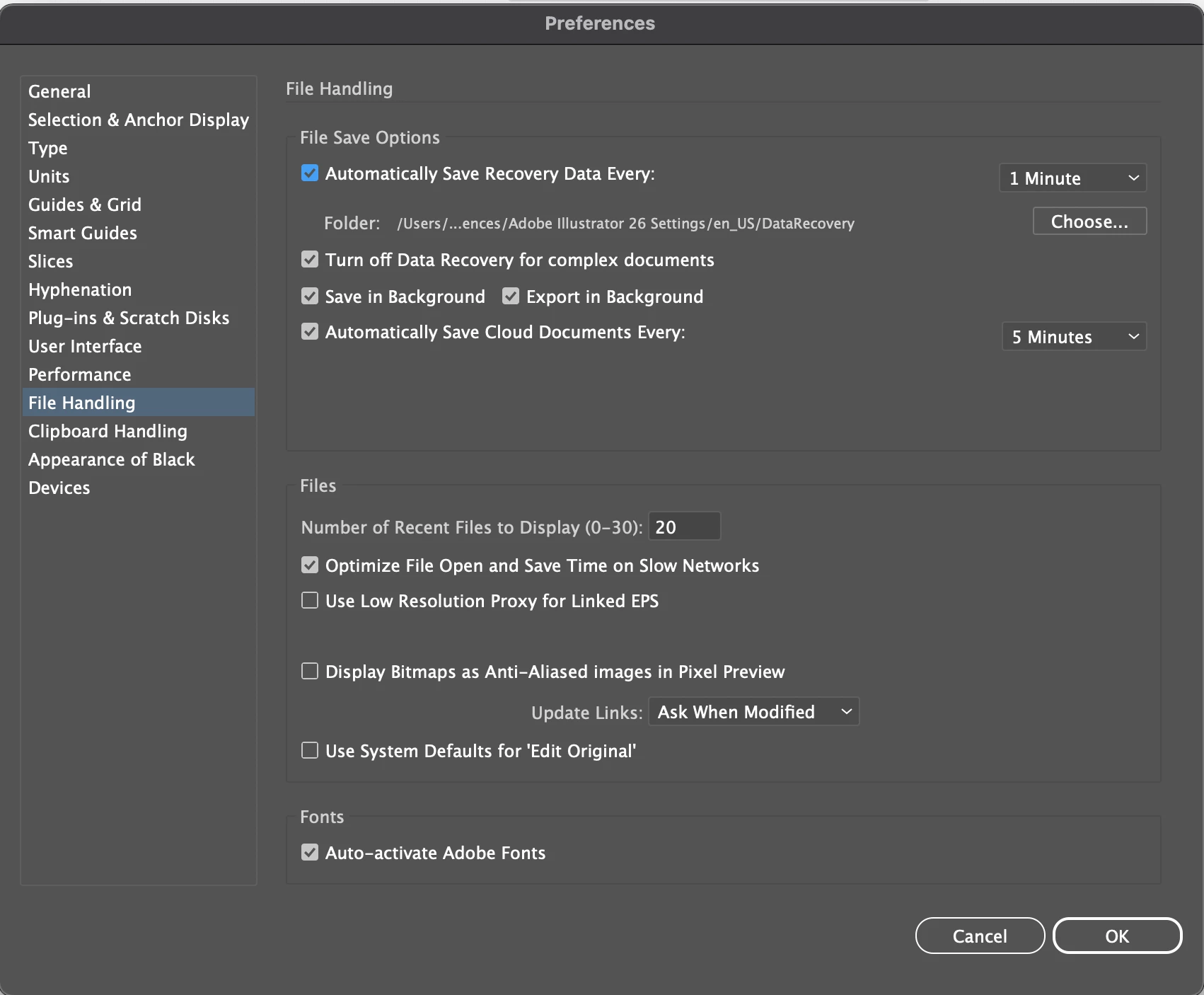
Screenshot 2023-09-30 at 21.11.32.png


When I located the folder it was full of strange folders named AIDBTemp like in the screenshot attached and unfortunately I cannot open them!


Is there any way at all I can recover the files I was working on? I had about 10 windows of files opened on Ai at the time it crashed. 


Any help at all would be much appreciated. 


Thank you!!!


TOPICS
Bug , How-to , Sync and storage
1.1K
Translate
Report
Community guidelines
Be kind and respectful, give credit to the original source of content, and search for duplicates before posting. Learn more
community guidelines
Adobe
Community Expert ,
Sep 30, 2023 Sep 30, 2023

Do you have backups?

Did you ever save the files?


You need to always save your files. Save often and also make backups, save different versions of the files.


For now: you should also backup what's left of the files. Copy those recovery files to new locations elsewhere on the computer.


Maybe @Anshul_Saini  can help?

Translate
Report
Community guidelines
Be kind and respectful, give credit to the original source of content, and search for duplicates before posting. Learn more
community guidelines
Adobe Employee ,
Oct 16, 2023 Oct 16, 2023
LATEST

Hi @Rebekah5F99,


Sorry for the delayed response. I'm truly sorry to hear about the trouble you're experiencing. If Adobe Illustrator is unable to recover the files, there is limited recourse for file retrieval. It's essential to maintain good practices in terms of file management, which include regular saving and creating backups of important projects, as Monika said. This can help prevent data loss in the future.


Please make sure to save your work frequently to minimize the potential for data loss during application crashes or unexpected events. Additionally, consider saving to Creative Cloud or external backup solutions to keep multiple copies of your work.


I understand this can be a frustrating situation, and I'm sorry for any inconvenience it has caused. If you have any other questions or need further assistance, please don't hesitate to ask.


Best,

Anshul Saini

Translate
Report
Community guidelines
Be kind and respectful, give credit to the original source of content, and search for duplicates before posting. Learn more
community guidelines