


Illustrator CS4 crash with Mac OS X.10 Yosemite
Hello, after installing Mac OS X.10 Yosemite, my Illustrator CS4 doesn't open and block with this message below. I run the latest version of Java. Anyone has an idea or a solution to fix this bug ? ? 
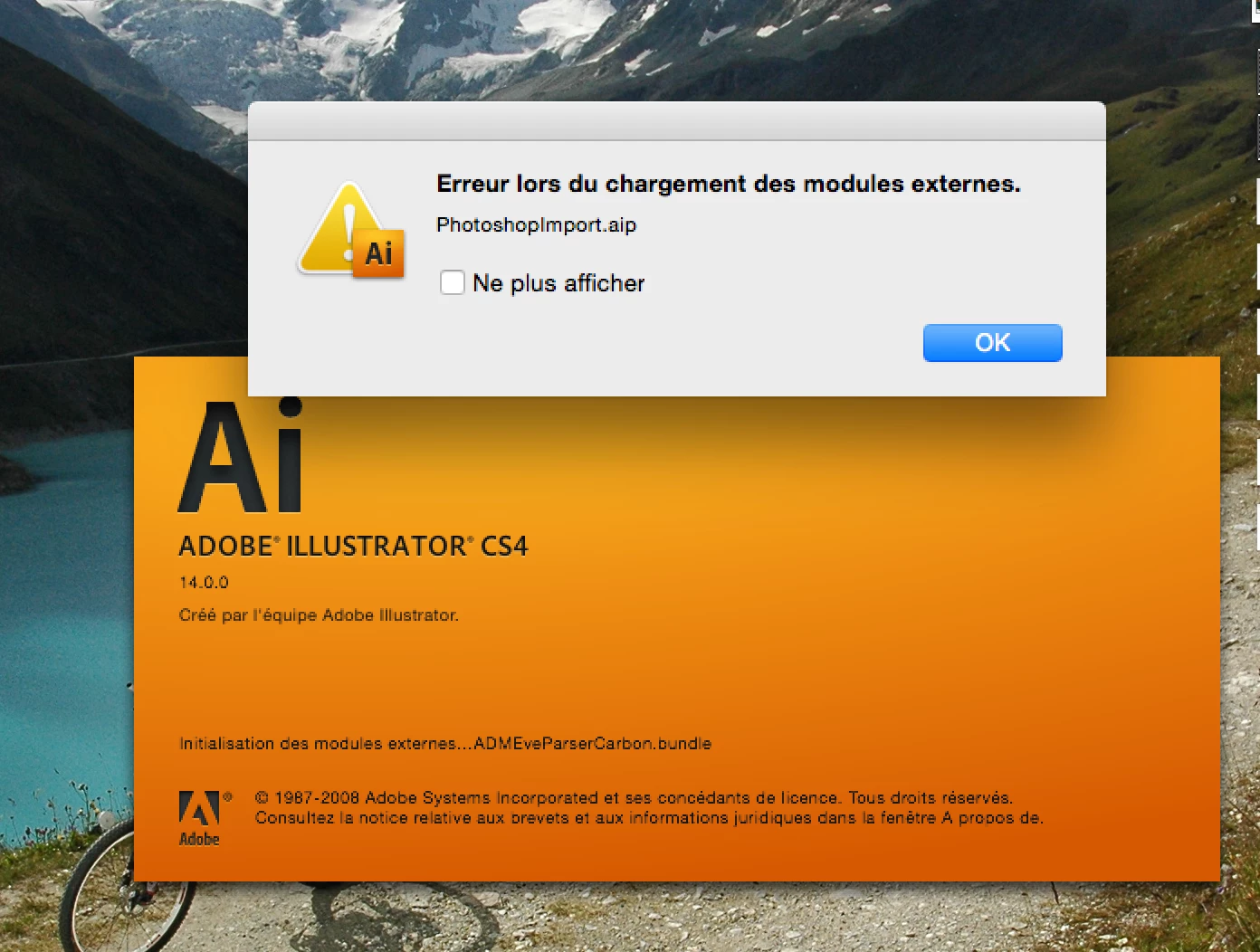
After installing Yosemite I had the same issue trying to open Illustrator. These were my first steps:
After installing the JavaForOSX2012-001, uninstalling and reinstalling my CS4 I finally found this thread (above) which worked!
This option worked for me (thanks brattwurtz):
1 Force restart on mac
2 Start Photoshop CS4
3 Start AI CS4
4 When you get the alert popup, with Photoshop now open, it allows me to click on "don't show again", and click "OK"
Hurry up Adobe and give us a real fix!
Already have an account? Login
Enter your E-mail address. We'll send you an e-mail with instructions to reset your password.