



Illustrator is not loading art on the stage but is loading layers!
Hello,
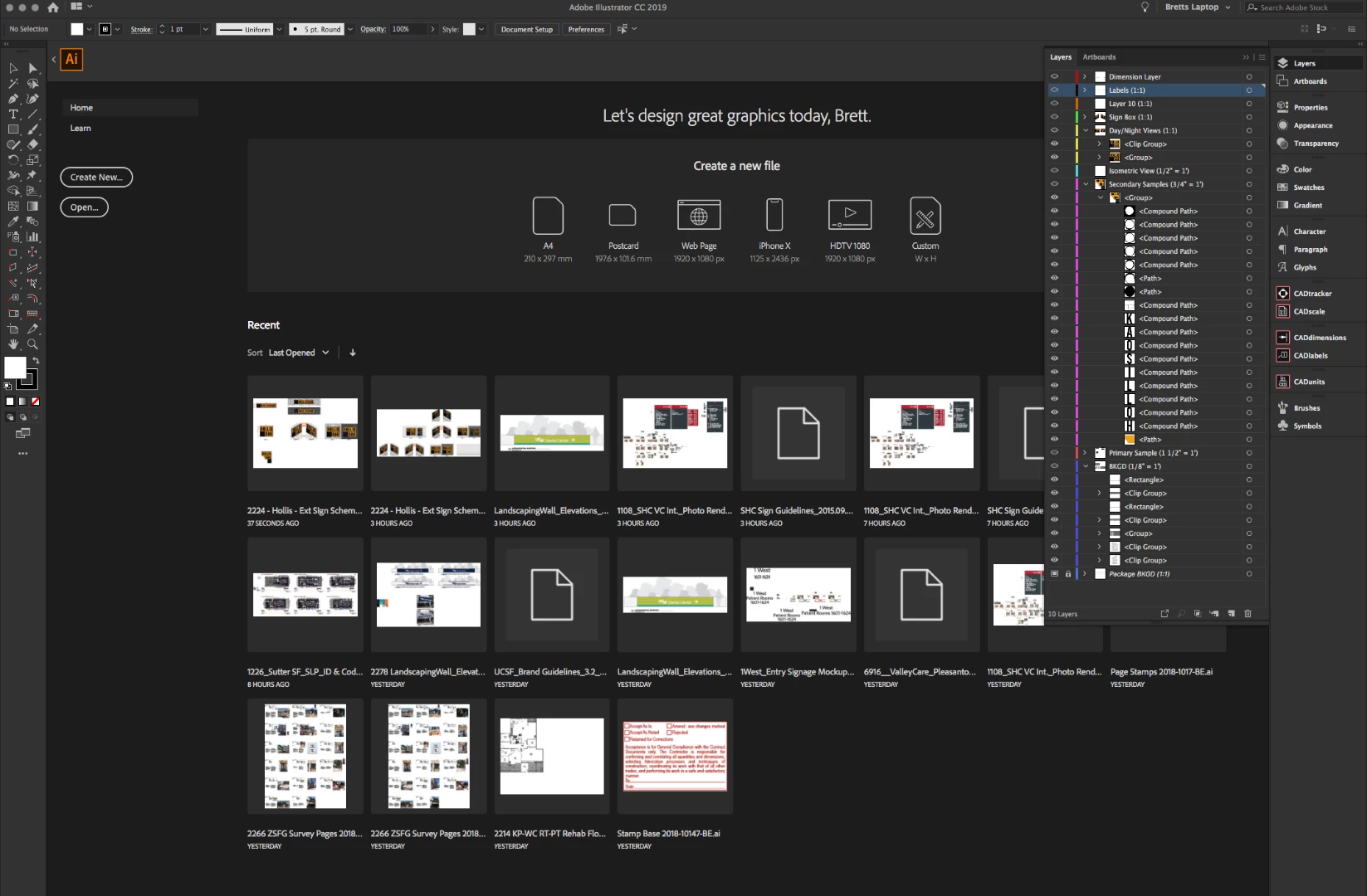
This is an error that is getting worse the more I use Illustrator. It would happen occasionally on 2018 and is happening over and over again now that I have upgraded to the flawed 2019 release. The artboards are not loading on the stage for the file yet the layers panel is showing the file as open.
This issue is also presenting itself when you try to open multiple AI files in tabs. I have had files open in multiple tabs with one of them not opening the stage with the artboards.
The recent list in the start screen shows the file has opened, the layers load in, but nothing that can be worked on.
Just as an experiment I swapped the layer order while the file is open in this way and saved the file and when I re-opened it the changes had been saved. The file is open but not being displayed.
Is anyone else having this problem?
 AdChoices