


- Startseite
- Illustrator
- Diskussionen
- Re: Illustrator PDF saying its not a PDF
- Re: Illustrator PDF saying its not a PDF
Illustrator PDF saying its not a PDF

Link in Zwischenablage kopieren
Kopiert
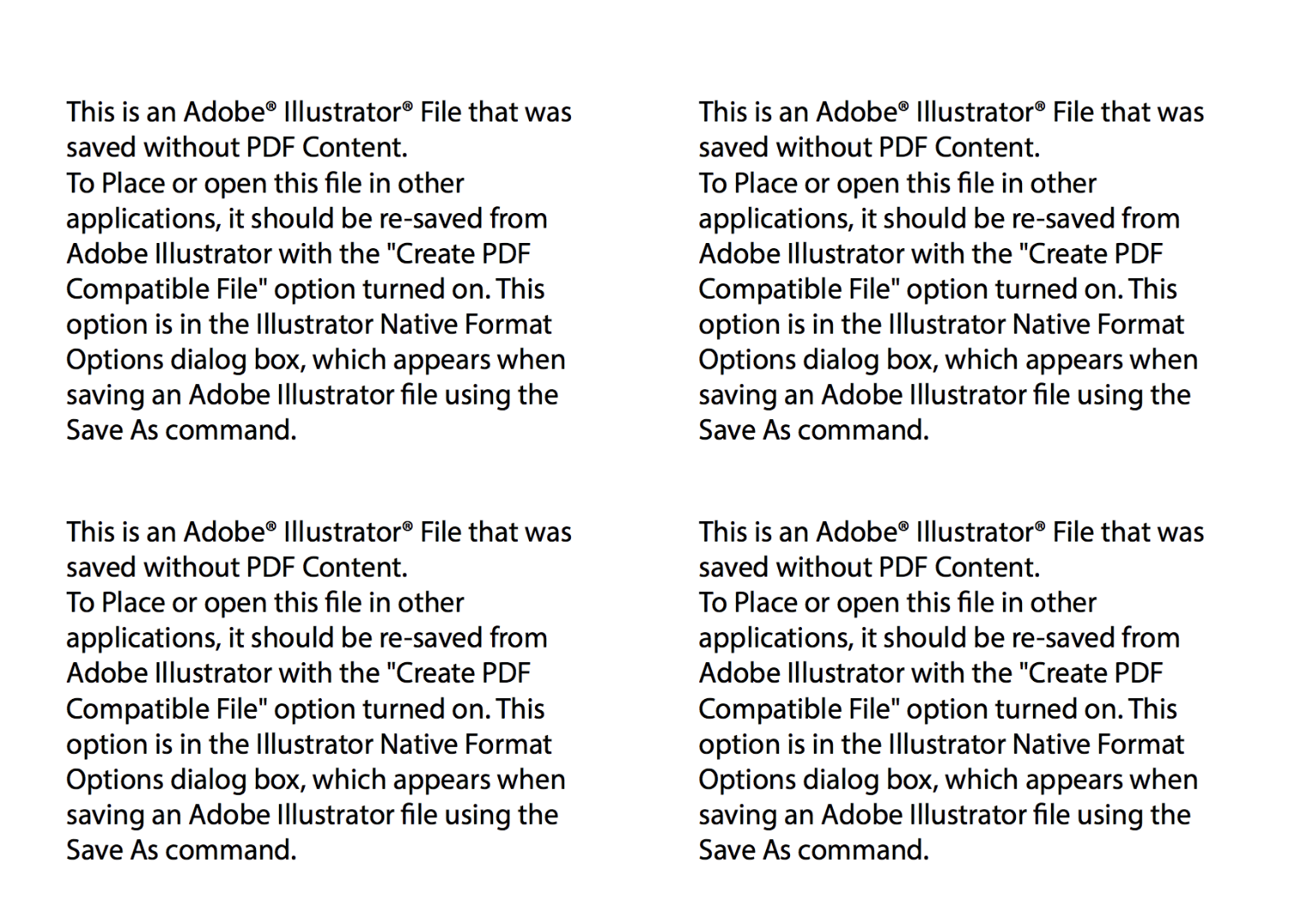
My illustrator file is saved to my desktop top with "create compatible PDF" checked in the save settings. But no PDF saves with it to my desktop. When i try and manually save it as a PDF (illustrator editing capabilities on), it saves with this thumbnail to my desktop and with a pdf extension:



Entdecken Sie verwandte Tutorials und Artikel
 21
Antworten
21
21
Antworten
21


Link in Zwischenablage kopieren
Kopiert
Which version?
Which system?
What exactly is in the file?
When was your last computer restart?
Link in Zwischenablage kopieren
Kopiert
CC
10.12.6
Its basic vector shapes with closed paths
This morning.
Link in Zwischenablage kopieren
Kopiert
Something special with the folder you're saving to? Is that perhaps a synched folder?
Also: can you try and create a new file, just draw some shapes in it and save? Does that work?
Link in Zwischenablage kopieren
Kopiert
Ok, gave that a shot. No dice. Just drew an open path and some filled shapes and same thing with the thumbnail. Whats weird though is I opened the NEW PDF I just created in AI, and it opened fine, but i still received the thumbnail that said the same as above. However my other file, will not open. And for sure its just various paths.
Link in Zwischenablage kopieren
Kopiert
Do you have any third party plugins installed in Illustrator?
Link in Zwischenablage kopieren
Kopiert
No =/
Link in Zwischenablage kopieren
Kopiert
Someone will need to have a closer look at your system. Please contact Customer Care Contact Customer Care

Link in Zwischenablage kopieren
Kopiert
Having the same problem and others in our shop having the same problem.
We cannot save to PDF. We have made sure that the program was set up correctly. It has nothing to do with the file. It's all our files. We cannot save them to PDF.
We are up to date on AI version as we are on cloud.
Need immediate fix. Adobe needs to fix it's a glitch.

Link in Zwischenablage kopieren
Kopiert
Link in Zwischenablage kopieren
Kopiert
Having the same problem and others in our shop having the same problem.
We cannot save to PDF. We have made sure that the program was set up correctly. It has nothing to do with the file. It's all our files. We cannot save them to PDF.
We are up to date on AI version as we are on cloud.
Need immediate fix. Adobe needs to fix it's a glitch.
Link in Zwischenablage kopieren
Kopiert
Which system and where are you saving your PDF?
Which options exactly?
What exactly does the error say?
Link in Zwischenablage kopieren
Kopiert
It's illustrator and it's the same error as above. Mac system, either on our google drive or desktop it doesn't matter. I have walked through adobe's requirements. And it doesn't work. Ever since the last update. I'm on version 22.1
Illustrator PDF saying its not a PDF
This question is Not Answered.


cgodepski Apr 24, 2018 2:51 PM
My illustrator file is saved to my desktop top with "create compatible PDF" checked in the save settings. But no PDF saves with it to my desktop. When i try and manually save it as a PDF (illustrator editing capabilities on), it saves with this thumbnail to my desktop and with a pdf extension:

Link in Zwischenablage kopieren
Kopiert
Which Mac system exactly?
Link in Zwischenablage kopieren
Kopiert
There seem to be some general issues with PDF on Mac OS:
https://tidbits.com/2017/01/02/sierra-pdf-problems-get-worse-in-10-12-2/
But you might need to contact Customer Care about this:

Link in Zwischenablage kopieren
Kopiert
Think I'm having the same issue—"create PDF compatible file" has always been checked by default in my experience, and suddenly mine is unchecked. Would be great for Adobe to fix so that it stays put, whichever option you choose!
Link in Zwischenablage kopieren
Kopiert
Think I'm having the same issue—"create PDF compatible file" has always been checked by default in my experience, and suddenly mine is unchecked. Would be great for Adobe to fix so that it stays put, whichever option you choose!
When doing anything,always double check the options. Never rely on what you think might be the case.


Link in Zwischenablage kopieren
Kopiert
Hi,
I would like to know if the steps suggested above worked for you, or the issue still persists.
Kindly update the discussion if you need further assistance with it.
Thanks,
Srishti
Link in Zwischenablage kopieren
Kopiert
So sorry, I wasnt getting mail notifications for a lot of my account stuff. I had 2 adobe account work/personal and now Im down to one. Apologies.

Link in Zwischenablage kopieren
Kopiert
cgodepski wrote
So sorry, I wasnt getting mail notifications for a lot of my account stuff. I had 2 adobe account work/personal and now Im down to one. Apologies.
Is it sorted out yet, or is there still an issue?
Here is the thread online if you need to check it that way: Illustrator PDF saying its not a PDF
Link in Zwischenablage kopieren
Kopiert
cgodepski wrote
My illustrator file is saved to my desktop top with "create compatible PDF" checked in the save settings.
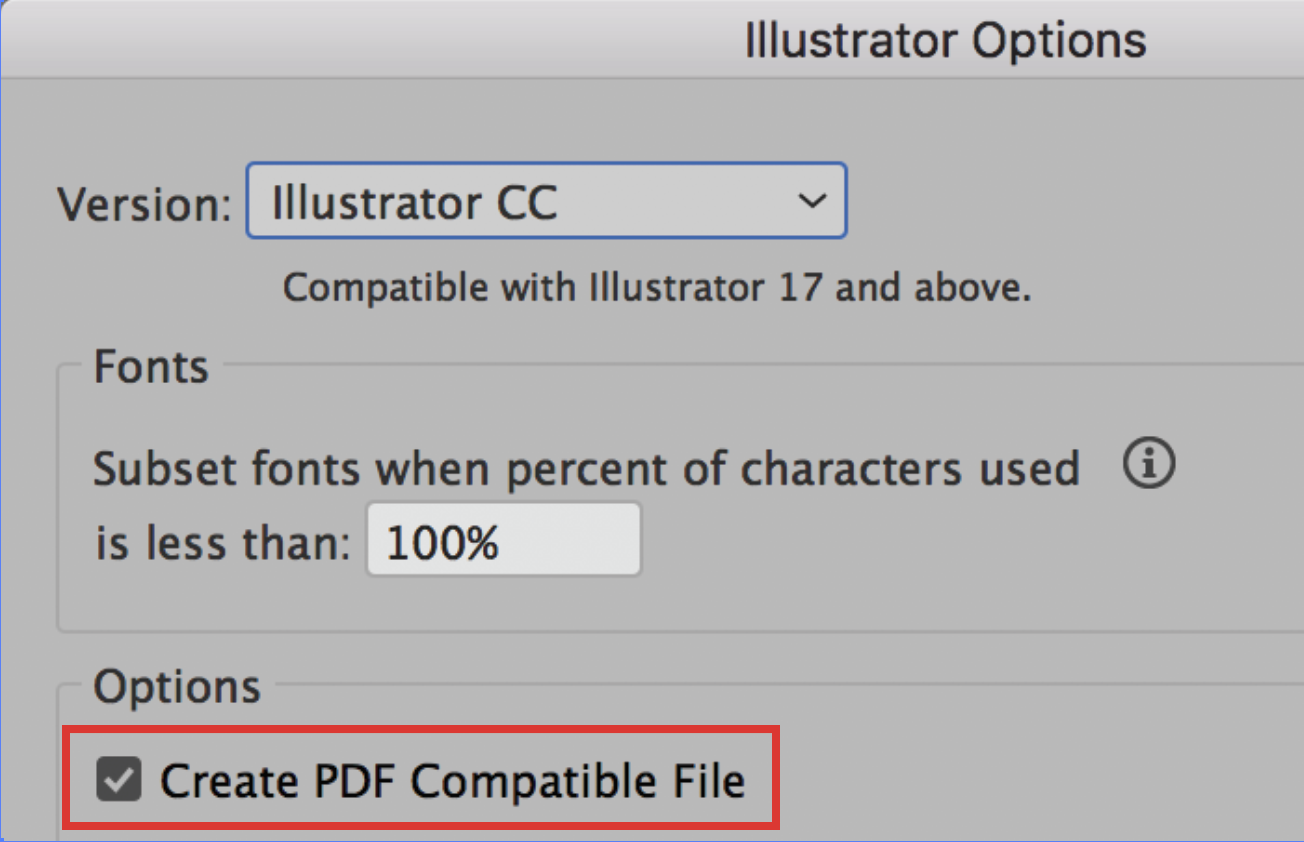
To confirm, “Create PDF Compatible File” is checked, correct? And you tried more than once?

Link in Zwischenablage kopieren
Kopiert
Did any of the suggestions help resolve your issue?
Please update the forum if so. This will let us know if you still need assistance.
Thanks so much. 


Machen Sie sich bereit! Im Januar erwartet Sie ein verbessertes Adobe Community-Erlebnis.
Mehr erfahren
 AdChoices