


Inspiring
April 24, 2018
Question

Illustrator PDF saying its not a PDF

  • April 24, 2018
  • 5 replies
  • 3241 views

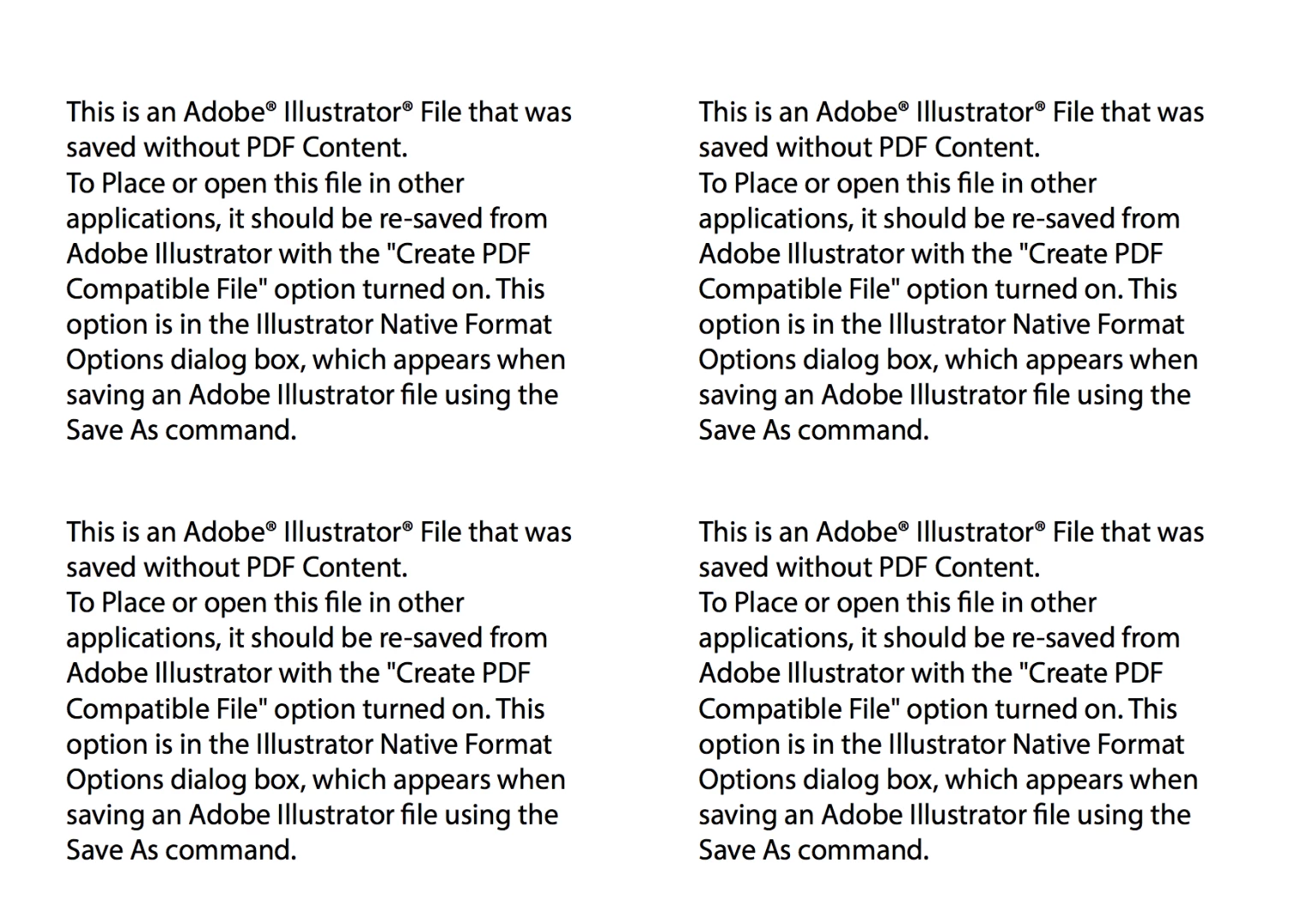
My illustrator file is saved to my desktop top with "create compatible PDF" checked in the save settings. But no PDF saves with it to my desktop. When i try and manually save it as a PDF (illustrator editing capabilities on), it saves with this thumbnail to my desktop and with a pdf extension:
 

This topic has been closed for replies.

5 replies

happie_97
Adobe Expert
June 3, 2018

Did any of the suggestions help resolve your issue?

Please update the forum if so. This will let us know if you still need assistance.

Thanks so much.

jane-e
Adobe Expert
June 2, 2018

cgodepski  wrote

My illustrator file is saved to my desktop top with "create compatible PDF" checked in the save settings.

To confirm, “Create PDF Compatible File” is checked, correct? And you tried more than once?

New Participant
May 11, 2018

Having the same problem and others in our shop having the same problem.

We cannot save to PDF. We have made sure that the program was set up correctly. It has nothing to do with the file. It's all our files. We cannot save them to PDF.

We are up to date on AI version as we are on cloud.

Need immediate fix. Adobe needs to fix it's a glitch.

Monika Gause
Adobe Expert
May 11, 2018

Which system and where are you saving your PDF?

Which options exactly?

What exactly does the error say?

New Participant
May 11, 2018

It's illustrator and it's the same error as above. Mac system, either on our google drive or desktop it doesn't matter. I have walked through adobe's requirements. And it doesn't work. Ever since the last update. I'm on version 22.1

Illustrator PDF saying its not a PDF

This question is Not Answered.

cgodepskiLevel 1

My illustrator file is saved to my desktop top with "create compatible PDF" checked in the save settings. But no PDF saves with it to my desktop. When i try and manually save it as a PDF (illustrator editing capabilities on), it saves with this thumbnail to my desktop and with a pdf extension:

Jacob Bugge
Adobe Expert
April 25, 2018

c,

Somehow it reminds me of this,

The Treachery of Images - Wikipedia

Monika Gause
Adobe Expert
April 24, 2018

Which version?

Which system?

What exactly is in the file?

When was your last computer restart?

CCM86Author
Inspiring
April 24, 2018

CC

10.12.6

Its basic vector shapes with closed paths

This morning.

Monika Gause
Adobe Expert
April 24, 2018

Something special with the folder you're saving to? Is that perhaps a synched folder?

Also: can you try and create a new file, just draw some shapes in it and save? Does that work?