


Illustrator's seamless patterns are not actually seamless
Hi,
I've been experiencing issues with the pattern option in illustrator. I am well-versed in creating patterns, but from time to time I come across this same issue:
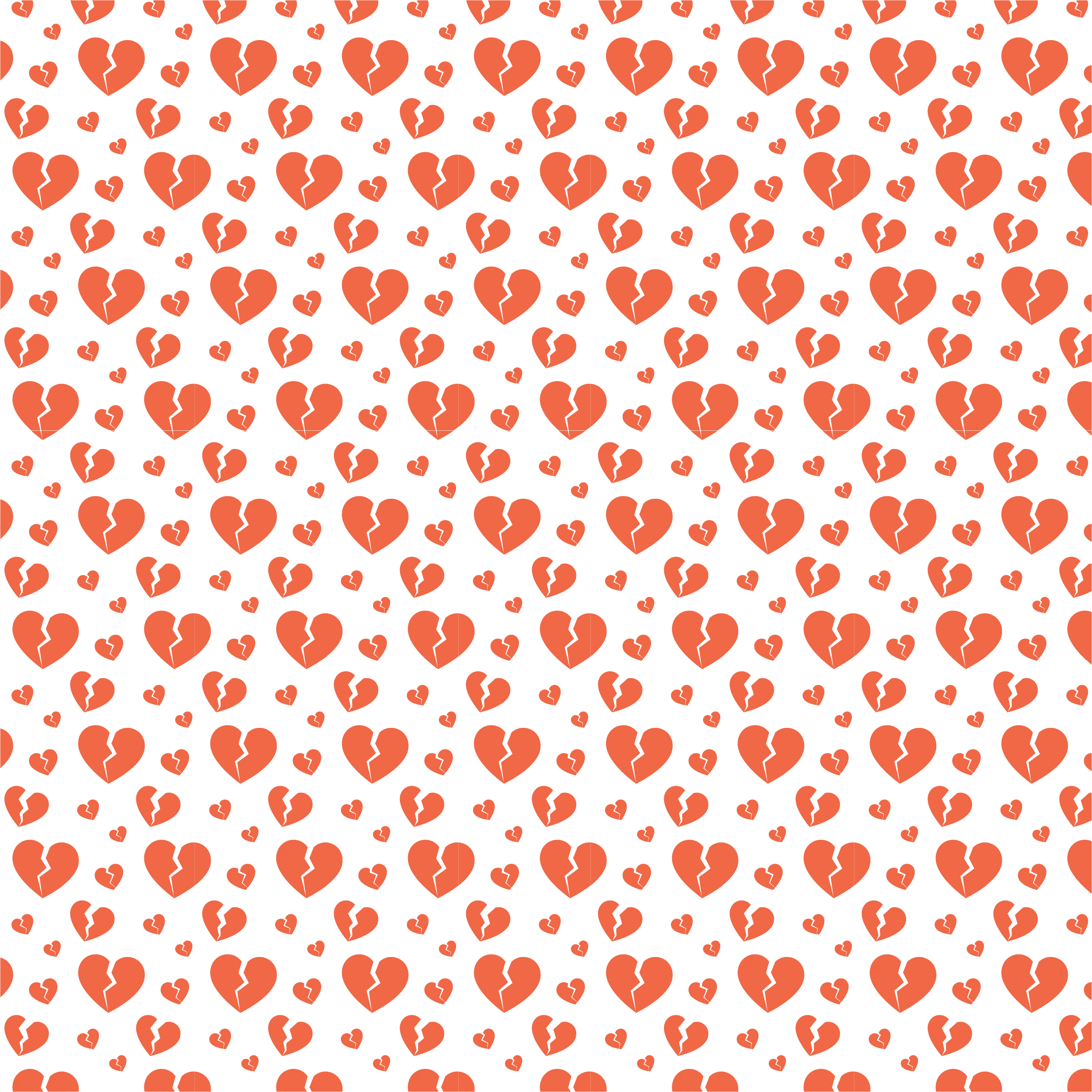
My patterns appear fine within illustrator, but if I export or place them anywhere else, they end up with seams all over the place (both horizontal and vertical). I've been scouring the internet trying to find a solution to this. I've combed through all the discussions here trying to find someone with a similar issue to mine.
This one came close to addressing my issue, but the "Add to Library" solution produced the same awful result.
Seamless Patterns - Not Seamless - Contacting Creator
I love the library panel and I use it for everything I can--I like the option to live edit my pattern in photoshop by double clicking. I have to make one-off designs for templates a lot, so having that as a vector is key. Alternatively, I realize I can just expand the pattern and try to delete the mess of clipping masks that happen. Or just eyeball a bunch of copies so it looks like a pattern, but that's dumb.
I've attached a screenshot, and if you zoom in, you can see the seams happening (look at the largest of the hearts)-- And this absolutely shows up in exports/print!
Please someone help me get this to work and/or help me figure out why it's happening in the first place??
Thanks,
Zach
 AdChoices