

Participant
February 1, 2025
Answered
illustrator texte curviligne
- February 1, 2025
- 3 replies
- 670 views

Jean Louis,
It is very simple if you actually do exactly that "un texte curviligne dans cercle".
Starting with a circle corresponding to the Baseline (no Baseline Shift), you can do it by using a negative Baseline Shift equalling the font size applied to a circle that is twice the font size larger.
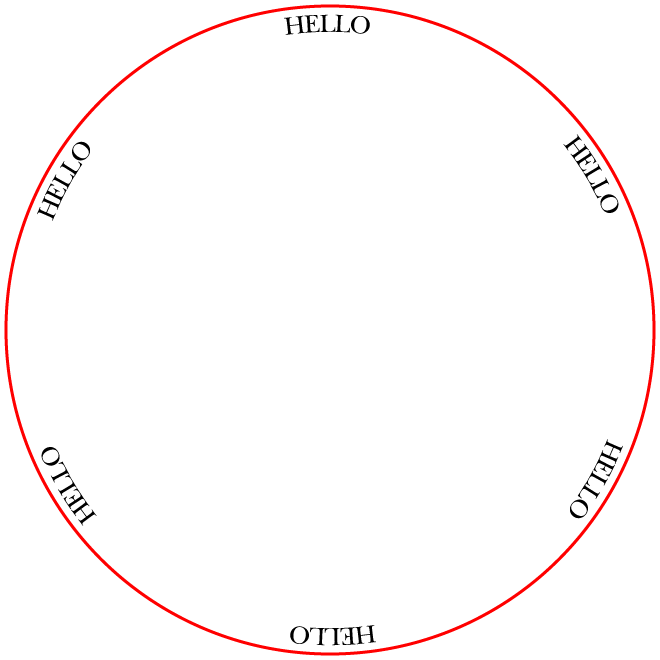
In that case you can just create the first instance and then simply use Effect>Distort & Transform>Transform with a Rotation of 60 (or you can use 360/6 which gives full accuracy if you choose another number such as 7) and 5 Copies.
Below it is shown with 24pt font size in a 648pt circle (copy added in red) corresponding to an original circle of 600, 600 + 2x24 = 648pt, with Align to Center applied in the Paragraph palette.
Starting with a positive Baseline Shift as in your image, you can subtract that from the font size and apply to a circle that is twice that amount larger (such as 600 + 2x18 = 636pt from a Baseline Shift of 6pt).
Click to get closer
Already have an account? Login
Enter your E-mail address. We'll send you an e-mail with instructions to reset your password.
 AdChoices