


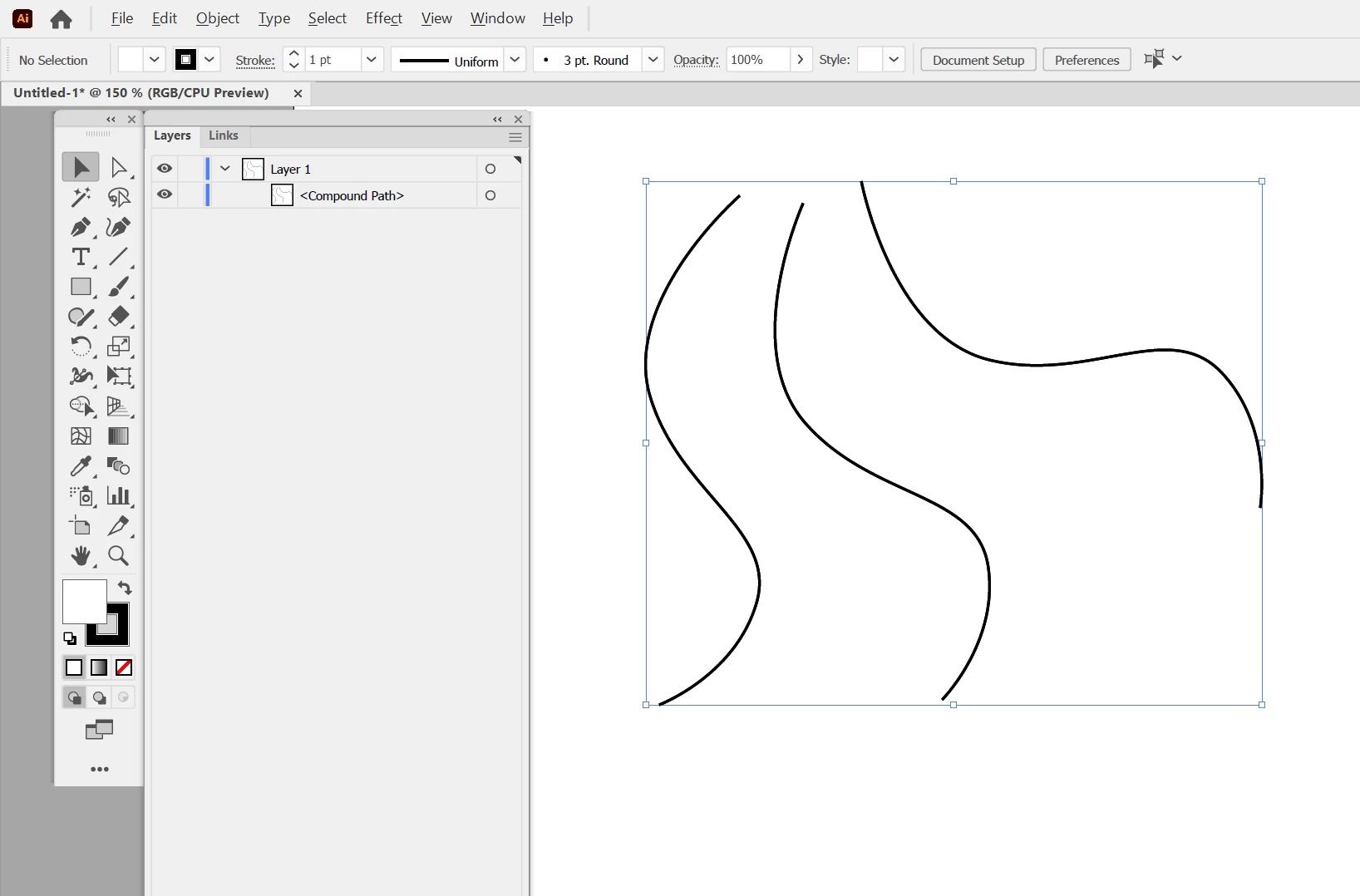
Is it possible to make multiple, disconnected paths into a "compound" path without connecting them?
I've noticed over the years that I will sometimes come across an AI/EPS file where there are 2 (or more) distinctively separate path segments yet they are a single compound path on the layer panel. I've always wondered how this is possible because sometimes you want to actually combine paths "like a group" but prefer it to be a compound path so that attributes are applied to all elements and ungrouping won't break the appearance or allow for individual paths to be moved out out place accidentally as can still happen with grouped items.
Caveat - no, these were paths created very cleverly (and painfully) calculated using the dash line tool.
More specifically, I want to be able to create line-style icons in 2 colors and have the entire icon be 2 compound paths despite the icon being made up of more than 2 paths. Meaning I can change the stroke weights and colors of only 2 items instead of having to select many, many, MANY individual paths or worse, converting the one to a fill which destroys the ability to universally redefine stroke weight.
I've always thought those lines were glitches but lately, because I want to be able to generate the same "glitch", I have wondered if they were indeed anomalous glitches or some very niche or rarely used features I cannot seem to unearth.
 my projects.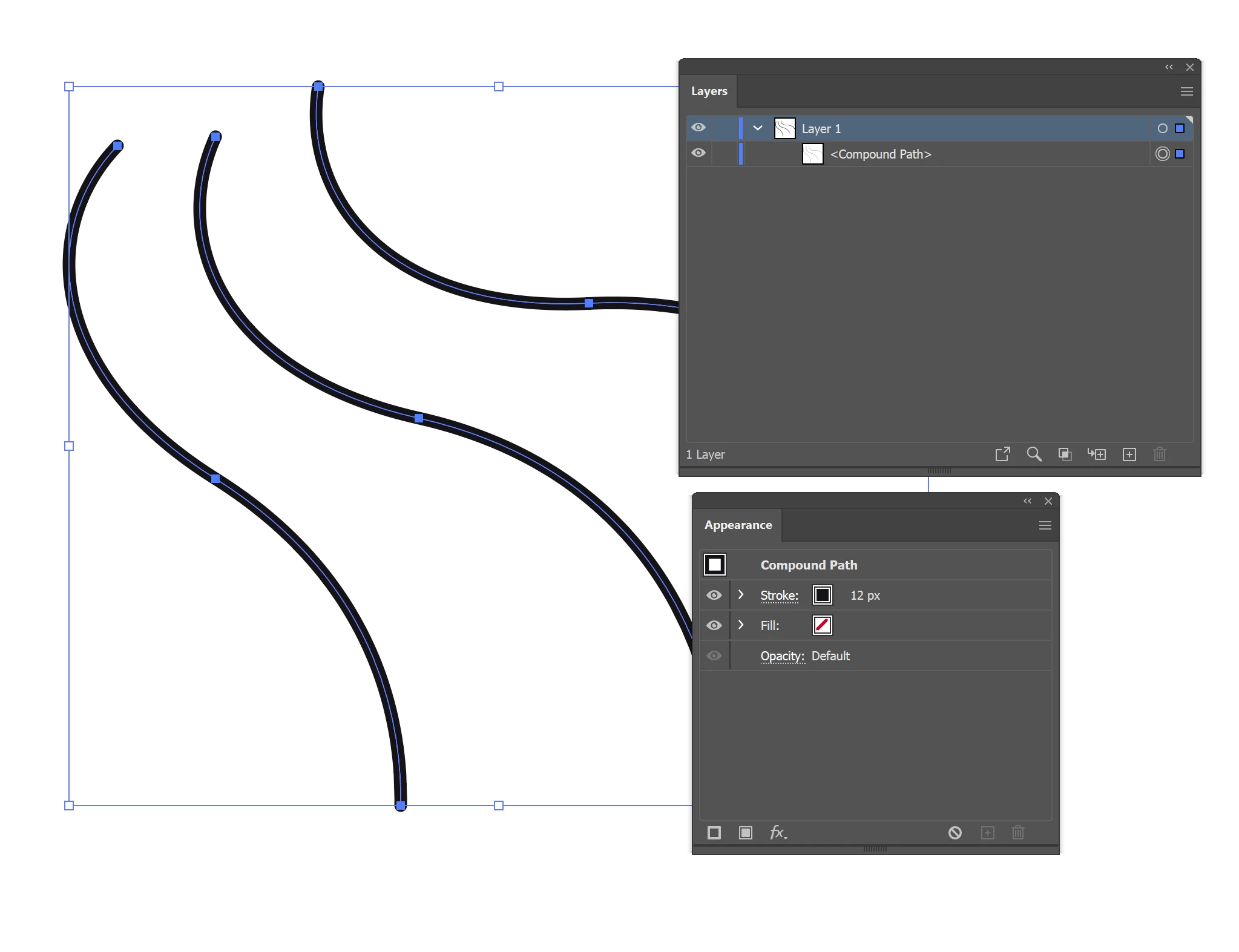
 AdChoices