


Participant
June 30, 2021
Question

Looking to divide a circle into multiple geometric shapes but when I select divide there's an issue

  • June 30, 2021
  • 5 replies
  • 478 views

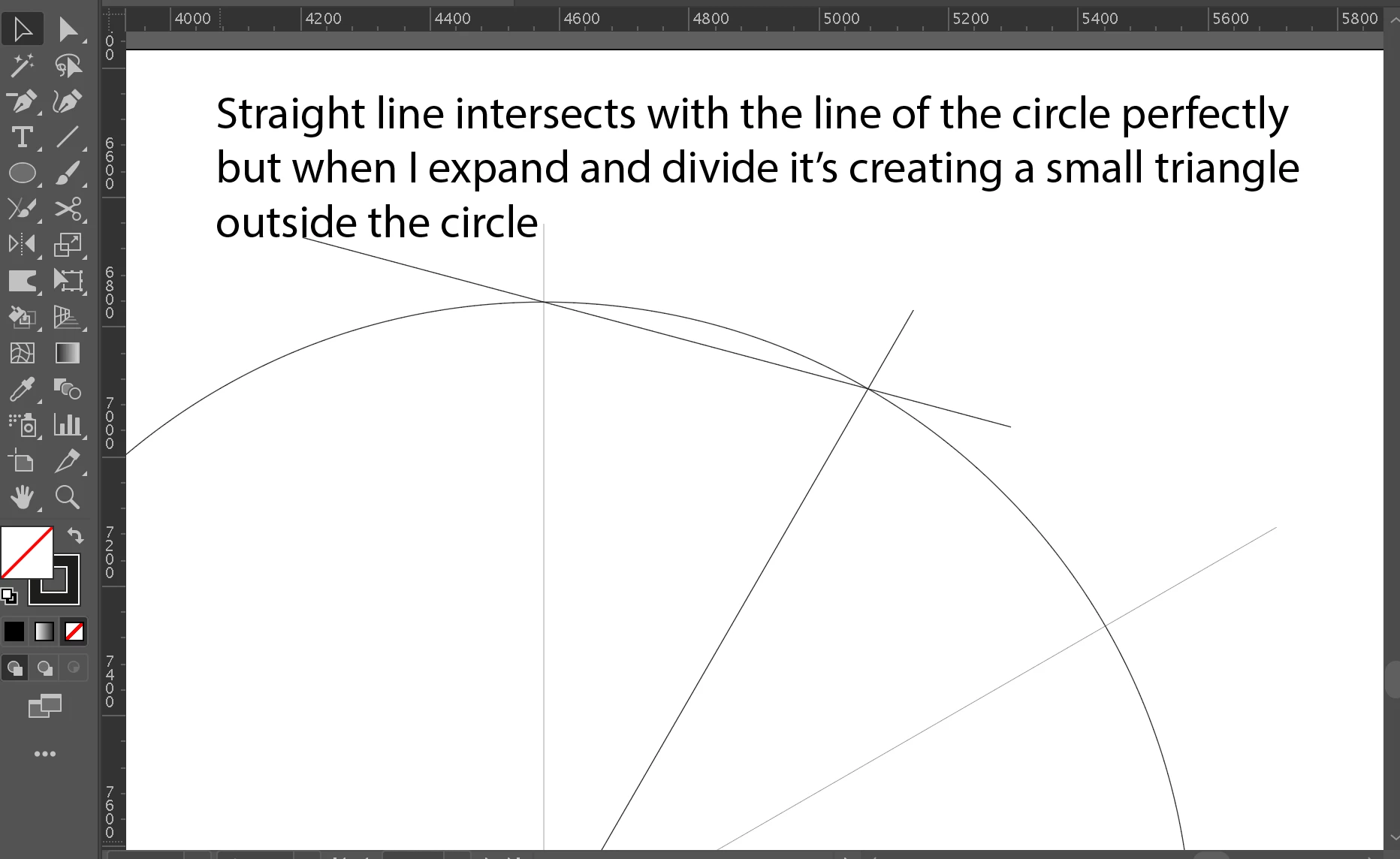
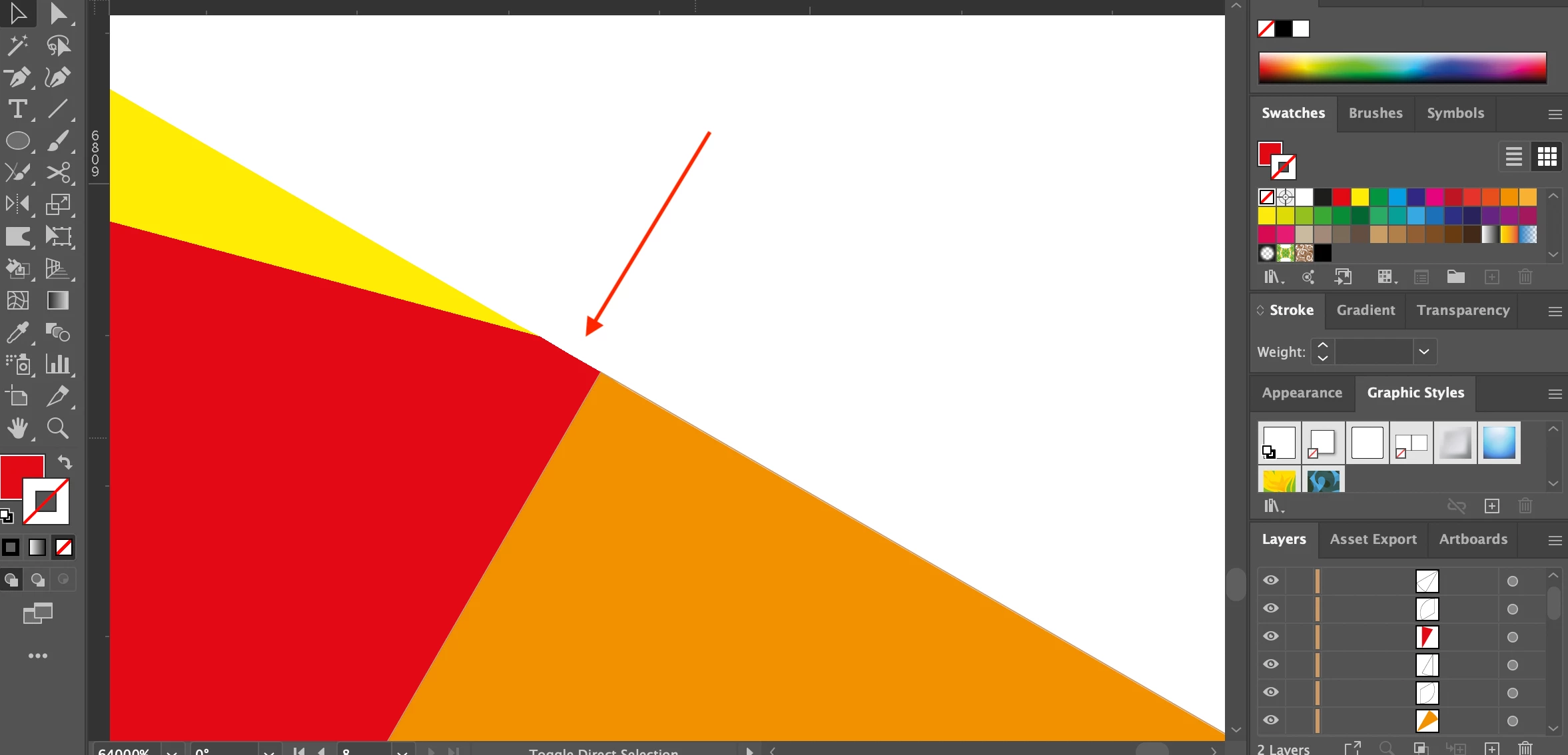
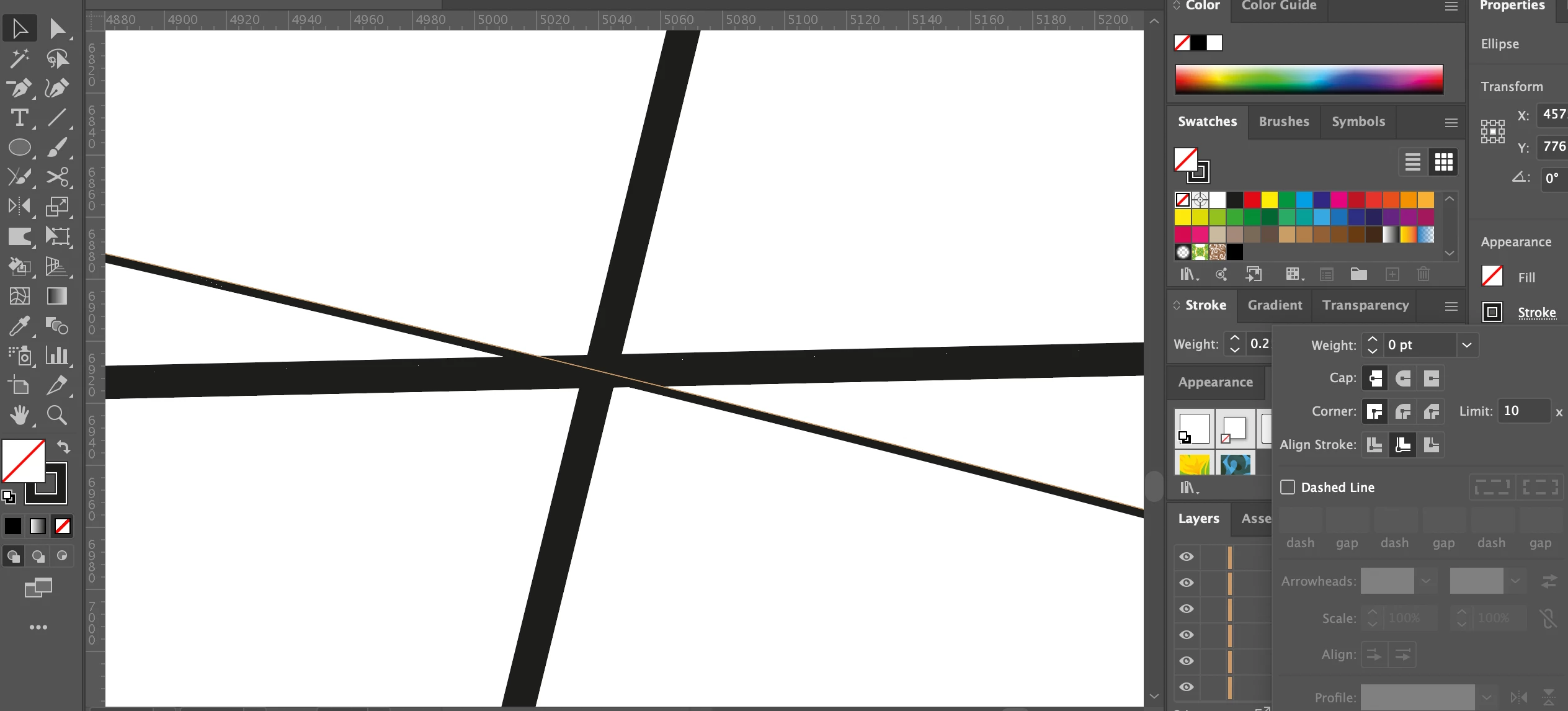
Illustrator file showing the issue can be downloaded here. I've also attached a couple of screengrabs.


The path of the circle and line interact perfectly on the initial drawing but when I select divide (and even with no stroke selected!) a small triangle is formed on the outside of the circle. Note that this triangle can only be viewed when zooming in to 6400%.


Has anybody experienced this before or know a work around? Thanks.


1 of 3.png
2 of 3.png
3 of 3.png


[ attachments inserted as inline image by moderator ]


This topic has been closed for replies.

5 replies

pixxxelschubser
Community Expert
Community Expert
June 30, 2021

@Met1 

a very good point. I did it years ago. This is why the sample file from @ashj78427475 worked as expected for me.


The same excerpt from your sample file.


Met1
Legend
June 30, 2021

Change the precision in Pathfinder options (I don't know if it recognizes it at this small or rounds up but I put in 0.001 pt), and after applying, change mitre limit to 1.

pixxxelschubser
Community Expert
Community Expert
June 30, 2021

What should the desired result look like?

Anna Lander
Inspiring
June 30, 2021

As far as I can see, it's a usual behavior of the circle (actually, any smooth line) when shape's changing by Pathfinder interaction (any, not only Divide). 

So, the workaround depends on what you need here. 

If you need just some triangle sectors, without outer rounded shapes, create and adjust all the needed straight lines and then delete the circle. Then you can select all and divide, straight lines don't have these approximate issues.

If you need also the outer rounded shapes, start with the circle and diameters, select them all, and divide. The shape will change a bit (something around 0,05 px), but no triangles will be created since the change will put along 1 line at a point.

Then create other dividings, but! one dividing at a time to avoid the appearance of the new triangles due to lines intersections.


LinSims
Community Expert
Community Expert
June 30, 2021

Let me move this to the Illustrator forum for you, which is the appropriate forum for your question.

The Using the Community forum is for help in using the Adobe Support Community forums, not for help with specific programs. Product questions should be posted in the associated product community.