


Participant
January 24, 2023
질문

LOS TEXTOS EDITABLES EN ILLUSTRATOR DE VERSIONES ANTERIORES NO APARECEN

  • January 24, 2023
  • 4 답변들
  • 255 조회

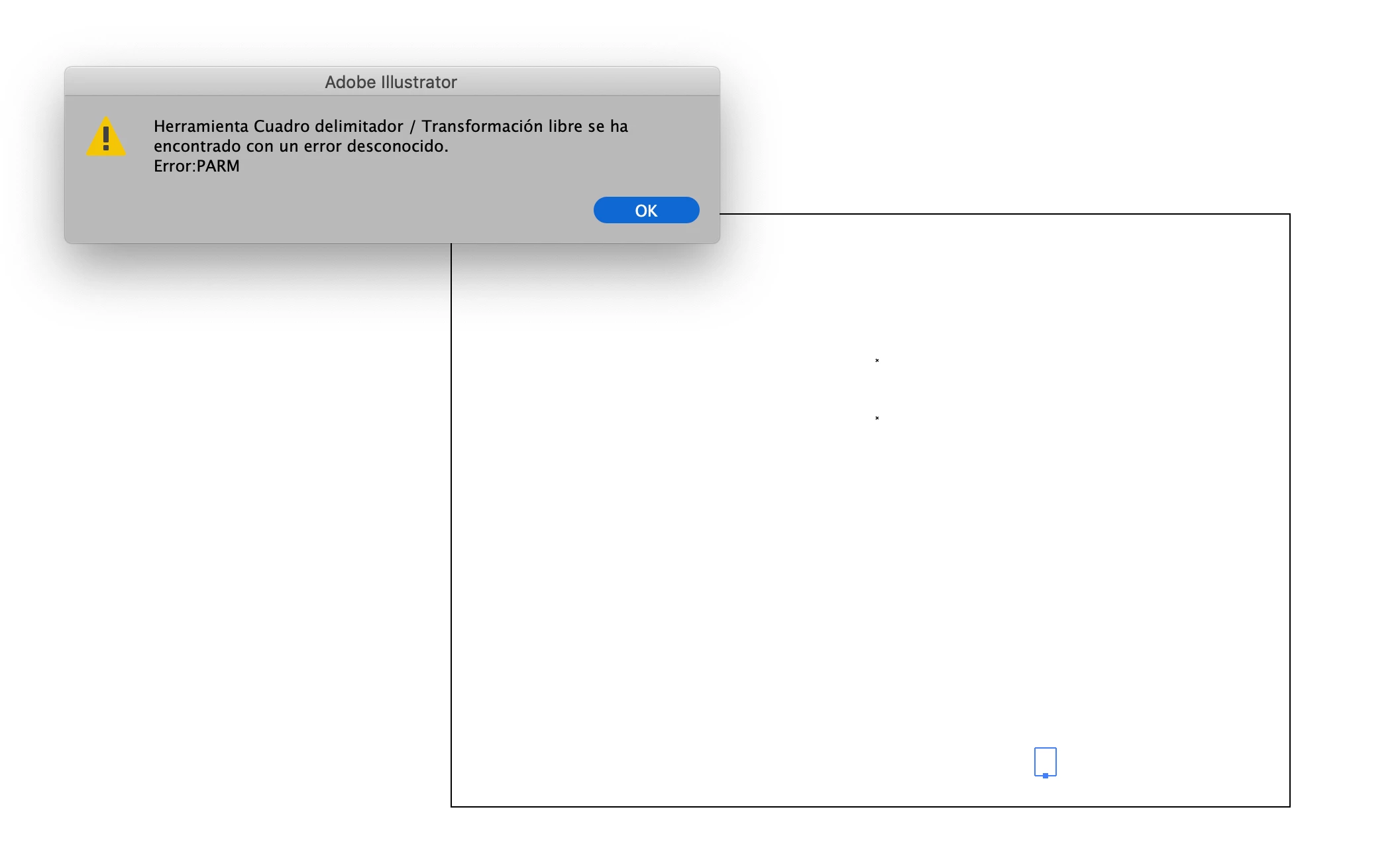
Buenas. Estoy trabajando con Illustrator 2023. Tengo documentos de versiones anteriores que no se pueden editar o simplemente han desaparecido las cajas de texto. Encima sale un error al intentar estirar la caja de texto. Añado foto de pantalla... ¿a alguien le está sucediendo esto?
이 주제는 답변이 닫혔습니다.

4 답변

Monika Gause
Community Expert
Community Expert
January 31, 2023

Just how old is the text?

Text from versions older than CS have to be converted. You should get a warnoing when openoing the documents. The command for doing so is in the Type menu (Legacy text)

barbara_a7746676
Community Expert
Community Expert
January 31, 2023

Illustrator CS changed the text engine. Text created in versions prior to that may not be compatible. 

You might be able to open the Illustrator file in Acrobat and copy the text from there.

Anubhav M
Community Manager
Community Manager
January 31, 2023

Hello @Rubén28081034nyge,


Sorry to hear about this experience. Would you mind sharing some more details, like the exact version of the OS/Illustrator, whether Illustrator behaves this way with other files, your workflow, and a screen recording of the problem (https://community.adobe.com/t5/illustrator-discussions/screen-record-an-issue-on-windows-amp-macos-for-sharing/td-p/12967727), as suggested by Mylenium so that we can investigate this further?


Looking forward to your response.


Thanks,

Anubhav

Mylenium
Legend
January 24, 2023

Without any info about your system, how the old files were created and in what version and details like fonts and languages we can't really tell you much. You need to be more specific.


Mylenium