New Participant
March 25, 2021
Question

merge is not working as it should, please help

  • March 25, 2021
  • 2 replies
  • 3527 views

Hello,

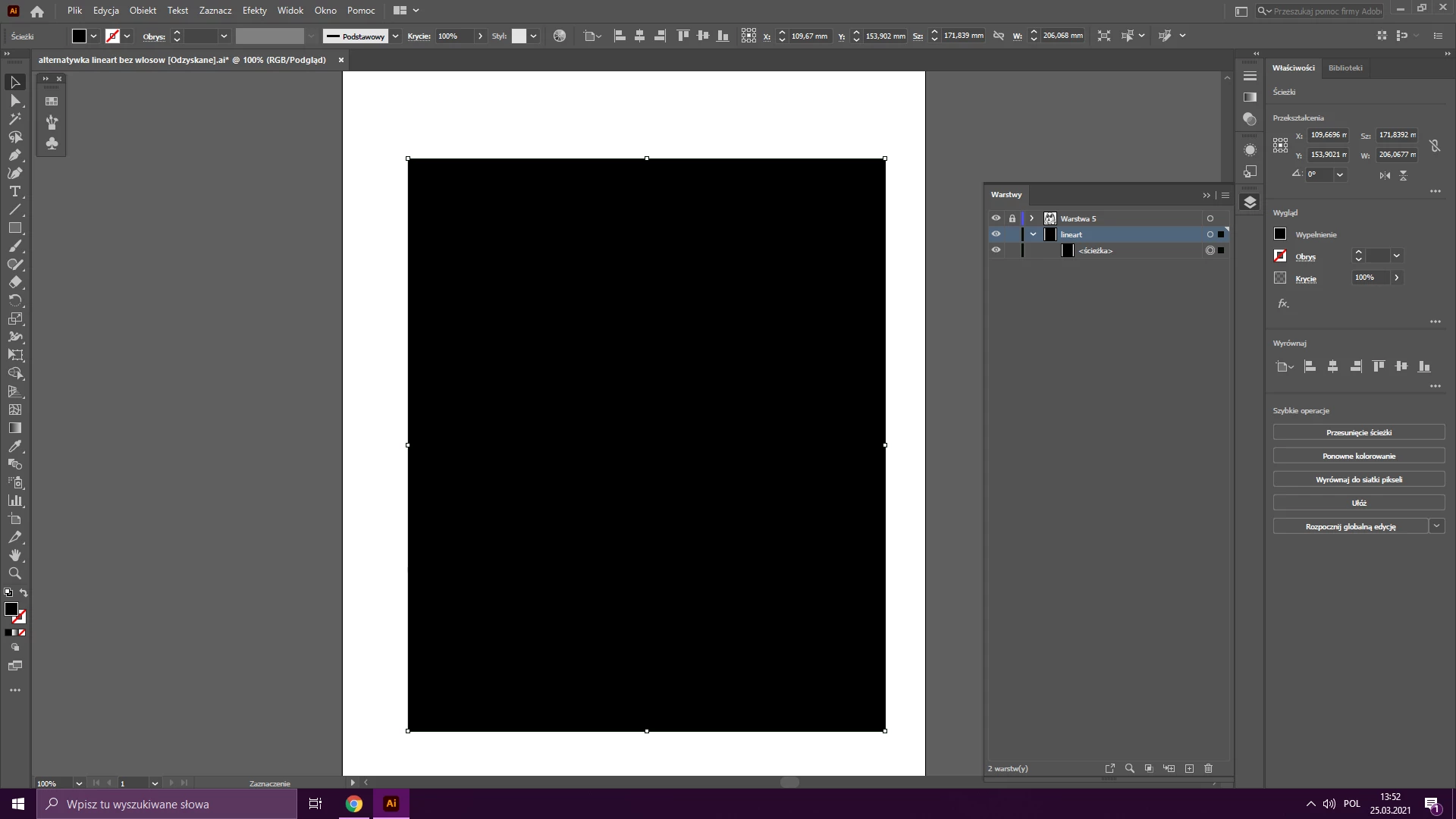
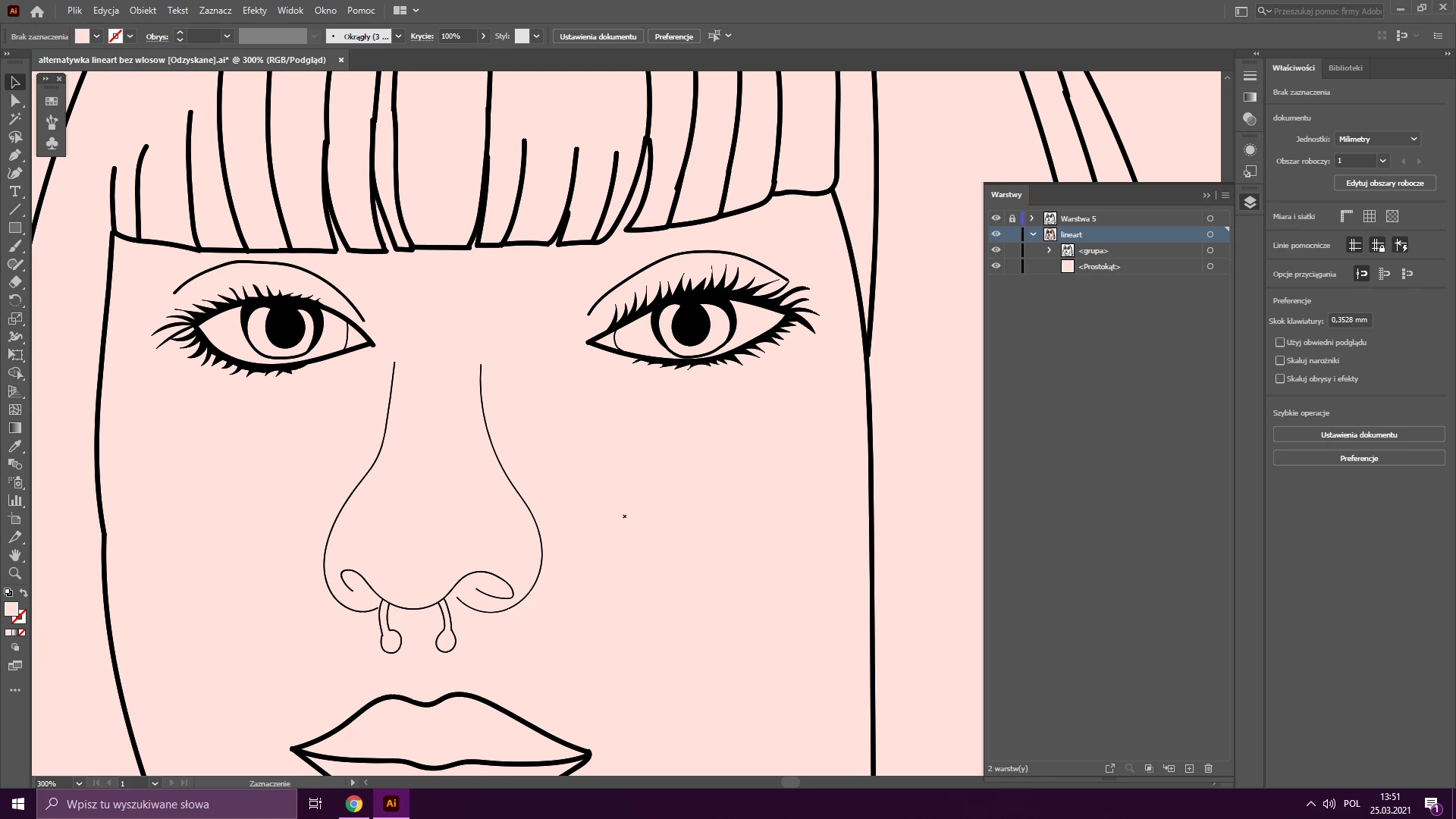
I'm beginner in Adobe Illustrator, I started with line art. I have a problem because when I finish my line art based on photo, I go to Object, group, merge lines and it's okay. Next I duplicate layer with lines and start coloring by adding square on bottom layer, next I should select all and merge again but It's always come as a solid color block and colored square and lines are not one object.  I can't for example remove background or select and color shapes. 

(Adobe Illustrator 25.0 64Bit Windows 10)

Screenshots:
This topic has been closed for replies.

2 replies

Grant H
Community Expert
March 25, 2021

Hi, i am confused.

You mention you go to object>group>merge* not sure what you mean exactly!? Pathfinder merge as mentioned by Met is something else and needs to have filled paths. (basically when you use Pathfinder merge it takes all the shapes and cut them neatly keeping them fitting together like a puzzle). Looking through your screenshots I cannot see the Pathfinder tool icon or the panel open anywhere. If indeed so that you are using the Pathfinder tools, are you sure that you are not using the incorrect one for example unite in the shape modes.

Merge should look like this:

Is this what you have been doing?

/G


tromboniator
Community Expert
March 25, 2021

Grant, you're confusing me. You are showing the Merge button selected, but your description is of the behavior of the Divide function (which does not require filled paths), the bottom left button. The Merge function does what the name implies, it merges the (filled) paths into one.


Peter

Grant H
Community Expert
March 26, 2021

hi Peter, Merge works as I tried to explain "like a puzzle" after the merge if you ungroup you are left with the pieces.

Met1
Brainiac
March 25, 2021

Are you talking about Merge in the Pathfinder panel?

It sounds like it's doing exactly what it's suppose to if you have a square behind everything - Merge takes every individual item selected that is touching and makes them one thing, and it's destructive, it doesn't keep a copy of the merged items.

For colouring in, take a look at live paint instead.

Arek5FA8Author
New Participant
March 25, 2021

Thank you for your answer, Live paint works fine and I'm able to finish work. But still I don't know why it doesn't work with merge, every guide on Youtube I watch is done with this technique so if anyone else would know why it happens please tell me. 

Monika Gause
Community Expert
March 25, 2021

Yeah, I know this ancient technique. I don't know why they keep posting this on youtube. Live paint is much easier, more efficient and will give you the exact same result in the end. When they tell you that their Merge stuff is better, they just havent't looked closely enough.


BTW: usueally the technique is not using Merge, but  Divide.