
Merging pattern tile destroys some objects
Hello guys!
I am having a problem with merging my pattern tile and I run out of the ideas..
So, I drew a pattern, it has 3 layers: background, background texture and icons.
In icons layer I drew a flower consisting of a circle with a stroke and lines on top of it.
I copied the flower 3 times.
I expanded appearance and used Expand on fill and stroke.
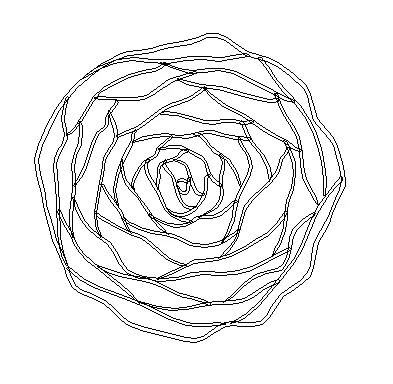
Then I created a square of the size of my artboard - with fill and no stroke - for the clipping mask purpose.
I selected all objects and layers and used clipping mask - my pattern tile is "cut" as it should.
But when again I selected all the objects and all layers and used Pathfinder -> Merge to cut all unnecessary lines outside the pattern tile (which were hidden by clipping mask in a step before) strange thing happens.
Two of the flowers merge just fine - they do not change the way they look.
But other two suddenly get thinner lines.
This is a complete mystery to me as they are a perfect copy of the flower which merges fine.
Even if I repeat copying it does not change the result..
Any ideas what the reason might be??
 AdChoices