Inspiring
December 14, 2020
Answered

Need help adjusting a color mask

  • December 14, 2020
  • 3 replies
  • 278 views

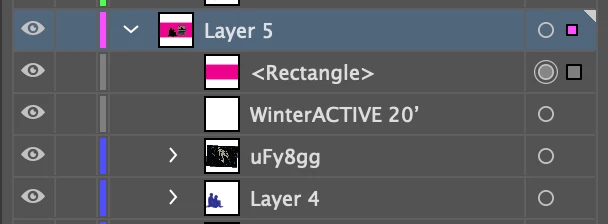
Hi all -- new to illustrator so I have a question regarding color masks (and masks in general). What I'm looking to have is a difference mask that only shows up over the layers and not on the white background. For example: 
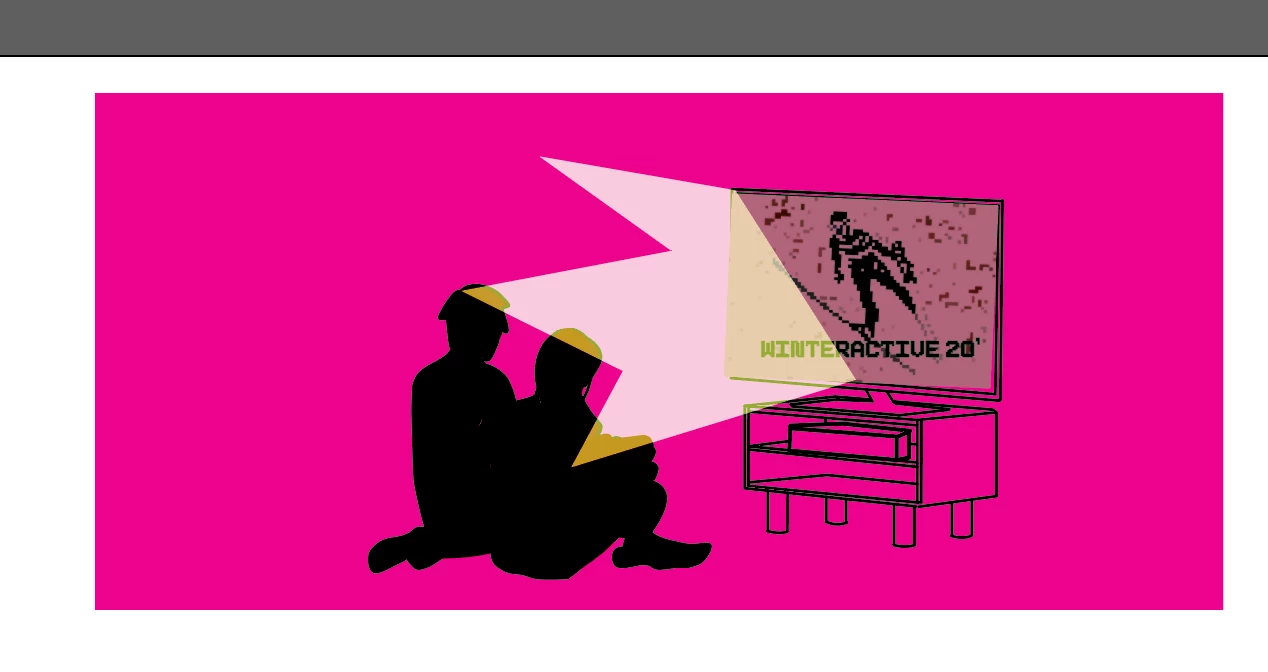
 

I have a rectangle with a blending property of "difference." What I want is for just this mask to just be visible over the two people, warping to their shape and potentially a few others. I've tried looking up tutorials but am at a loss, so any information would be greatly appreciated. 
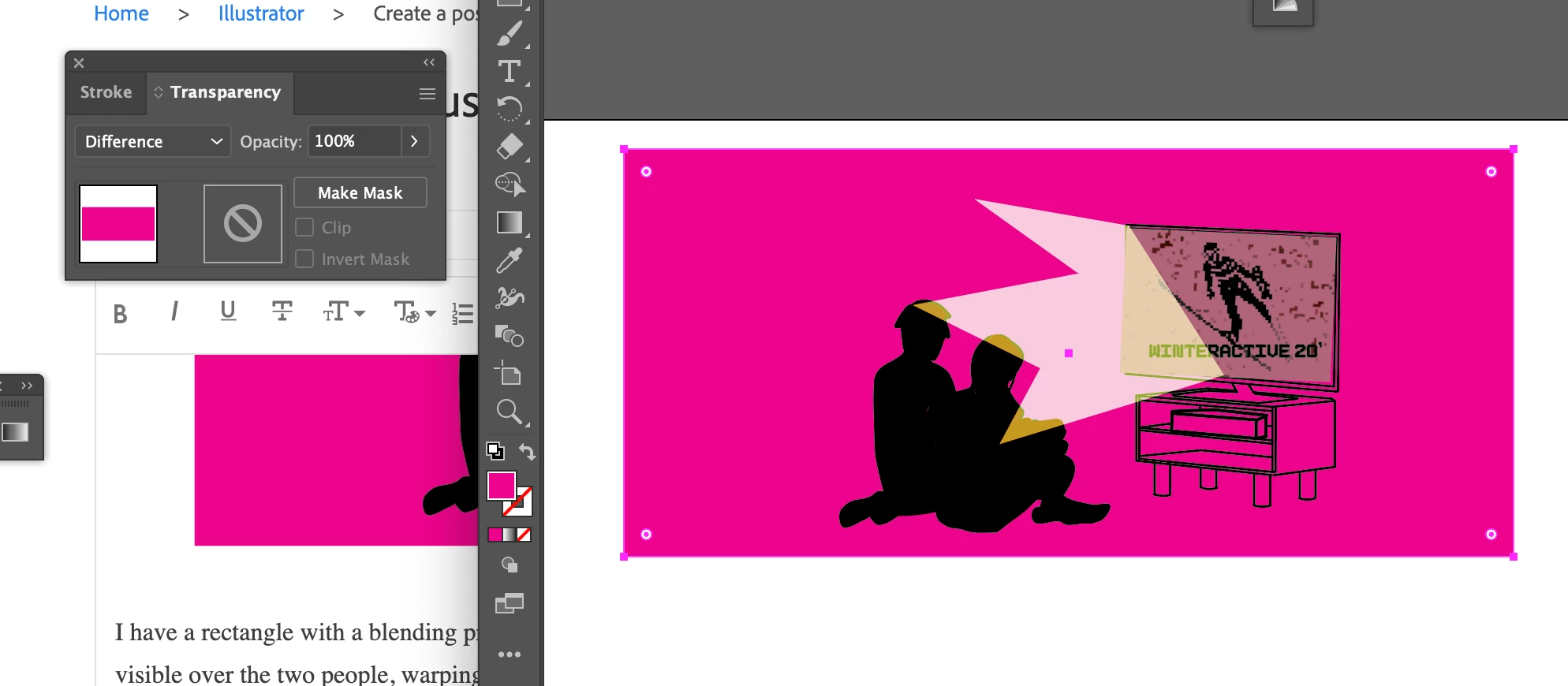


Clicking the "make mask" button just makes the color disappear. I'm not quite sure how to use that option. 

This topic has been closed for replies.
Correct answer madeliner16275940

I think the easiest thing for me to do will just to be to erase the rectangle carefully and make it inline with the shape of the people 

3 replies

madeliner16275940AuthorCorrect answer
Inspiring
December 14, 2020

I think the easiest thing for me to do will just to be to erase the rectangle carefully and make it inline with the shape of the people 

Mike_Gondek10189183
Community Expert
December 14, 2020
  1. Select black shape of people
  2. Copy to clipboard
  3. Select the glow form TV
  4. Edit >> Paste in Front
  5. Shift click on glow to add to selection (you will have 2 objects the glow, and the black popeople shape on top
  6. Object >> Clipping Mask >> Make

The shape you use for the mask, must be on top of the artwork you wish to clip

Inspiring
December 14, 2020

This isn't working, unfortunately. Or maybe I'm understanding wrong. If I put the shape of the people on top of the pink color, then that color correction layer is no longer working


The people are originally blue, and I like how the magenta corrects their color into a smooth black. If I put the blue people on top, though, then nothing happens.

I am also terrible at using illustrator, so it could just be me


Turning it as a clip group does this though (im not even attempting to add the TV glow yet)

Ton Frederiks
Community Expert
December 14, 2020

Does grouping and Isolate Blending work?