


Objects shifting out of alignment and fractal bits showing up after using Shape Builder tool.
Good morning,
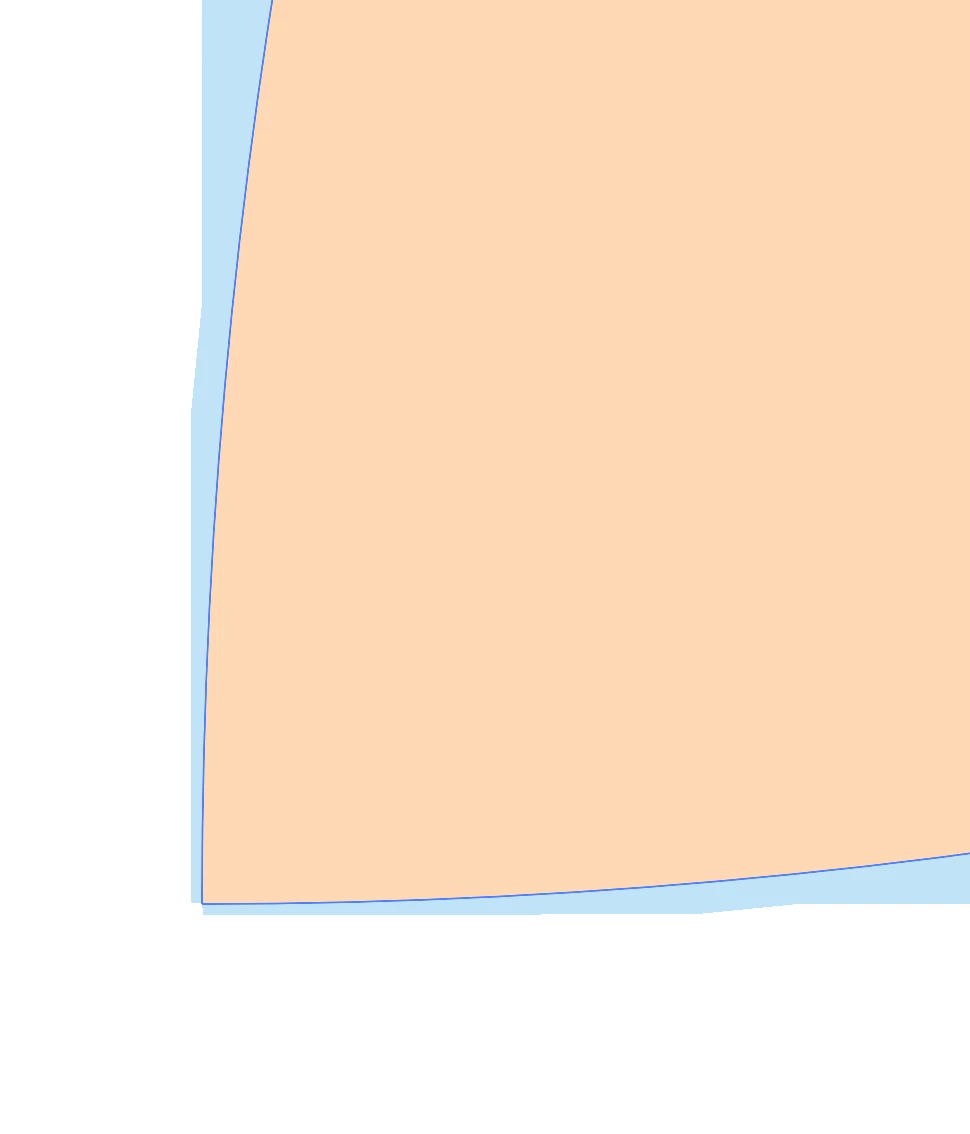
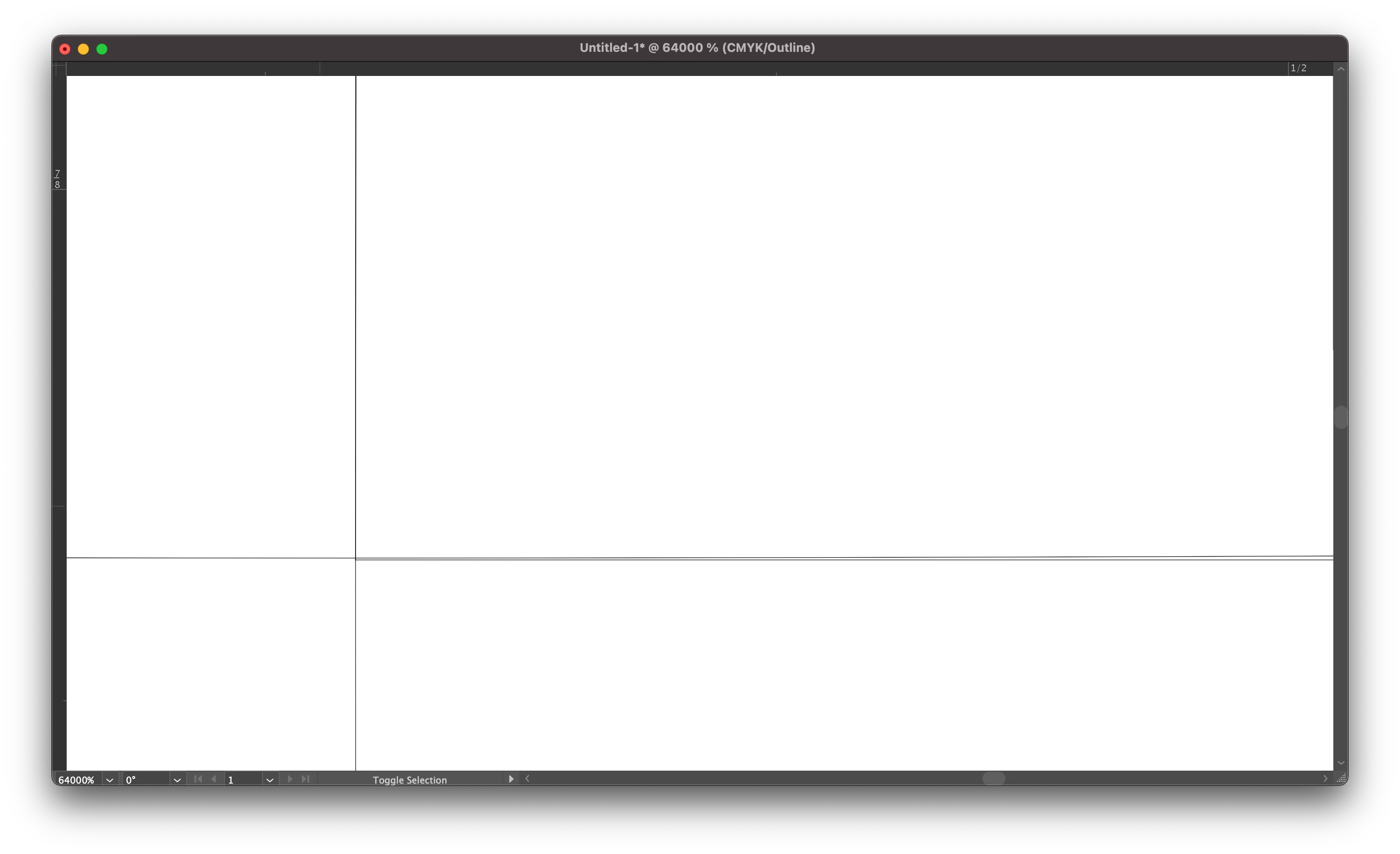
I'm working on designs for surface pattern design collections and started noticing that objects are not aligning precisely and could use some help solving this issue. Fractal bits are showing up outside the pattern motif after aligning the shapes using the transform and shape builder tools. In outline mode everything is lined up.
It seems after I use the shape builder tool, objects shift slightly. It's like there is an imaginary grid the objects are snapping to. I don't have any of the snap to features or align to pixel grid turned on.
I have tried many things over the last few days and the issue hasn't resolved itself from:
1. Updating my operating system
2. Uninstalling and reinstalling Illustrator
3. Deleted Illustrator preferences
4. Tried changing the New Document Profiles as suggested in another post I read but that didn't work. The changes I made didn't stick with the files I changed.
Attached are a few screenshots of the issue to help illustrate what I talking about.
Thank you for any insight/solution provided. 



 AdChoices