Known Participant
May 31, 2024
Answered

open SVG files in Illustrator with correct stroke values

  • May 31, 2024
  • 1 reply
  • 1037 views

Hello, I want to open a SVG file (not matter what content or objects, just one line for example), that I made in another tool, Clip Studio Paint. I can open in correctly in three other vector software products I own, but Illustrator does not open the stroke values correctly. I read this in some other internet forum threads as a problem that probably Illustrator always reads the strokes in pt, not in mm, px what else. Even if I change this in the Illustrator options for the units.


My question is just: is this still the case today (I have an older version of Illustrator just before CC) ?

How can I tell illustrator to read a SVG correctly?


Thank you.
This topic has been closed for replies.
Correct answer Monika Gause

Could anyone with an Illustrator CC new version open this file and it looks like in the preview (when you click on it here in the forum) ? Or are the three objects very very bold ?


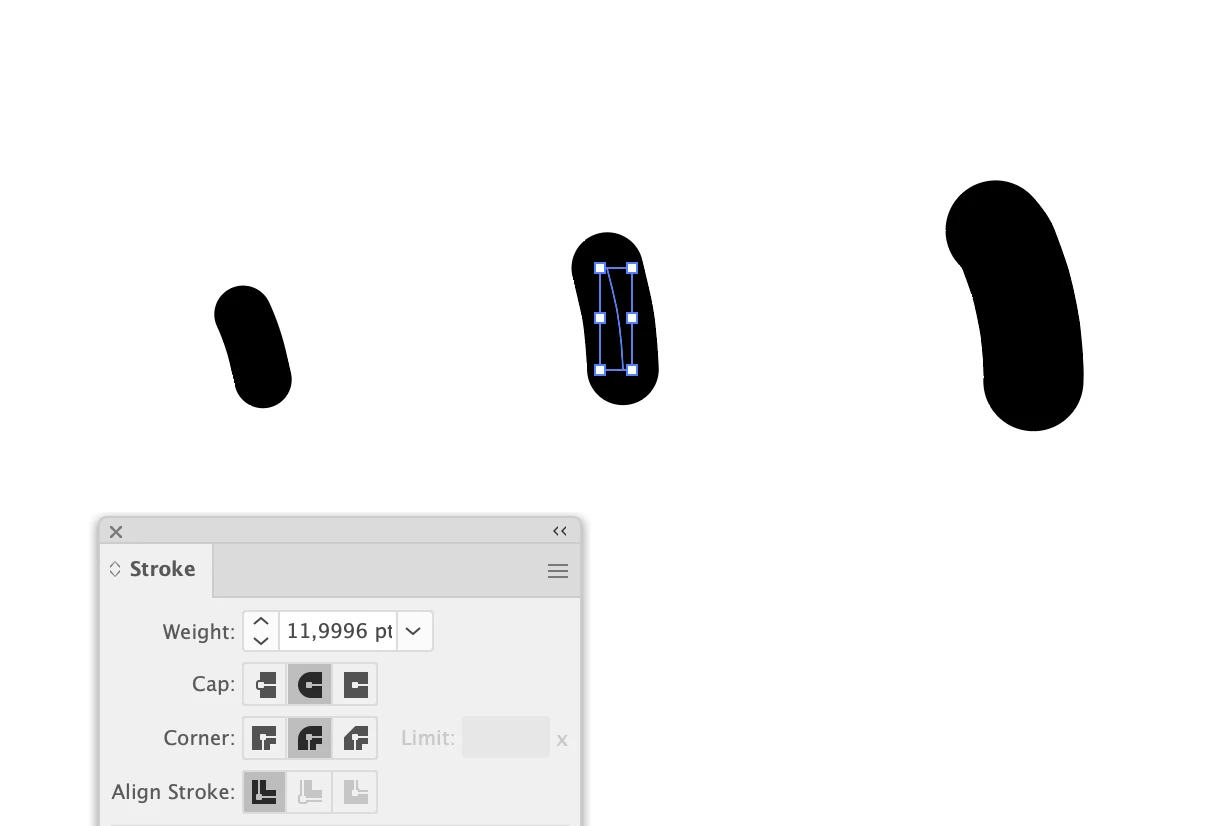
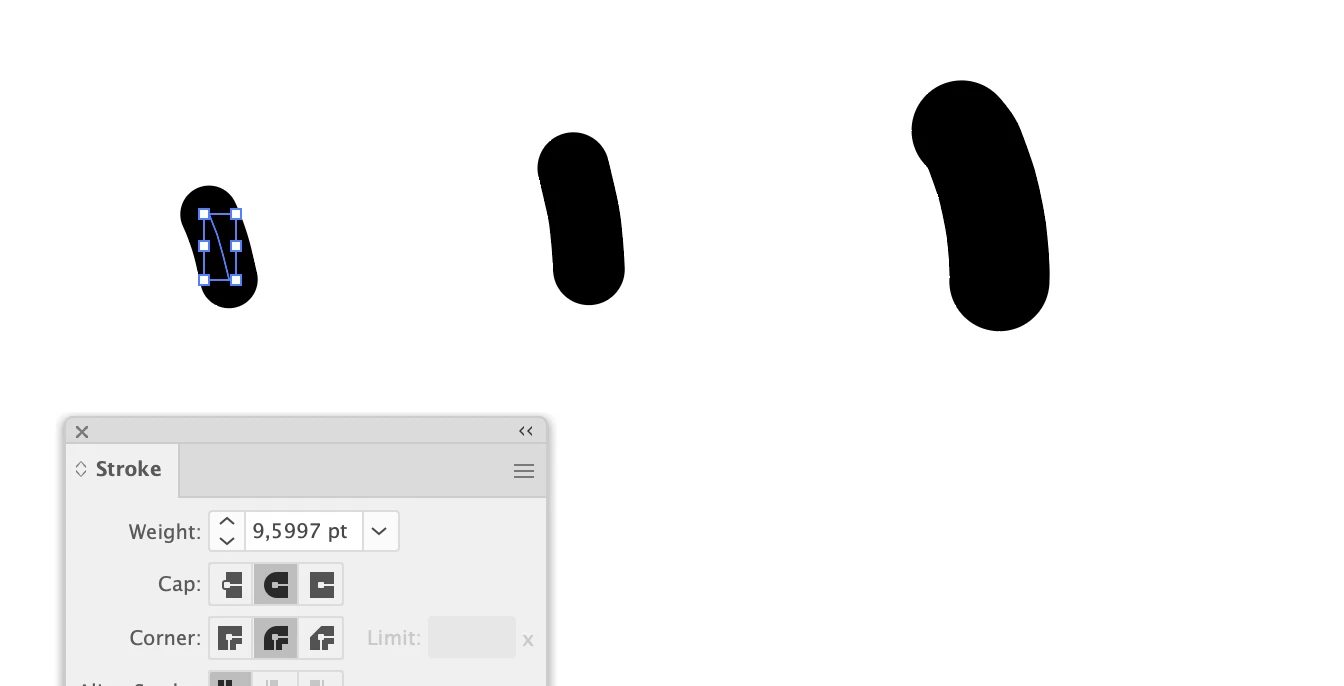
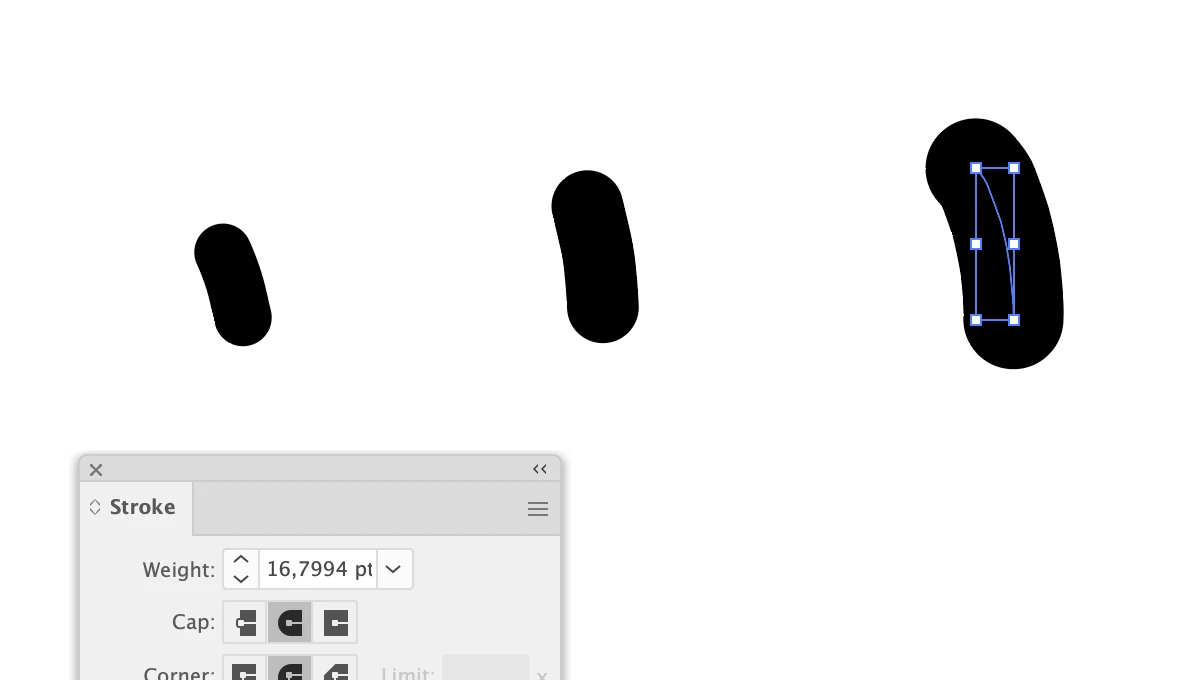
These are the values when opening in Illustrator 28.5:

1 reply

Monika Gause
Community Expert
May 31, 2024

Can you post a test file and then someone can open it and export it for you and you can check it.

AsterixxAuthor
Known Participant
May 31, 2024

Hello thank you for your answer. Here a file.

It opens with correct stroke appearance (relative to each other and how it look correctly) in: Affinity, Corel, Inkscape, Firefox, Chrome, Edge.

In Illustrator the lines are much too bold, probably as there is no unit in the svg, but somehow the other software can read it :). And the unit in AI is not changing anything.


Is there perhaps some svg import script ? or does this work perfectly in CC?

Monika Gause
Monika GauseCorrect answer
Community Expert
June 1, 2024

Could anyone with an Illustrator CC new version open this file and it looks like in the preview (when you click on it here in the forum) ? Or are the three objects very very bold ?


These are the values when opening in Illustrator 28.5: