


Organising text into a number
Hi All,
hopefully you can offer some advice
I'm creating an end of year design for a school for a sweatshirt they are giving out to the students.
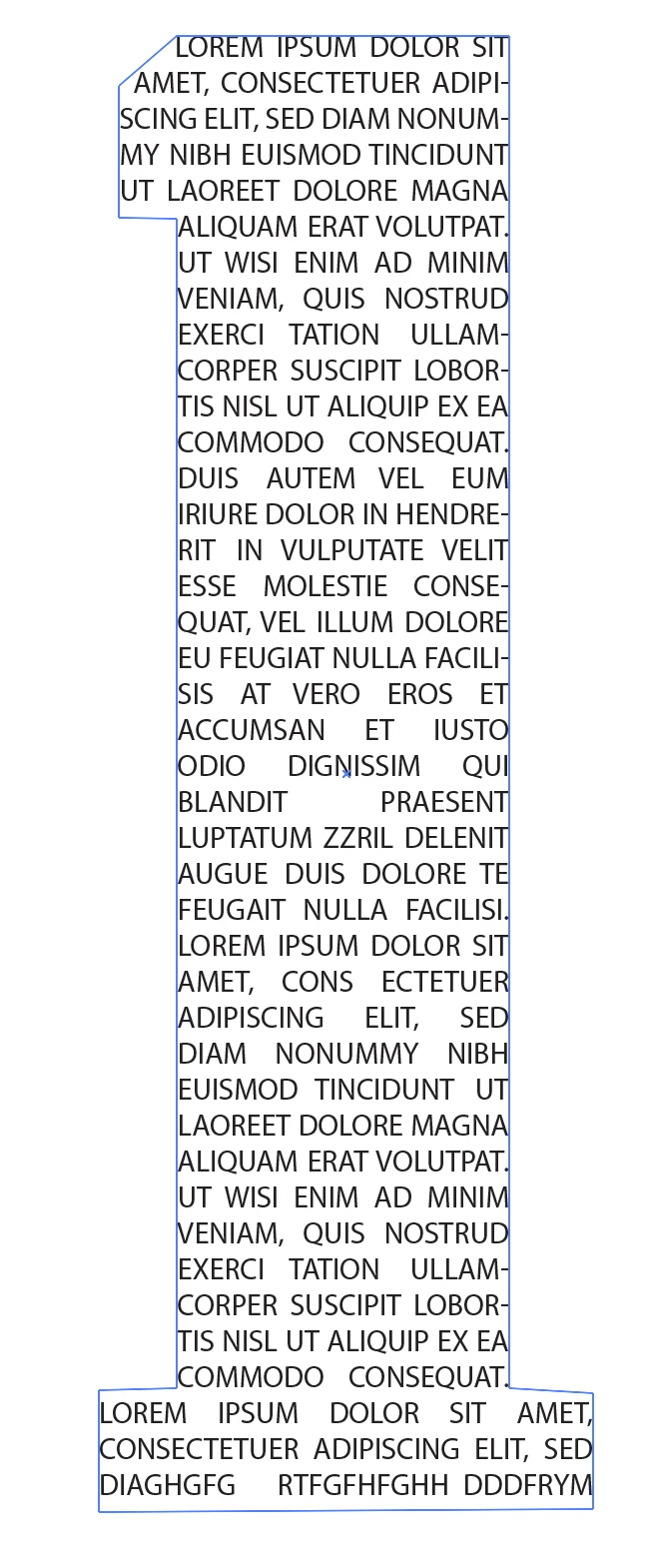
The want the number 17 with all the students names inside the numbers who are graduating.
I have the number drawn up in Illustrator
I have the list of names in one text field, and I have separated that list of names into individual text field so I can move each name around and place them.
My question is, does anyone know of a way I can easily get the names to place themselves in the 17 without having to painstakingly place each individual name.
I have Adobe CC so have all applications at my disposal if Illustrator is not the best tool for the job.
See attached screenshot.
There's approximately 200 student names in total so a lot more than I could fit on the screen.
Eventually the names will be black and will form the shape of the 17 like in the second image.
Thanks in advance for your help
Matt


 AdChoices