



Answered
Paths and multiple item matching
Hi
Hopefully this is an easy answer, and apologies for the completely simplistic question, as I wasn't even sure how to word this...(very new to Illustrator).
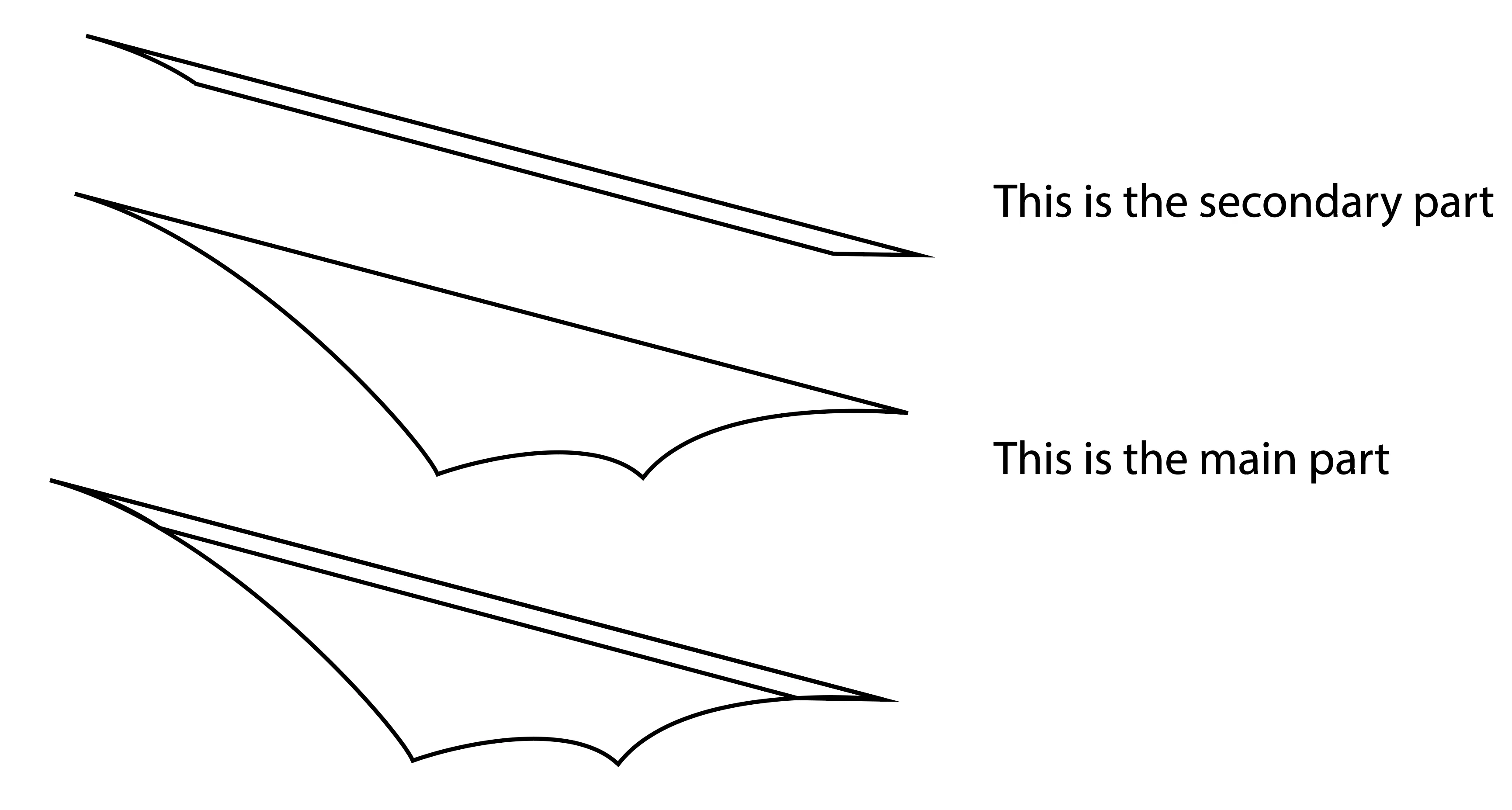
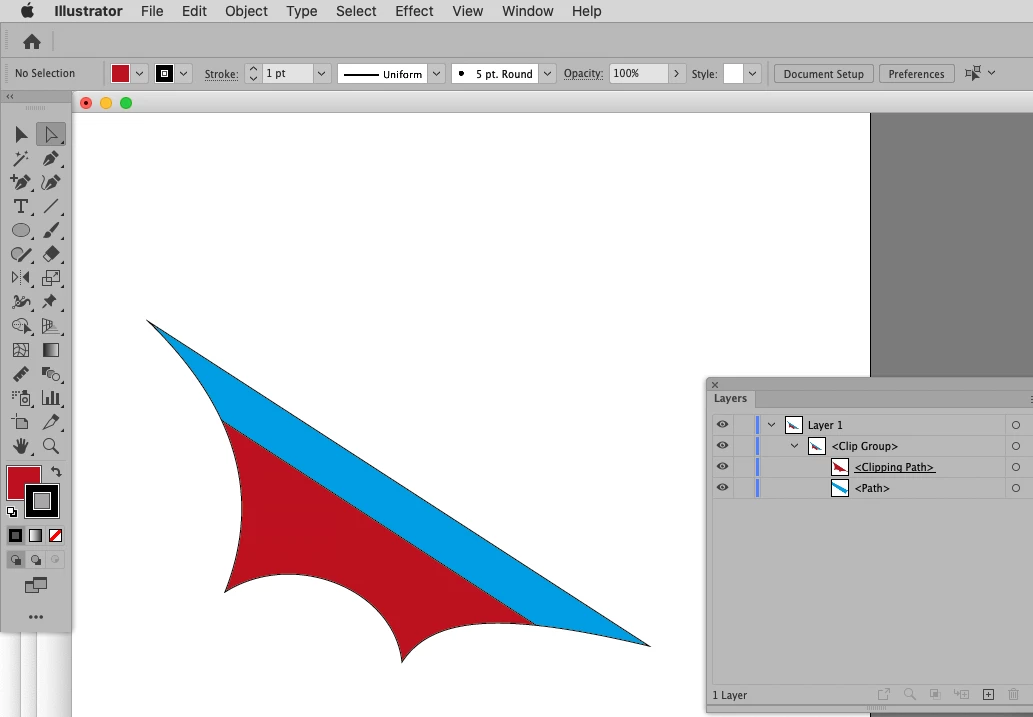
I am drawing out a shape, and within that shape there is an area that would be a different colour. On 3 parts of the path, they will match, with a 4th line being inside the larger (the below pics may make this clearer)
So my question is, is there a way to get Illustrator to follow exactly the curve of the first path, or is it a completely 'by eye' job?
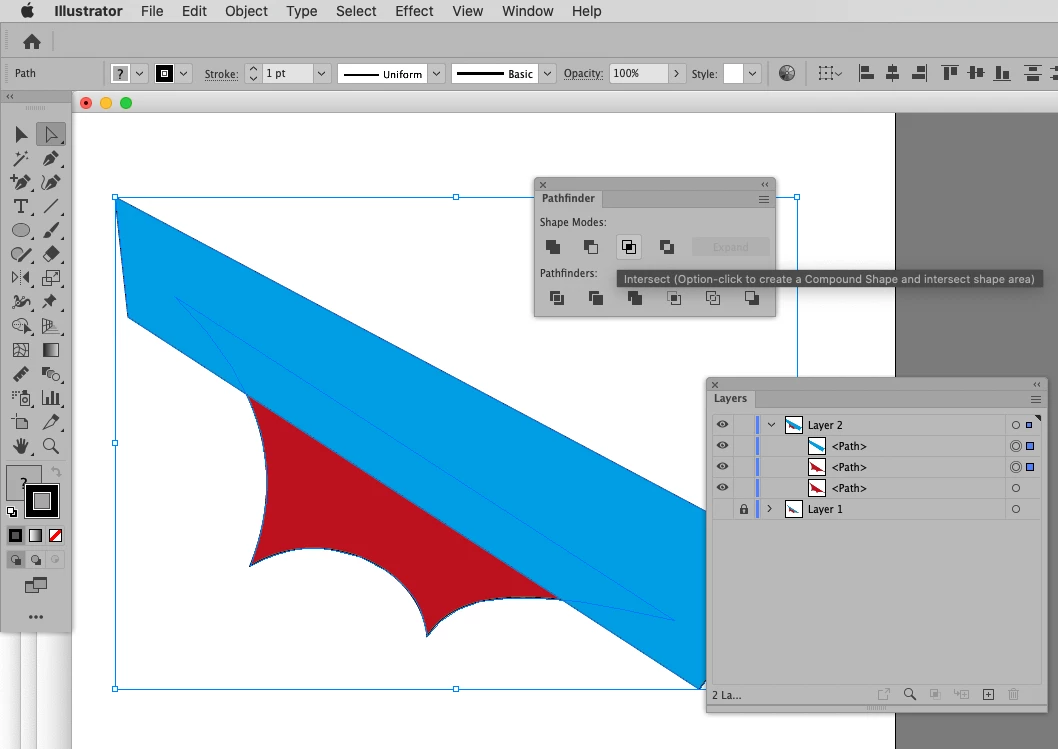
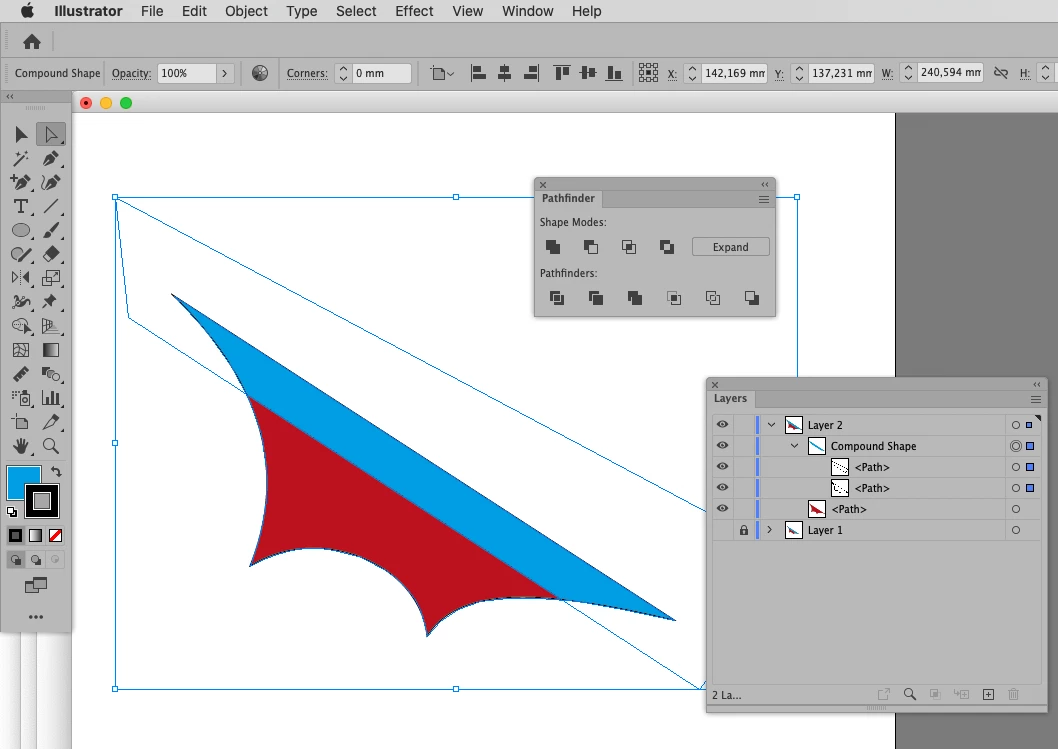
As you can see, when I draw the narrower section, when over the larger section, the curves at either end don't precicely match. How do I fix this I guess is the question.
Thanks for your help, and patience 🙂
Barry
 AdChoices