


Pen tool is not selecting where cursor is
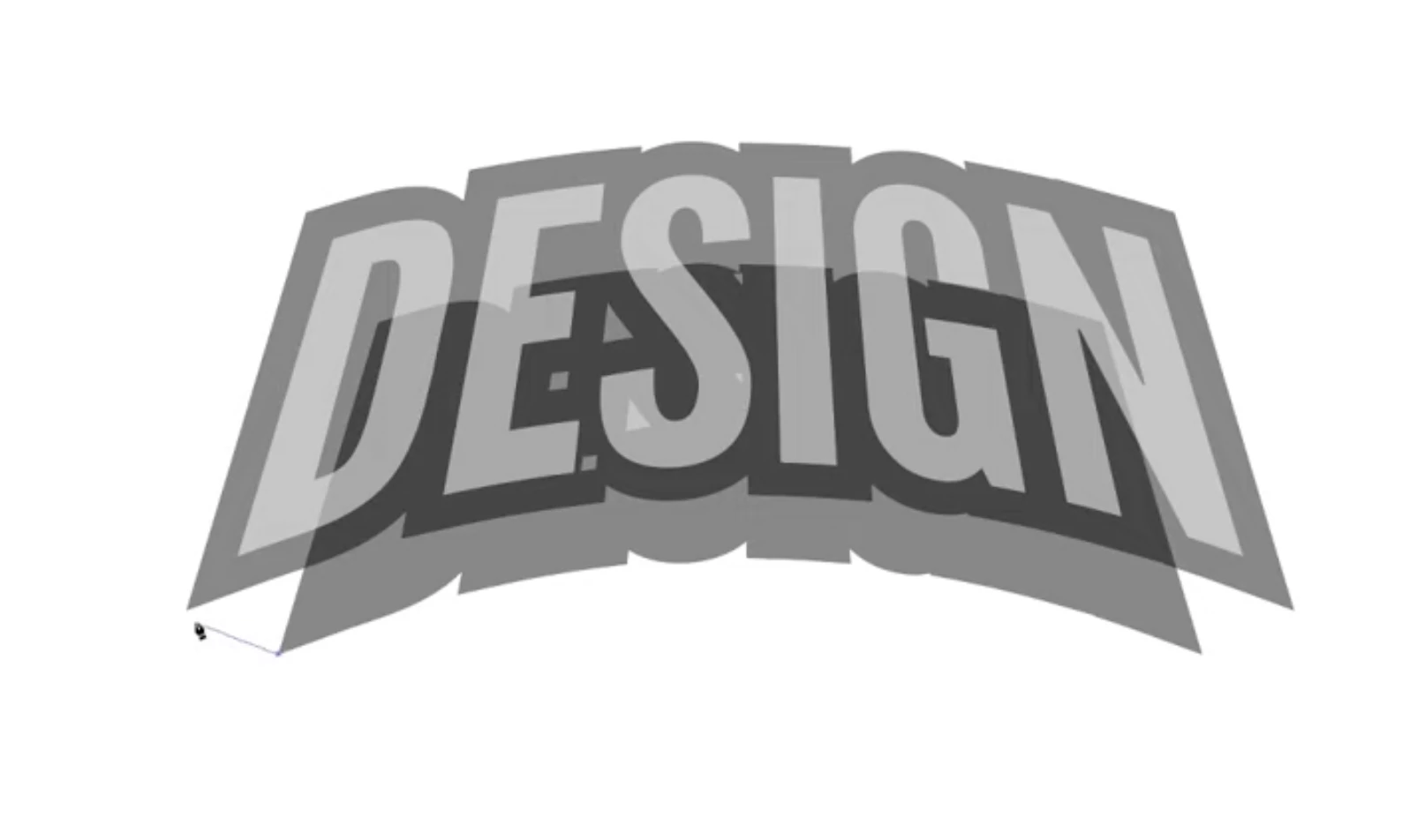
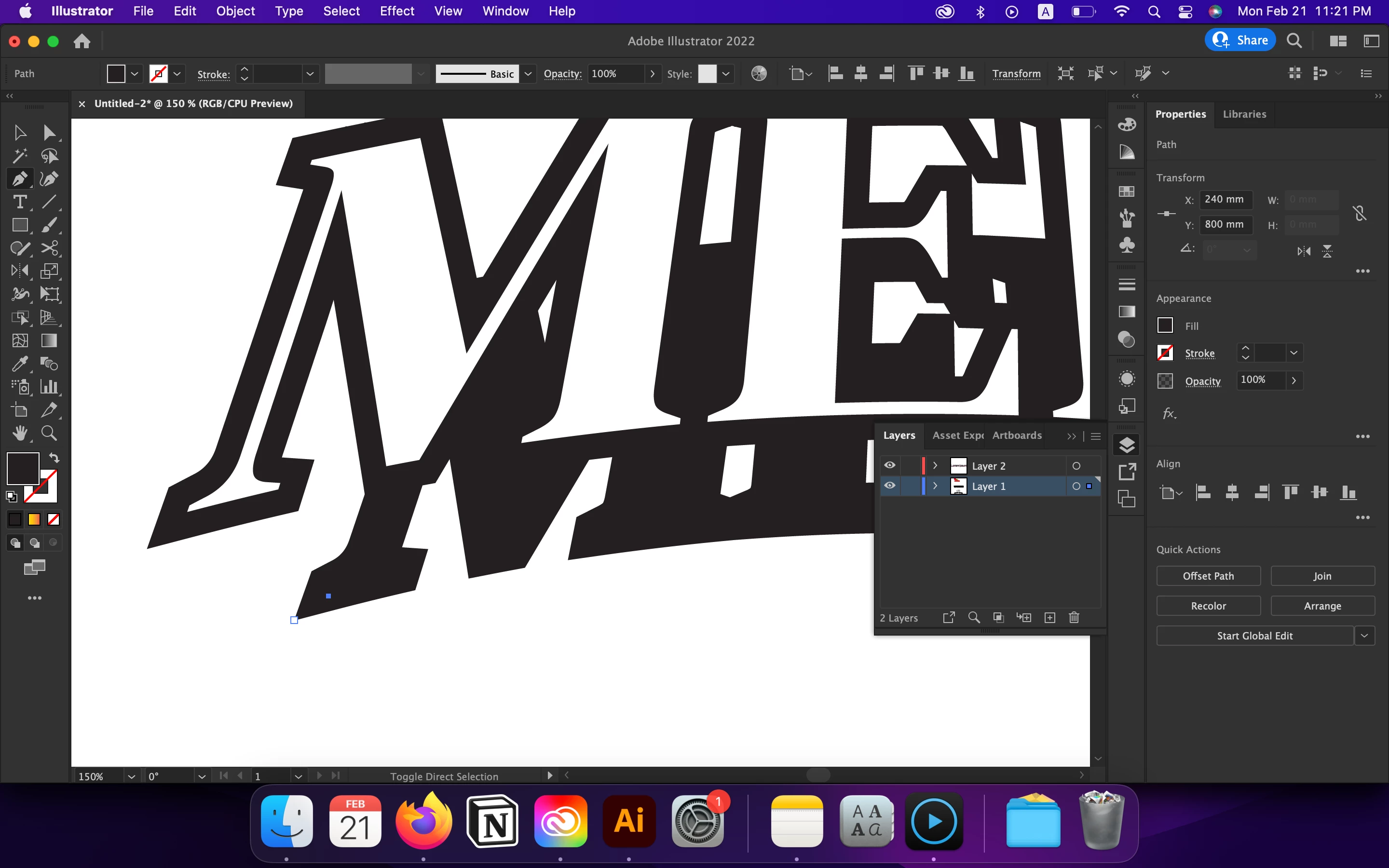
Ideally when connecting points with the pen tool, the selected points should correspond to the spot clicked with the cursor (as shown above). However, for me, the pen tool is not selecting the point that I intend to (in white). It selects what seems like a random point displaced to the side (in blue).
Maybe giving some background might help, so here is what I did up to this point:
1. Created text, made an arch, then used the warp tool to add perspective
2. Expanded the text, created a copy, made it black, pasted it to the back, offset the outline, united the shapes with pathfinder
3. Created a copy of the united shape, dragged it below main text, scaled it down.
I am now trying to connect the smaller shape to it's parent shape via pen tool to fill the white space between them, giving it a pop up effect.
Would anyone know why this is happening?
 AdChoices