


visualWebber
Known Participant
July 25, 2017
Answered

Pencil sketch in Illustrator or Photoshop?

  • July 25, 2017
  • 4 replies
  • 2875 views

Hello,

I asked the same question in the Photoshop forum, and they recommended me to ask the question here, too.

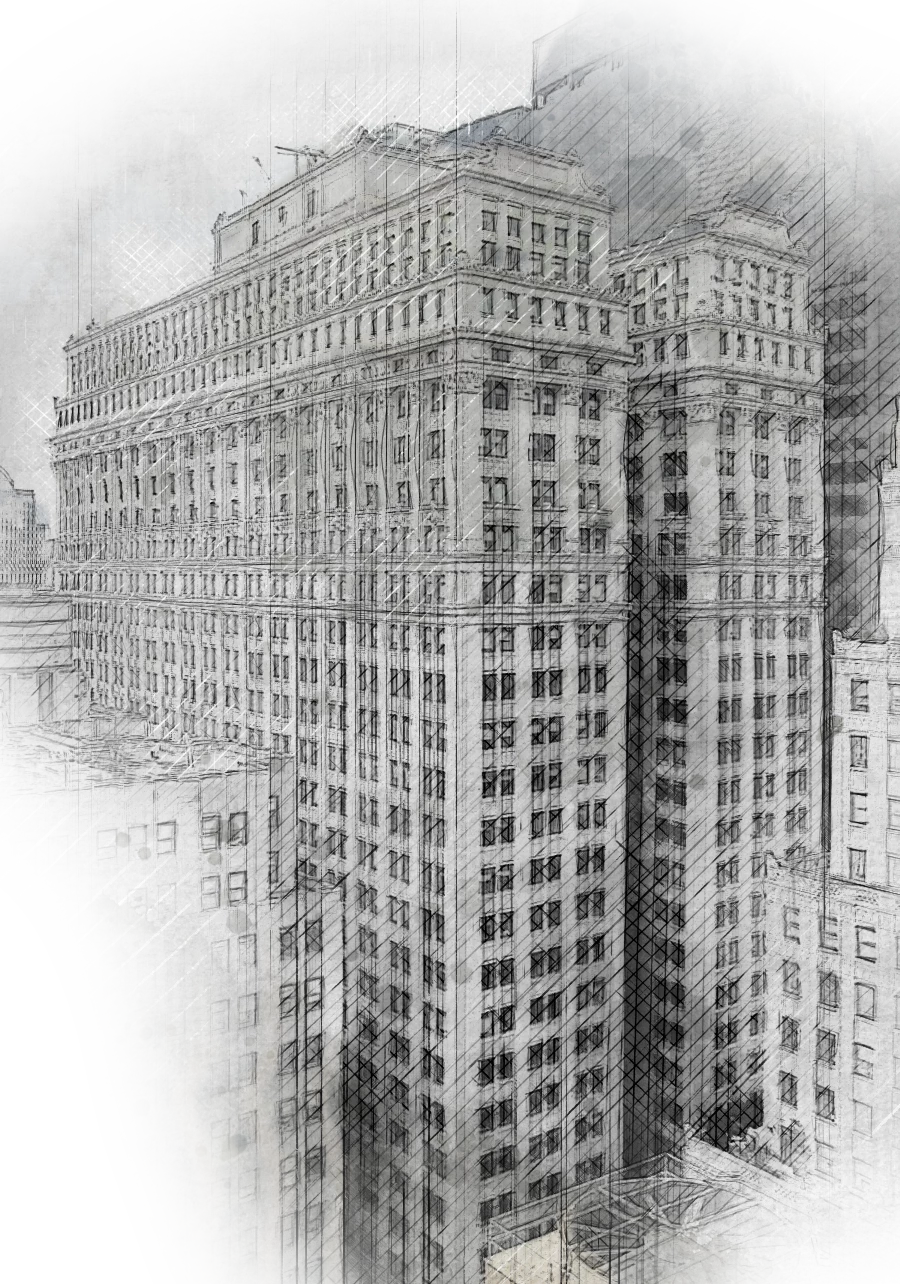
It's about getting into pencil sketches (primarily architecture). I want to learn how to do that.

1. I don't need a vector necessarily, should I do that in Photoshop (I've bought a few actions from graphicriver.com) or in Illustrator? I'm more comfortable with Illustrator, but the process seems to be easier to automate in Photoshop.

2. If it's easier to do that in Illustrator (assuming I have the right brushes), would I have to go over every single line? (I'm not thinking about tracing, only about placing the picture and then reconstructing the lines). Is there a way to automate the process, like Photoshop does?

I'm attaching the action I used and that I'd like to understand how it works.

Thanks a lot for reading this and maybe giving me an answer.
This topic has been closed for replies.
Correct answer Monika Gause

Use Photoshop.

There are a couple of plugins, actions and techniques that produce nice results.

And to make the most of all of these techniques: learn the underlying principles. Don't just follow the "step by step", because that has nothing to do with "learning".

4 replies

KShinabery212
Community Expert
Community Expert
July 25, 2017

I agree with Monika...  Photoshop is the way to go.

Just make your sure resolution is set to the desired size you want or need.

There are several plugins that can give an image a pencil look and even painted look.  Then there are additional plugins you can download on the net.

Sometimes you might copy parts of an image into different  layers and then transform parts of it at a time using a plugin.  That will give you more control.

For instance say I am transforming a statue on a pedestal into a pencil or painted look.  I might select the statue first as it could be a lighter color.  Then copy that into a new layer and toy around with the plugins.  Then I would do the same with the pedestal or base.  Same goes with a building.  Doing parts of it at a time can give it a more unique look.  Just an idea for you to experiment with.

visualWebber
Known Participant
July 26, 2017

Thank you for replying

I didn't know about the plugins.

That's a good tip, to break it down into pieces. It's also easier to work with, I think.

Thanks a lot for taking the time to reply

visualWebber
Known Participant
July 26, 2017

Breaking up an image when creating a graphic can really make a difference.

Example.... when I use Image Trace (formerly Live Trace), sometimes I will work on the dark areas of an image separately then work on the light.  Because working with the whole image at one time does not always look good.  Then I just combine the final parts to create the image.

Actually if you have not played around with Image Trace you might love it.  Try placing an image in Illustrator.  Then go to Windows and select Image Trace.  That will pull up a window with adjustments that you can test out.  It can lead to some really nifty results.


Thanks for replying.

I used image trace, but I was not happy with the results. Maybe I need to play with settings more.

I'll experiment with it, thanks

visualWebber
Known Participant
July 25, 2017

Thank you, Monika. I'll use Photoshop.

I'll try not to use shortcuts to learning, you're right.

visualWebber
Known Participant
July 25, 2017

Hi, Monika. Thank you for replying. Yes, I want to transform photos into a pencil sketch.

I'm bad with paper and pencil and I don't want to do that.

So I'm wondering whether Illustrator or Photoshop is the tool to use.

Monika Gause
Community Expert
Monika GauseCommunity ExpertCorrect answer
Community Expert
July 25, 2017

Use Photoshop.

There are a couple of plugins, actions and techniques that produce nice results.

And to make the most of all of these techniques: learn the underlying principles. Don't just follow the "step by step", because that has nothing to do with "learning".

Monika Gause
Community Expert
Community Expert
July 25, 2017

not sure what exactly you are trying to do here. You want to transform photos into pencil looks? Or draw something new and then give it a pencil look? If you want to learn pencil drawing, then why not start with a piece of paper and a pencil?