



Pixelated/compressed images on PDF export for screens
Hello,
I've got an artboard in A4 format with two images at the top.
The images, a JPEG of high resolution 3000 x 1500 for one a TIFF more than 4000px for the other, placed on the artboard.
When I export for screens, as PDF, the resulting PDF has the images pixelated / compressed / look really bad.
The text is perfectly sharp, everything is sharp but the images are terrible.
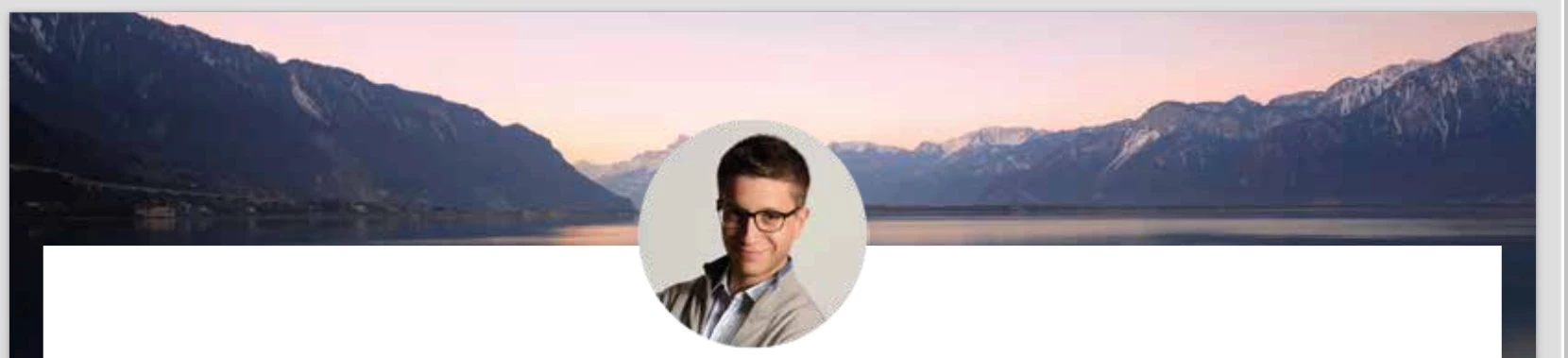
This is a link to my screenshot for a better resolution as to see what I'm saying.
Screen Shot 2018-03-11 at 18.52.10.jpg
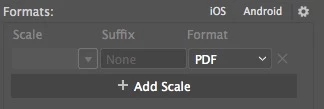
I've tried changing the scale in the formats, but when PDF is selected the scale drop down and suffix columns are grayed out.
If I export for Screens as JPEG2000 and select 300ppi for the scale there is no issue.
Here is a screenshot of the result
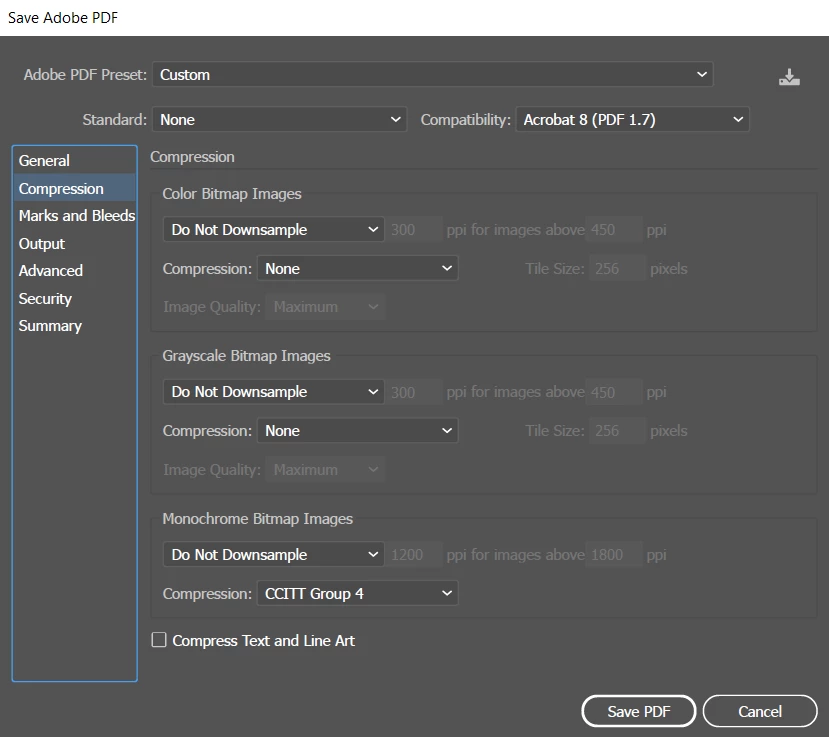
I could definitely export at Jpeg and then convert to PDF in other application, but is there a way to export a PDF from illustrator without affecting the picture qualities. ?
 AdChoices