

Answered
PIXELATED SHADOW
Hey, so I have this text here that has applied an extrude and 3D bevel effect and it looks nice but in the letter A there's this pixelated shadow that I don't know how to get rid of.
Thanks in advance.
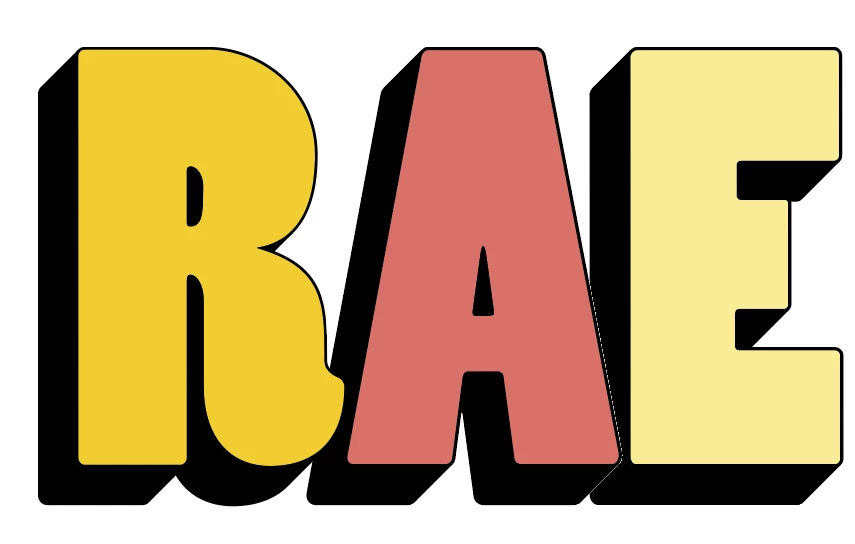

Hey, so I have this text here that has applied an extrude and 3D bevel effect and it looks nice but in the letter A there's this pixelated shadow that I don't know how to get rid of.
Thanks in advance.
Have you switched between CPU and GPU (Ctrl + E windows / Opt + E Mac) to see if that makes it any better?
Already have an account? Login
Enter your E-mail address. We'll send you an e-mail with instructions to reset your password.
 AdChoices