

alissak58078403
Participant
February 2, 2018
Answered

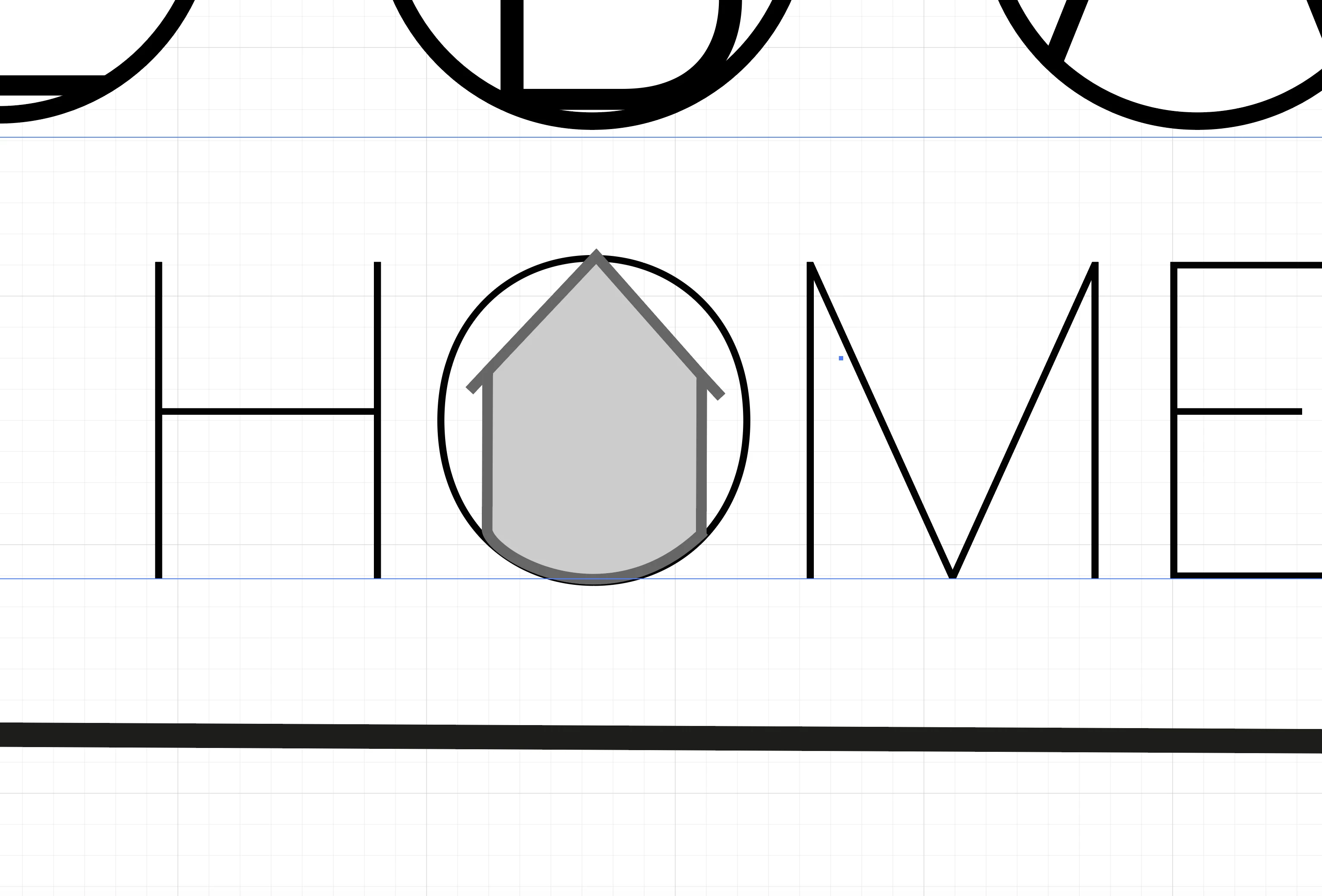
please help! I have a shape I wish to place in a single character of text.I want the bottom of shape (the grey line) to be below the line of the O and the top top (apex) to be above it. can anyone help please thank you !

  • February 2, 2018
  • 2 replies
  • 278 views

This topic has been closed for replies.
Correct answer Ray Yorkshire

Another way, if you don't mind outlining the text

Draw the house with the pen tool

Select letter O  and Type > Create Outlines

Select the house Object > Path > Outline stroke
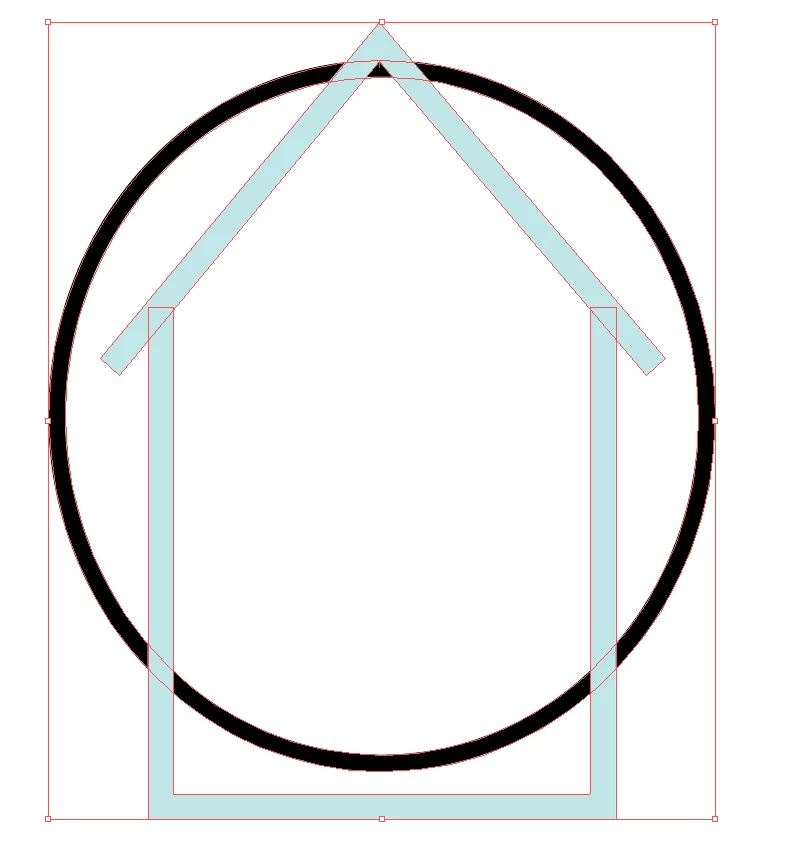
Select All and switch to the Shapebuilder Tool

with the Alt (option on Mac) key  held down, hover oer and  delete all the shapes you want to remove

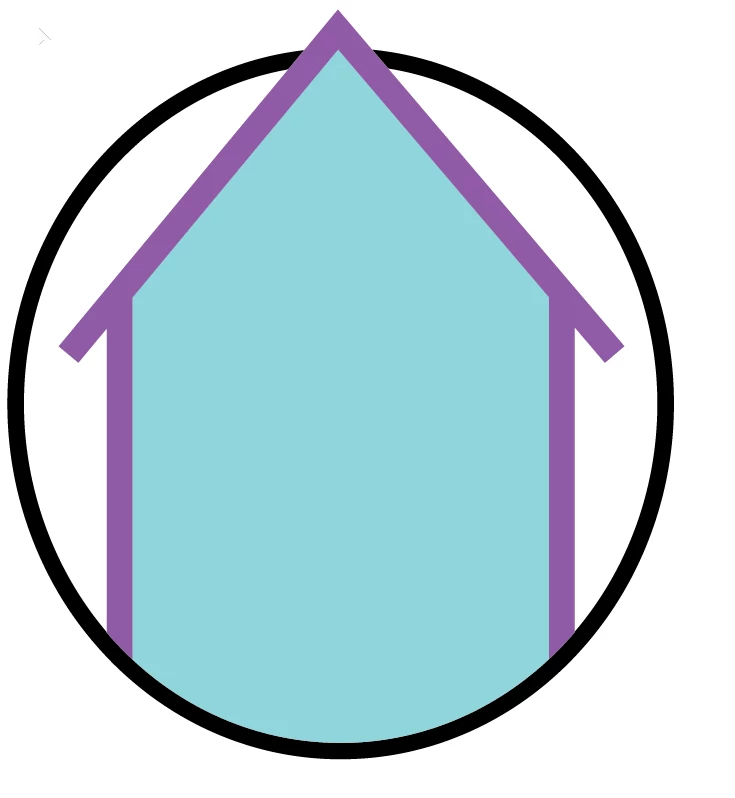
then with just the shapebuilder tool click and drag to join the shapes ike the lower black circle into one shape

recolour as necessary
2 replies

Ray Yorkshire
Ray YorkshireCorrect answer
Participating Frequently
February 2, 2018

Another way, if you don't mind outlining the text

Draw the house with the pen tool

Select letter O  and Type > Create Outlines

Select the house Object > Path > Outline stroke

Select All and switch to the Shapebuilder Tool

with the Alt (option on Mac) key  held down, hover oer and  delete all the shapes you want to remove

then with just the shapebuilder tool click and drag to join the shapes ike the lower black circle into one shape

recolour as necessary

alissak58078403
Participant
February 3, 2018

Thank you so much!!!

I had to come up with something quick so I ended up making a triangle and stuck it on top!!

Will definitely try your method though and really appreciate the help.

Thanks so much

Alissa

Sent from my iPhone

John Mensinger
Community Expert
Community Expert
February 2, 2018

You'll can do this with a masked copy.

  1. Send the house graphic to the back...
    Select it and choose Object > Arrange > Send to Back
  2. Make a copy...
    With the house graphic still selected, choose Edit > Copy, Edit > Paste in Front
  3. Make a mask that hides the bottom of the copy...
    Use the rectangle tool and drag out a rectangle around the top part of the house graphic, leaving out the bottom.
    Select both the rectangle and (Shift+Click) the (front copy of the) house graphic, then choose Object > Clipping Mask > Make

Side note: alternatively, you could produce the same effect by partially masking (a copy of) the O instead, if desired.