


Inspiring
April 11, 2020
Answered

Problem exporting a large vector file to a .png

  • April 11, 2020
  • 3 replies
  • 700 views

Hello, I'm working on some infographics which are the size of an A3. I'm vectorizing all of the images to later create a .png background using a resolution of 300dpi. However, the .png is exported as if I had chosen 72dpi which is canvas size and it pixelates a lot when I zoom in. I exported as Art Optimized, Type Optimized and None, Interlaced and not interlaced, and I still get the same results with no change at all. The only minimum change I saw was when I exported in a 600dpi resolution to see what happened and the result was still disapointing. This is the first time I encounter such issue with Illustrator, i am using the latest CC version on a MacBook Pro. I opened the images on Preview, InDesign, sent on e-mail, and WhatsApp.... pixelated everywhere!! Please help me if you know what could be happening, thank you!
This topic has been closed for replies.
Correct answer Muttyana

What happens if you Place the Illustrator file?

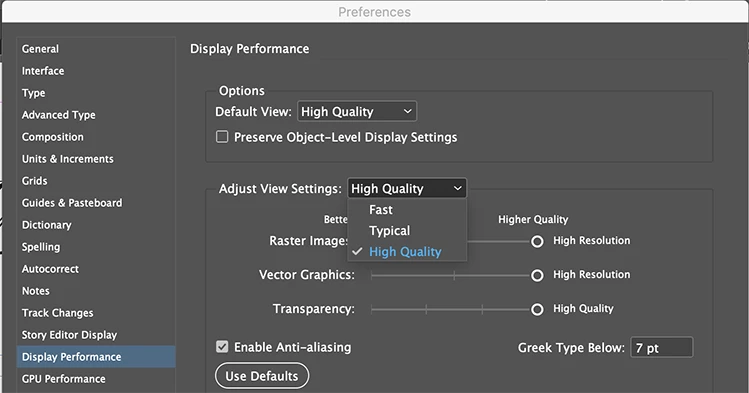
Can you check your InDesign preferences?


It was alreadu in High Quality on InDesign, but what I did is to update my Mac and it worked. First time something like this happens to me, but I'm thankfull for your help and support!


I got a perfect look of my work in progress project!!


3 replies

Ton Frederiks
Community Expert
April 12, 2020

Good to hear that you've got it working now.

But I really hope that you place the Illustrator file as a linked file in Indesign.

Better quality than png and easier to update.

Ton Frederiks
Community Expert
April 12, 2020

You don't need to export as png for InDesign, you get better quality when just placing the Illustrator .ai file.

But did you check in InDesign: Object > Display Performance > High Quality Display?

MuttyanaAuthor
Inspiring
April 12, 2020

Yes, I tried and no change at all. I know I can copy - paste from Illustrator to InDesign, but still can't understand what's wrong with the Illustrator resolution. I even deleted the Illustrator old file and created a new one with the same drawings and the .png came as the same.

MuttyanaAuthorCorrect answer
Inspiring
April 12, 2020

What happens if you Place the Illustrator file?

Can you check your InDesign preferences?


It was alreadu in High Quality on InDesign, but what I did is to update my Mac and it worked. First time something like this happens to me, but I'm thankfull for your help and support!


I got a perfect look of my work in progress project!!


Monika Gause
Community Expert
April 11, 2020

Please give us details.

Which pixel dimension is the exported PNG?

What kind of artwork is this? A background pattern? Did you use any effects?

Did you use an older version before your current version? Did you migrate or recreate the preferences when updating?

There are several export functions - which one did you use?


Please show screenshots and tell us which zoom level they ere taken in.

MuttyanaAuthor
Inspiring
April 11, 2020

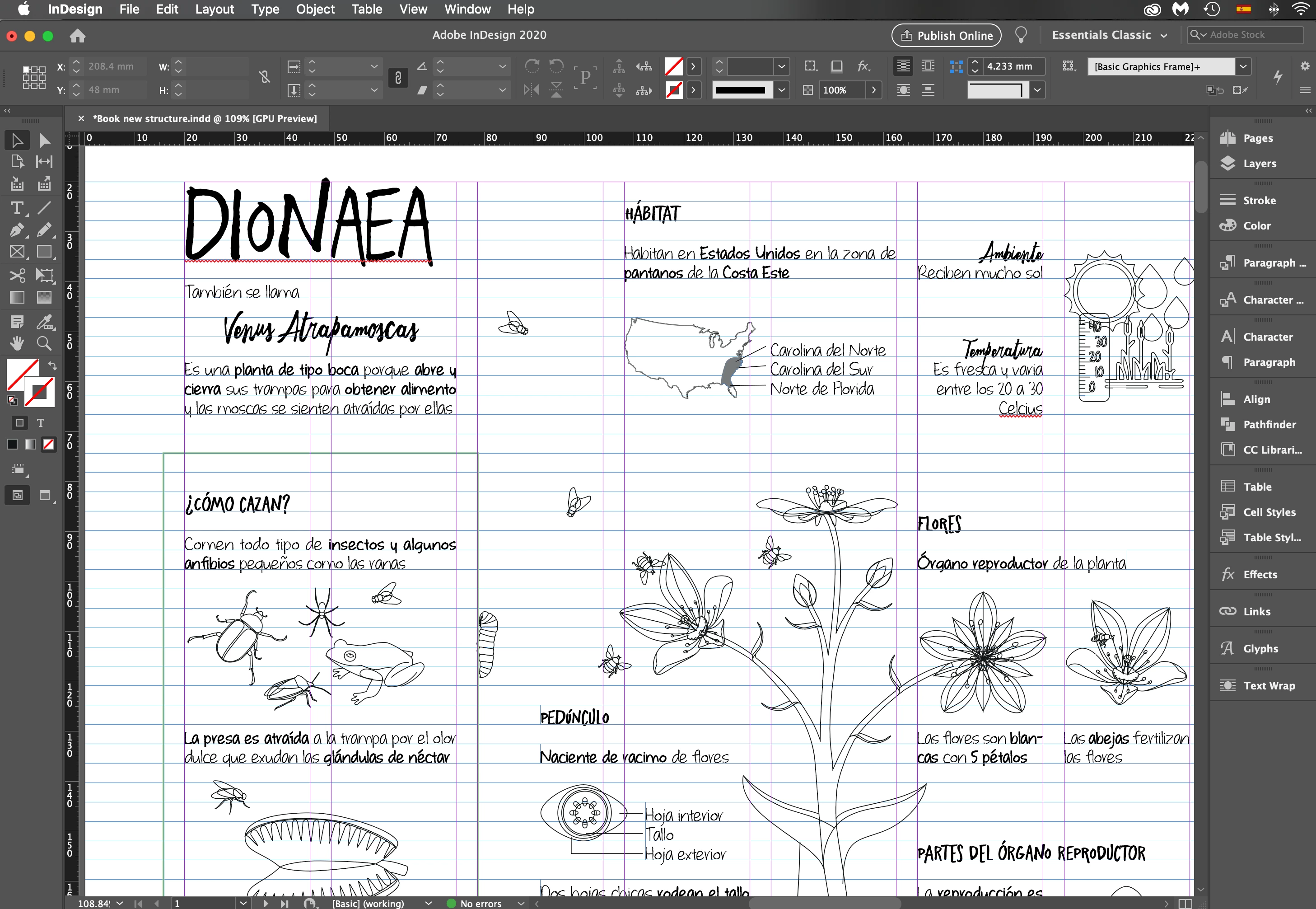
Thank you, I'm sending you  screenshots of the file info, a zoom of 150% of a group of images in Illustrator, a zoom of 125% of the same group of images in InDesgin in the Preview mode and in Overprint Preview.

I chose File - Export - Export As - PNG (use artboards) and then I tried all of the options there are