Copy link to clipboard
Copied
Like I said before: to much anchor points.
I saw similar error messages while testing my own scripts in the past. It seems sometimes Illustrator has a problem with to much objects/pathPoints.
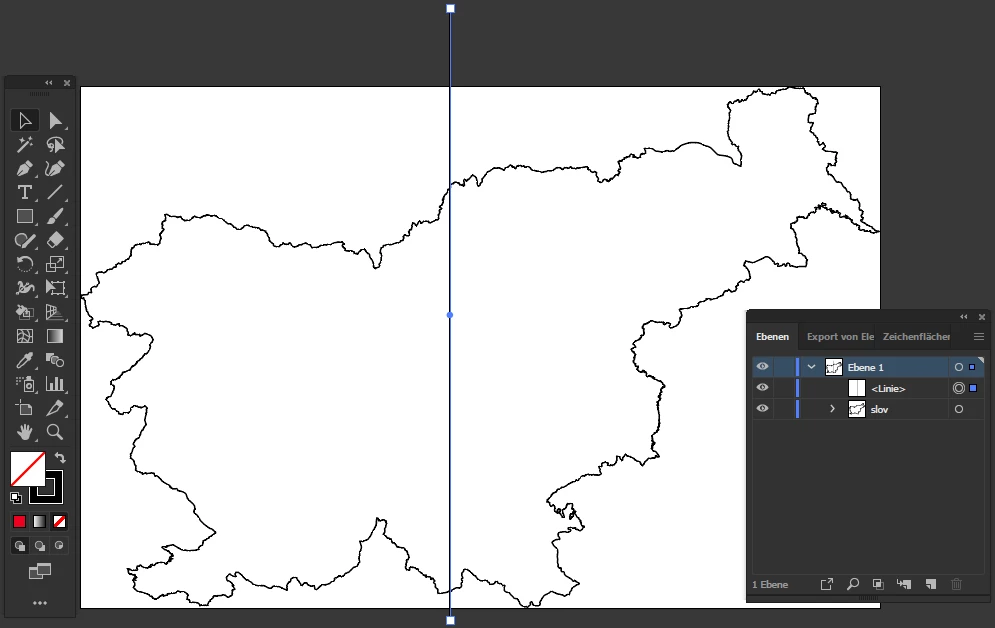
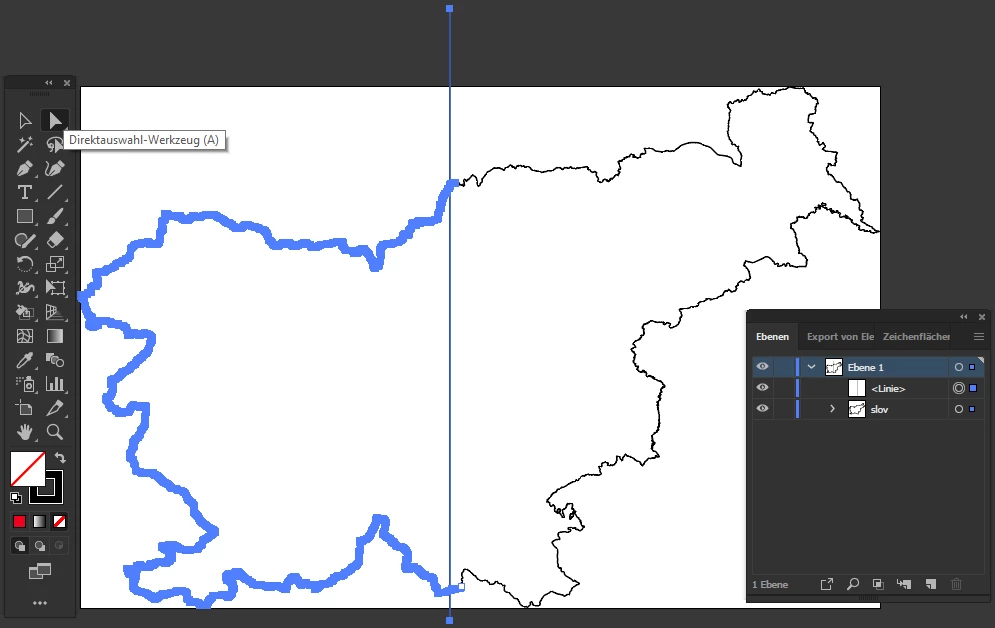
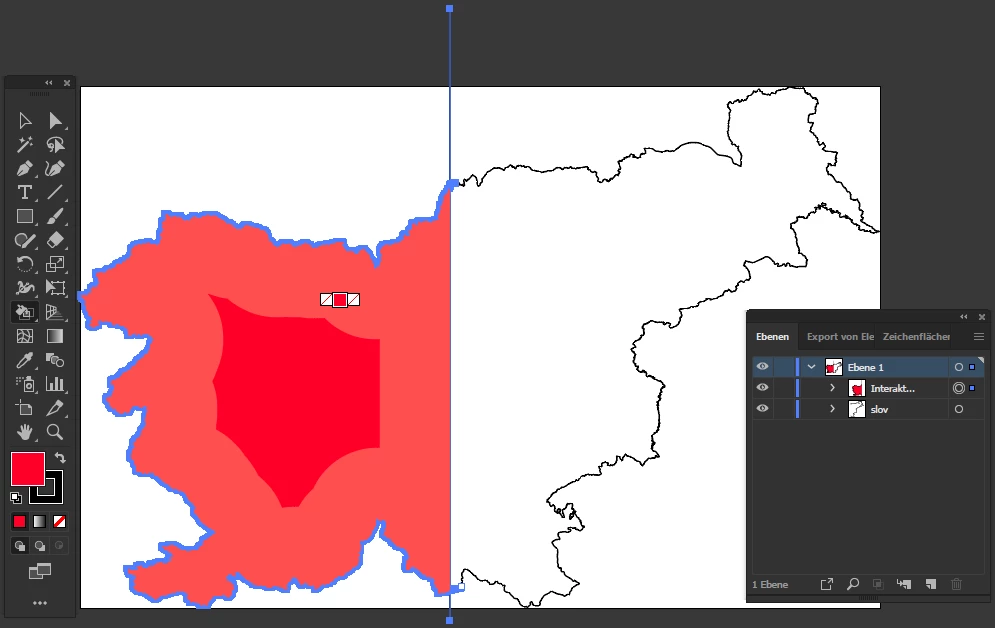
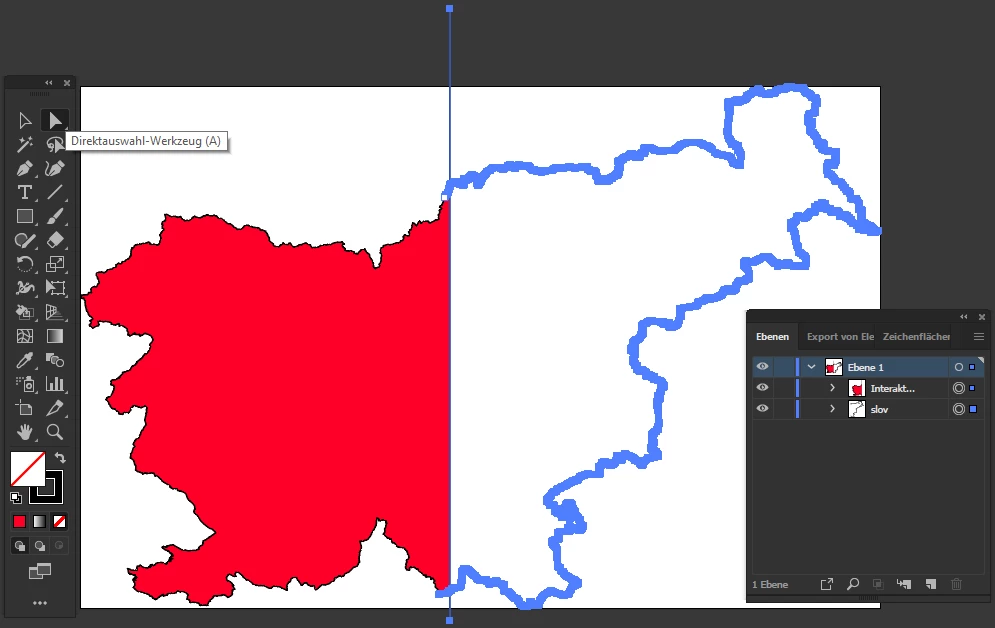
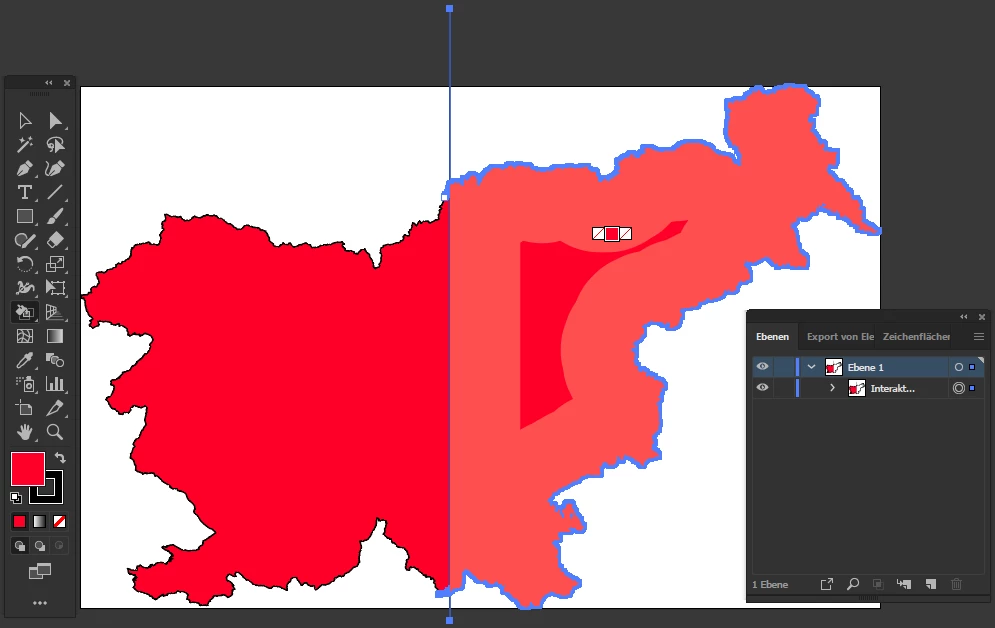
One possible solution: break down the amount of anchor points. For example - draw a vertical line over your map. And create a Live Paint Group only "part for part".
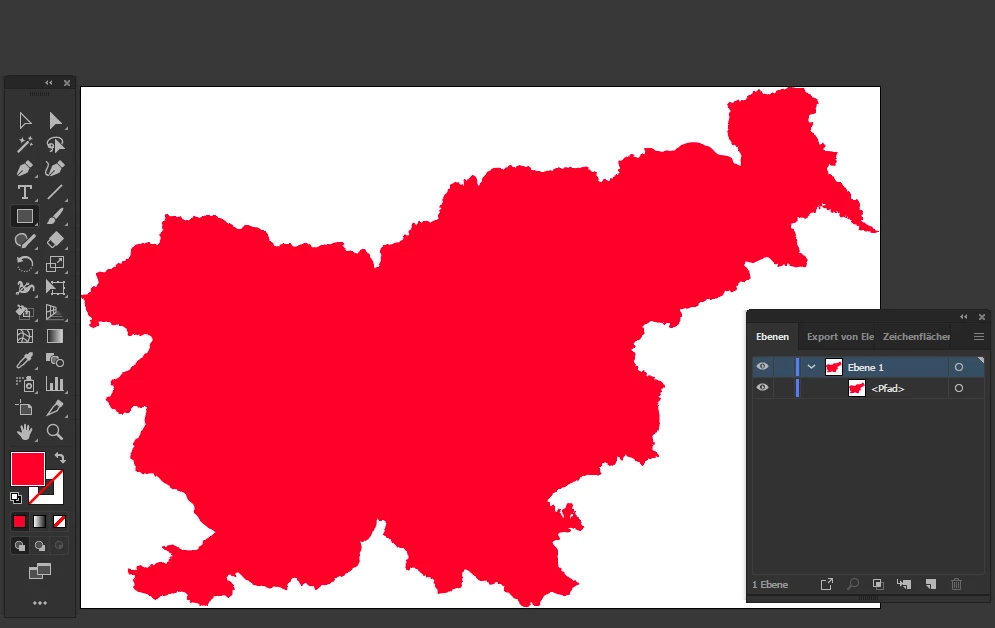
cleaned and merged
Copy link to clipboard
Copied
Kamran,
You can only have two path segments joining in an Anchor Point.
It is possible to start each of the open border paths leading away from Austria, such as the German/Czech border, with an end Anchor Point that coincides with the Anchor Point you wished to attach it to (the one where all the three countries meet); and you can Group the paths.
Smart Guides being your friends, to start a new path in that way, you can press P for Pen Tool to start a new path, then Click and hold close to the desired starting point and press the Spacebar and Move the new Anchor Point to snap (Smart Guides say anchor when you are within snapping distance).
Or if you need closed borders round the surrounding countries, you can copy the relevant stretch of path segments along the Austrian border and continue from that for the first neighbouring country (and copy the relevant part of that for the next one(s).
Copy link to clipboard
Copied
thank you I'll try this
Copy link to clipboard
Copied
I have given a bad example I changed it to map of Slovenia. Sorry but I didn't quite understand what you said. What is the best way to have a solid path for this map I have tried live paint but it gives an unknown error. Thanks in advance
Copy link to clipboard
Copied
Why is such a maximum on precision needed? So much anchor points?
Use Live Paint Tool (hope you have enough computing power) and afterwards merge the parts of same color.
Copy link to clipboard
Copied
Thank you. It gives an unkown error so I thinkI dont have enough power.
Copy link to clipboard
Copied
Like I said before: to much anchor points.
I saw similar error messages while testing my own scripts in the past. It seems sometimes Illustrator has a problem with to much objects/pathPoints.
One possible solution: break down the amount of anchor points. For example - draw a vertical line over your map. And create a Live Paint Group only "part for part".
cleaned and merged
Copy link to clipboard
Copied
Kamran,
I believe one of the troubles is Image Trace, maybe with inconvenient settings. In any case the astonishing number of path, some very very small, is troublesome in itself.
But obviously Hans-Jürgen has given the solution, for this case and undoubtedly for others to come.
Copy link to clipboard
Copied
Thank you so much, this works!
Get ready! An upgraded Adobe Community experience is coming in January.
Learn more