


June 10, 2020
Answered

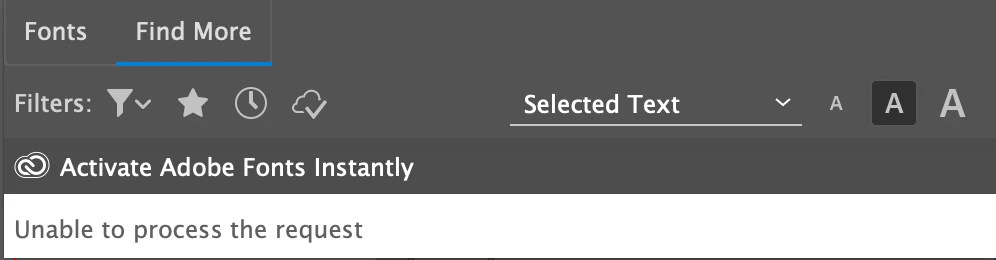
"Unable to process the request" when trying to access fonts in Illustrator

  • June 10, 2020
  • 1 reply
  • 4040 views

When I go to Character > Fonts > Find More... It does not display a list of Adobe Fonts that I can activate. It says "Unable to process request" I am logged in to the most recent version of Illustrator. I activated two fonts yesterday.
This topic has been closed for replies.
Correct answer Ashutosh_Mishra

Hi there,


Sorry to hear about your experience. We'll be happy to help. Please try restarting your machine and see if it helps. Resetting preferences may help as well. Please follow instructions on this help article.

**Please note that resetting preferences will remove all the custom settings and Illustrator will launch with default settings. You can also take a backup of the folders in case you want to. Location is mentioned in the article.

Alternatively, you may activate fonts from https://fonts.adobe.com/
Hope it helps.


Regards,

Ashutosh

1 reply

Ashutosh_Mishra
Ashutosh_MishraCorrect answer
Inspiring
June 10, 2020

Hi there,


Sorry to hear about your experience. We'll be happy to help. Please try restarting your machine and see if it helps. Resetting preferences may help as well. Please follow instructions on this help article.

**Please note that resetting preferences will remove all the custom settings and Illustrator will launch with default settings. You can also take a backup of the folders in case you want to. Location is mentioned in the article.

Alternatively, you may activate fonts from https://fonts.adobe.com/
Hope it helps.


Regards,

Ashutosh