Copy link to clipboard
Copied
Hi all,
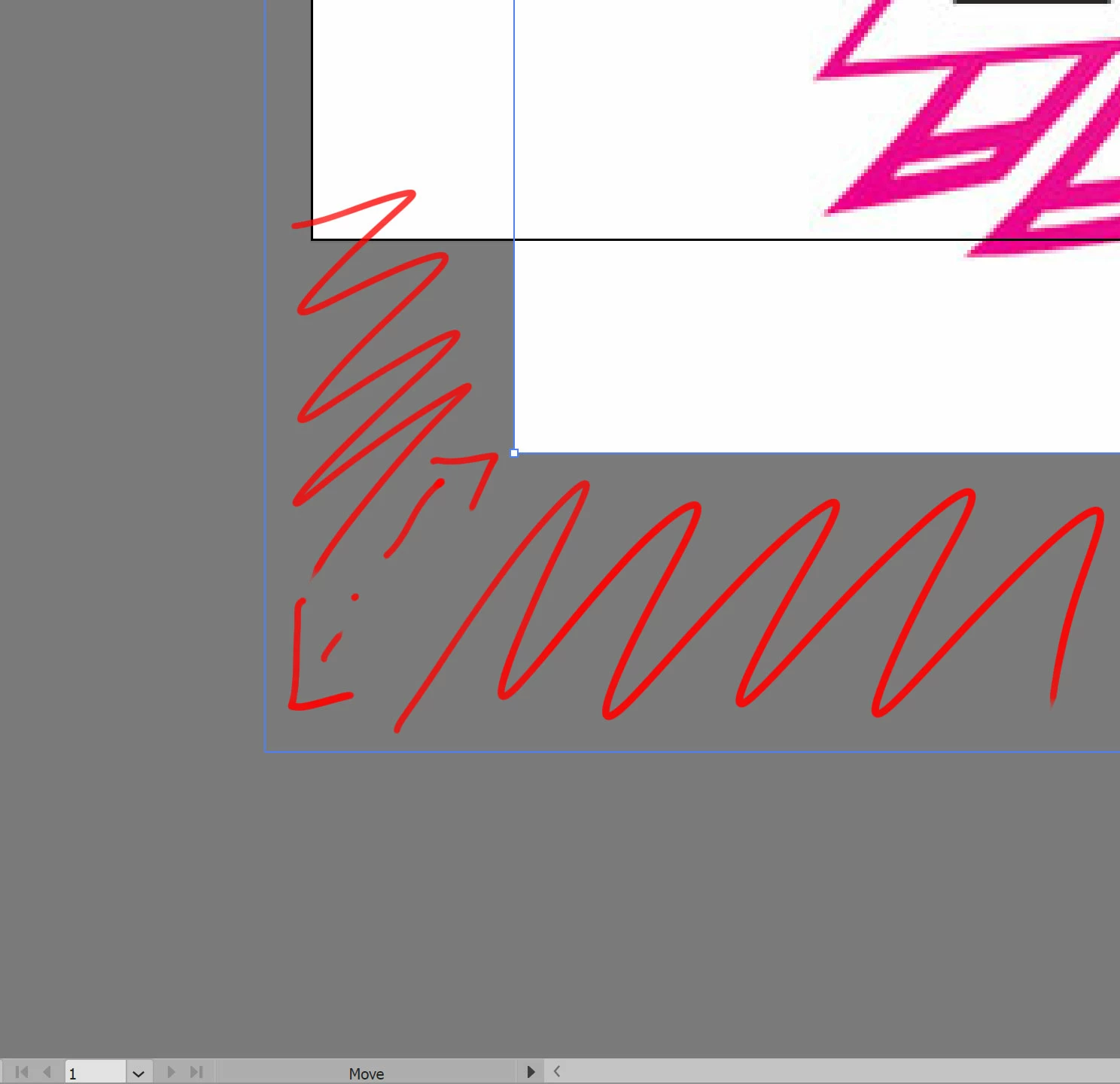
I'm having an issue where moving a raster image leaves the artwork in place and moves the art's bounding box as my guide. You can see how this looks in the image below. The same happens when I transform the art.

This unfortunately makes me less precise and adds a tremendous amount of time to my workflow. Thanks in advance to anyone who may be able to help me with this problem
They might be connected since they are all linked to the GPU acceleration. So there may be some compatibility issue. Someone will need to have a look at it.
You can contact Customer care and they can log into your system:
Please be careful: they don't use Skype. So in case you get requests for a Skype session via private messaging, it's fake and please report those people.

Copy link to clipboard
Copied
If a restart of the computer doesn't solve this, can you please post a screenshot of the layers panel? Please open the layer that contains the image by clicking the little triangle.
I suspect there's a clipping mask applied to the image. And somehow you just move the mask.
Copy link to clipboard
Copied
Hey Monika,
There is no mask. All I did was open a jpeg. The screen shot was taken while I was resizing the artwork. This occurs with every raster image I place on an art board. A restart does not fix the problem.
Thank you so much for your fast reply!
Copy link to clipboard
Copied
Can you check if View > Preview on CPU solves this?
If it does, you can try and update your graphic card drivers and see if that fixes it.
Copy link to clipboard
Copied
Preview on CPU/CPU doesn't make any difference.
Same with switching off GPU Performance in preferences.
I updated my NVidia drivers earlier today to no avail.
Also, I just remembered that the animated zoom feature isn't working either, perhaps both issues may be linked?
Other things I have tried include uninstalling and reinstalling illustrator as well as past versions through the Creative Cloud app.
This issue is driving me up the wall. Thank you so much for checking back in again!
Copy link to clipboard
Copied
They might be connected since they are all linked to the GPU acceleration. So there may be some compatibility issue. Someone will need to have a look at it.
You can contact Customer care and they can log into your system:
Please be careful: they don't use Skype. So in case you get requests for a Skype session via private messaging, it's fake and please report those people.

Get ready! An upgraded Adobe Community experience is coming in January.
Learn more