


New Participant
May 3, 2022
Question

Recolor Artwork not working.

  • May 3, 2022
  • 3 replies
  • 458 views

Hello, I am trying to recolor a basic plain white vector png file but when I select Recolor Artwork it's greyed out. 

See screenshot attached. Also when I just try to fill, it changes the color but the image still stays white.

Help, please?

Thanks
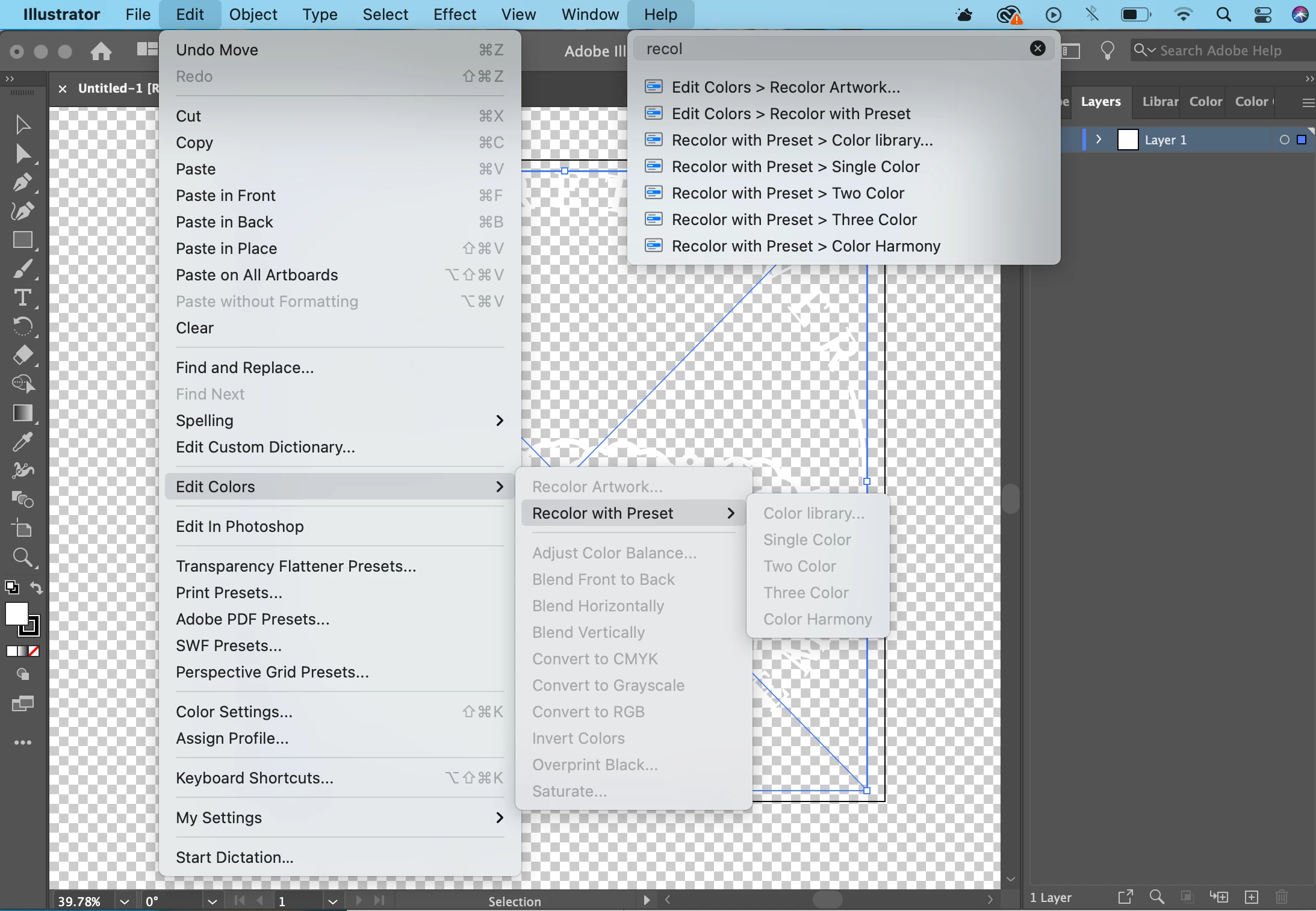
 

This topic has been closed for replies.

3 replies

marliton
Braniac
May 3, 2022

Hi. If you want to change colors in an image, you need to use Photoshop.


Marlon Ceballos
KShinabery212
Braniac
May 3, 2022

It does not look like it is a vector illustration.  It looks like you are trying to recolor a regular image or a raster image.  This will not work.


You have to recreate the artwork as a vector image.  Then you can recolor it.  Now if you want to simply recolor the image without creating a new vector graphic.  Then use Photoshop, there are several ways there to do it.

What is your end goal? Can we see the art?  We might have more ideas.

Ton Frederiks
Braniac
May 3, 2022

Recolor Artwork only works with vector elements, not images.

You need to use Image Trace or trace by hand first,