



Answered
Recolor Artwork, trying to understand a few things
Hello Illustrator gurus.
I've got a simple two A4 Artboard file of my CV which I designed. Document is in CMYK. I'd like to try some other colors on a few elements that are currently gray but I'm confused with a few things in Recolor Artwork.
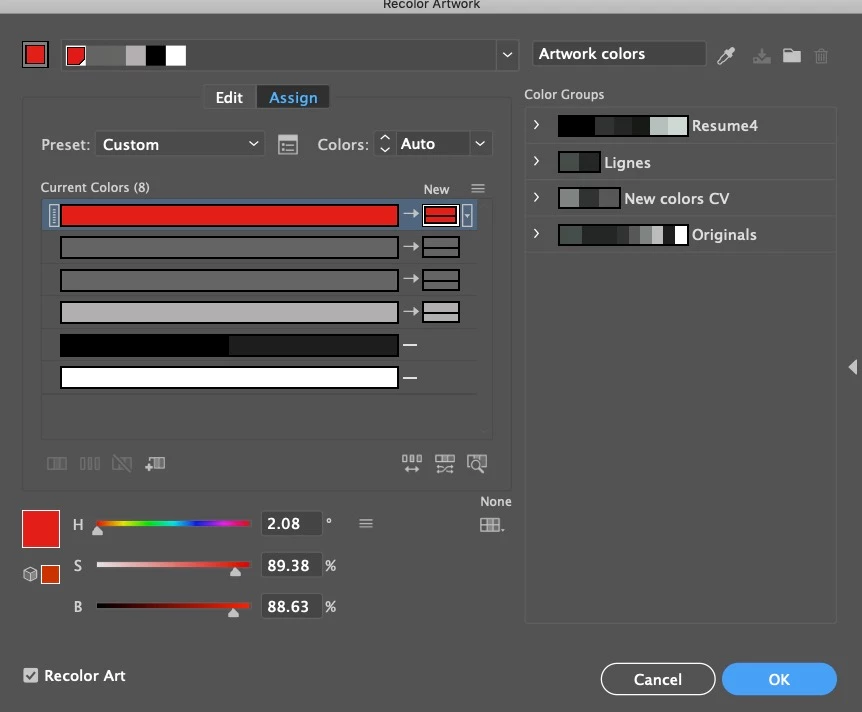
The first thing is I've two grays which are slightly different. See screenshot.
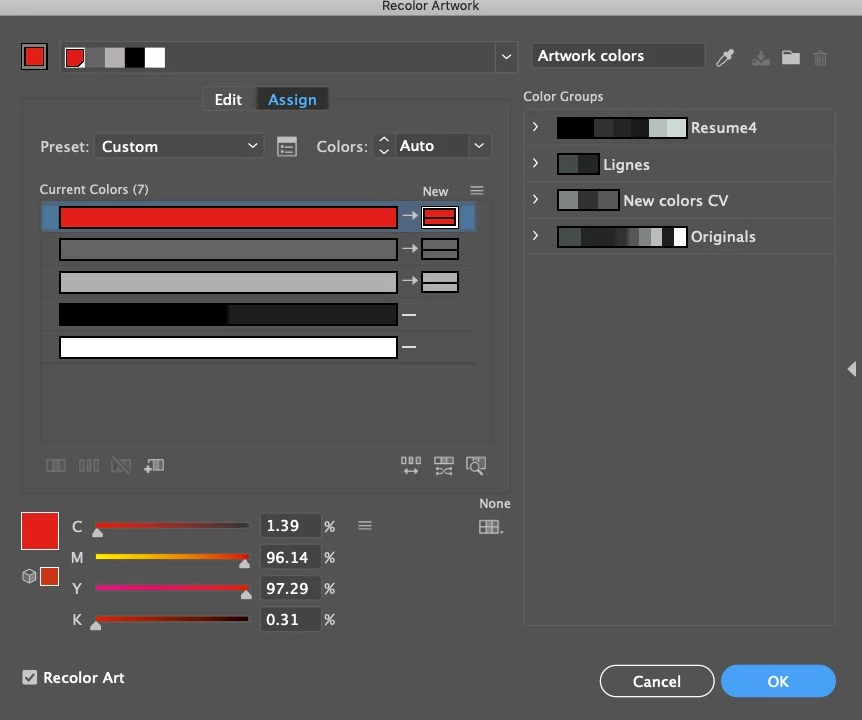
One is #646463 and the other is now #666665. I've tried numerous times changing the second one to match the first one but it doesn't want to change. Any clues?
Secondly for the black color, I've got two colors within that line. One dark black and one tinted black. Any clue why both those colors are with the same bar?
Finally, it says "Current Colors 8" but I can only count 7. Any clues?
I've tried
 AdChoices