

Participant
December 17, 2020
Answered

Remove overlapping center of two shapes

  • December 17, 2020
  • 3 replies
  • 4278 views

Hello, how do I remove the center overlapping areas of these two circles? Thank you!
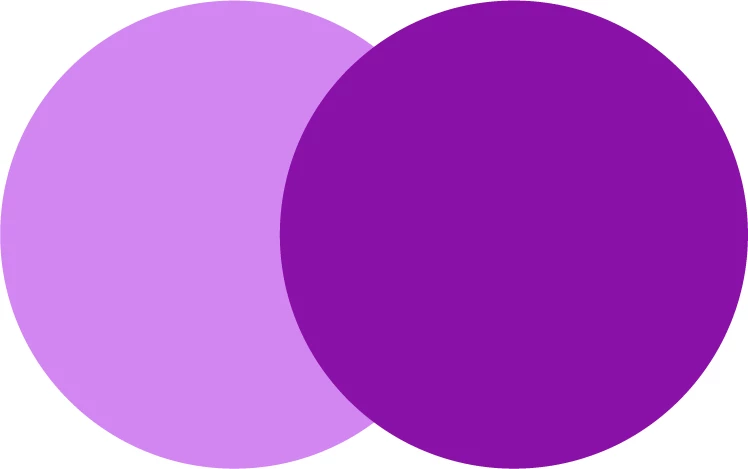


[ attachment inserted as inline image by moderator ]

This topic has been closed for replies.
Correct answer Ton Frederiks

Or select them both, click Divide in the Pathfinder panel and use the Direct Selection tool (A) to select and delete the overlapping object.

3 replies

Ton Frederiks
Community Expert
Ton FrederiksCommunity ExpertCorrect answer
Community Expert
December 17, 2020

Or select them both, click Divide in the Pathfinder panel and use the Direct Selection tool (A) to select and delete the overlapping object.

pixxxelschubser
Community Expert
Community Expert
December 17, 2020
  • select both circles first
  • activate Shape Builder Tool
  • [Alt] + LMB click on the overlapping area


or

  • select both circles
  • and use the 4th icon in Pathfinder Panel

(but this will create two grouped path items with a single color)

Ton Frederiks
Community Expert
Community Expert
December 17, 2020

One method is selecting them both and hold down the Alt key while dragging over that aria with the Shapebuilder tool (Shift M).