



Rounded lines with varying width produce sharp points, BUG?
Hello internet friends and professionals-
I am a design professional and illustrator who creates detailed line illustrations for a lot of my clients and packaging projects. I use the pen or pencil tool to create the line work, I often round me end and use the width tool to narrow my points. This creates an engraved/hatch look and style.
Well, I began noticing that new and old files are no longer holding the rounded width value that they used to. Meaning, when I create a new illustration and specify the line wifth I want and round the edge, Illustrator seems to glitch and just say "nope" and gives my entire line a very pointy appearence.
What's more is older files that used to have the corect line width with a rounded end now load as a sharp unppealing line.
If you are having a hard time visualzing what I mean here is a preview:
This is what my lines usually look like when they terminate (these have not been refined but you get the idea):

This is what happens now. I cannot figure out why this happens or when becuase not all lines are affected:
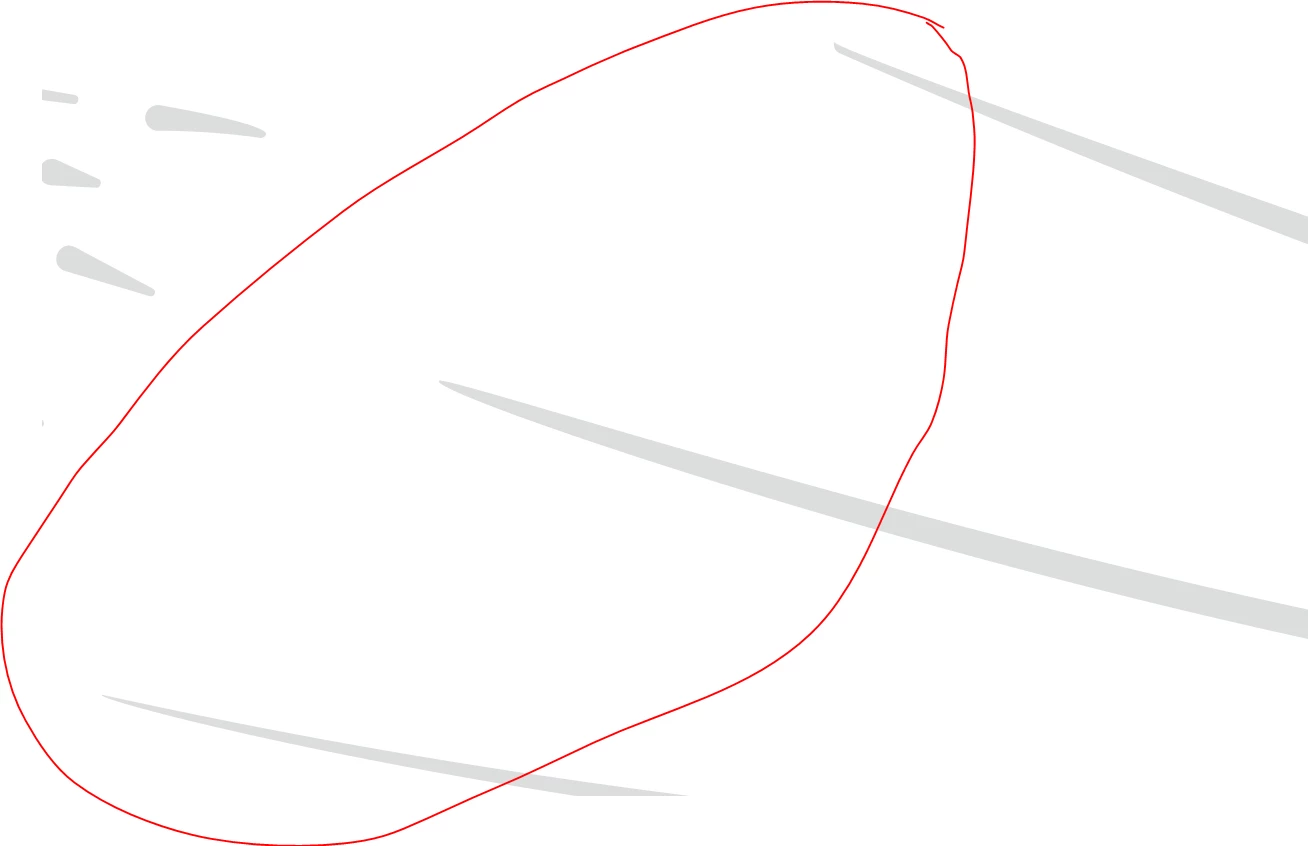
You can see that the lines on the right are odd and mishappen. Illustrator did this whout any input from me and it also not affects my old work. I open up old files that have 40+ hours of intrquet line work to now see some lines looking aweful! Really sad and rustrated about this. Any input woud be very helpful.
Thanks-
v
 AdChoices