Hi @rju,
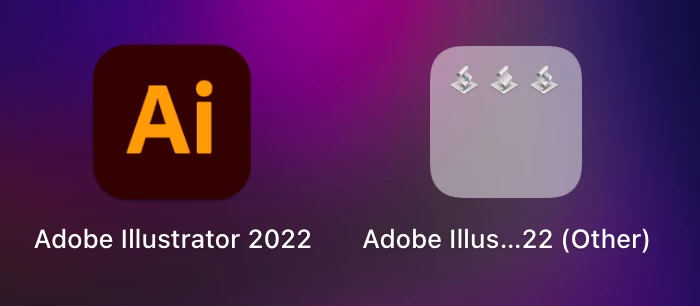
The three icons represent the files with .app extension that Illustrator places inside the Applications folder. Any .app file present inside the Applications folder or its subfolders is shown in Launchpad and hence you see these icons. The only way these can be removed is either deleting these files or moving them out from the Applications folder, both of these would be very extreme steps if you plan to use these apps or probably some other scripts that you use referenced these apps.
The path to these files is mentioned below for your reference
/Applications/Adobe Illustrator 2021/Scripting.localized/Sample Scripts.localized/AppleScript.localized/Web Gallery.localized/Web Gallery.app
/Applications/Adobe Illustrator 2021/Scripting.localized/Sample Scripts.localized/AppleScript.localized/Calendar.localized/Make Calendar.app
/Applications/Adobe Illustrator 2021/Scripting.localized/Sample Scripts.localized/AppleScript.localized/Contact Sheet Demo.localized/Contact Sheets.app
-Manan



 AdChoices