


Answered
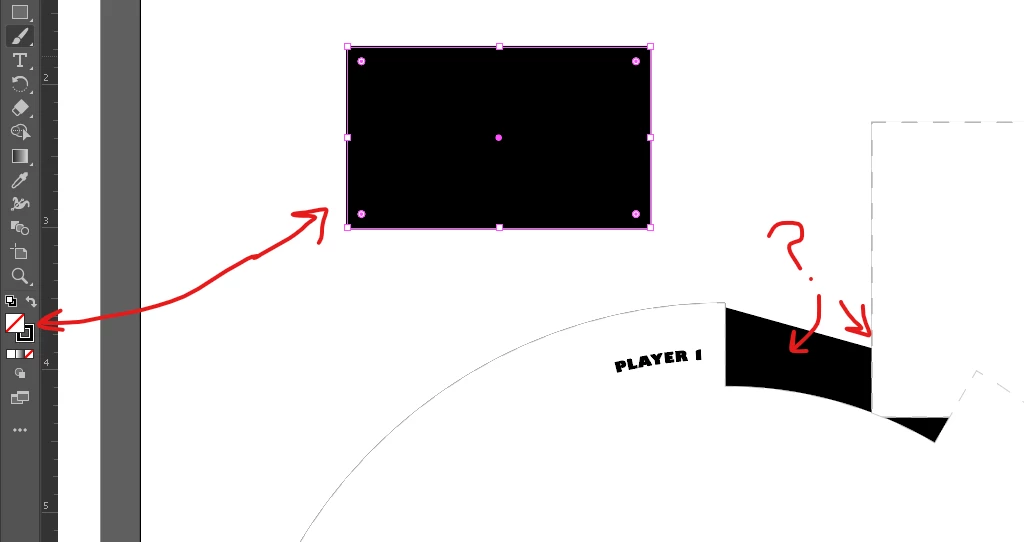
Shapes with no fill color are appearing as black and not blank, how do I remove the black?
I have not been able to find any help on this confusing problem. I've been working on this file for a while and suddenly parts of my shapes that have no fill color a registering as filled with black, even though it shows that it has no fill, just the outline I have it set to. When I create a new object like a rectangle it is doing the same thing, outline black, no fill color, but the whole shape is black. What is going on and how can I fix this? I need to print off this shapes but the preview is showing black.
Something else I noticed that was strange, was when I put a different object behind the object appearing as black it now looks white instead.
 AdChoices