
Flawless_life5C4D
Known Participant
January 17, 2018
Question

small image with high resolution

  • January 17, 2018
  • 4 replies
  • 12841 views

Hi there,

I have a Problem every time I try to save my .png or .jpg image from photoshop or Illustrator I get a very bad resolution. Could someone please tell me how I can get a 380x80 .png in very high resolution?

This is what I get until now:
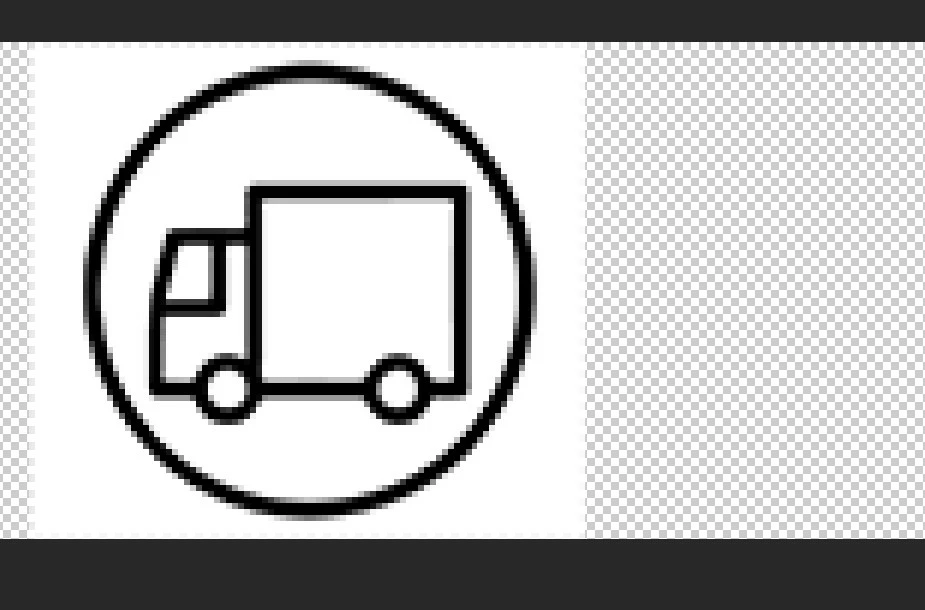
Thank you in advance,

Nico

    4 replies

    Kris Hunt
    Legend
    January 17, 2018

    And if your image really is going to end up 80 pixels tall, you should probably forget about including any bevel effects.

    Flawless_life5C4D
    Known Participant
    January 17, 2018

    ok, so if I understand I have to follow these steps:

    1. create a high resolution .png background with illustrator

    2. place my .png van image

    3. draw the outline of it

    4. save it as png

    5. open it on photoshop

    6. apply effects ( emboss and so on)

    am I right?

    Kris Hunt
    Legend
    January 17, 2018

    If all you want to do is resize that exact image to 380×80, you should do that in Photoshop, not Illustrator. But that would retain the emboss effect, the dropshadow, and the white background, which is unnecessary and undesirable for a logo. Not to mention the image has square proportions, so you would either have to squash it or end up with huge empty margins on the sides for no reason.

    What you ought to do instead is place the image in Illustrator, turn the layer it's on into a template, and then trace over it on a new layer with Illustrator's basic tools (Ellipse, Rectangle, Pen). From there, you would delete the template layer, resize the art as needed, change the color and thickness of the stroke, and finally export it as a transparent PNG.

    Flawless_life5C4D
    Known Participant
    January 17, 2018

    Doug A Roberts

    I resize it because I need it for a (32.17 x 6.77 mm) .png website logo image.

    KrisHunt

    "What you ought to do instead is place the image in Illustrator, turn the layer it's on into a template, and then trace over it on a new layer with Illustrator's basic tools (Ellipse, Rectangle, Pen). From there, you would delete the template layer, resize the art as needed, change the color and thickness of the stroke, and finally export it as a transparent PNG."

    can you please explain me how I can get this 3D rounded effect?

    thank you in advance,

    Nico

    Kris Hunt
    Legend
    January 17, 2018

    Instead of exporting it from Illustrator, copy and paste it into Photoshop. Then apply a Bevel & Emboss filter to it. This will only work if the image has a transparent background.

    Also, it doesn't make any sense to measure website images in millimeters. The physical size it will be displayed at onscreen is entirely dependent upon the number of pixels in the image and the monitor's resolution.

    Monika Gause
    Community Expert
    Community Expert
    January 17, 2018

    This image is just some rectangles and circles combined by using some easy functionality. You might just want to get the shape tools (ellipse, rectangle tool) and then the shapebuilder tool and draw that stuff.

    Flawless_life5C4D
    Known Participant
    January 17, 2018

    Hi Both,

    Monika, you mean I need to do it with other methods in orger to get high quality?

    Doug A Roberts, my resolution is 300 but I get the same resolution if I change it to 700

    Doug A Roberts
    Community Expert
    Community Expert
    January 17, 2018

    you want it to be 380x80 px, but 300 ppi?

    that's 32.17 x 6.77 mm. is this what you intend?

    Doug A Roberts
    Community Expert
    Community Expert
    January 17, 2018

    what resolution is it at the moment?

    380 x 80 px isn't a lot to play with. and since you're specifying pixel dimensions, making it 'high resolution' would just mean making it physically very small.