nadrojxinnam,
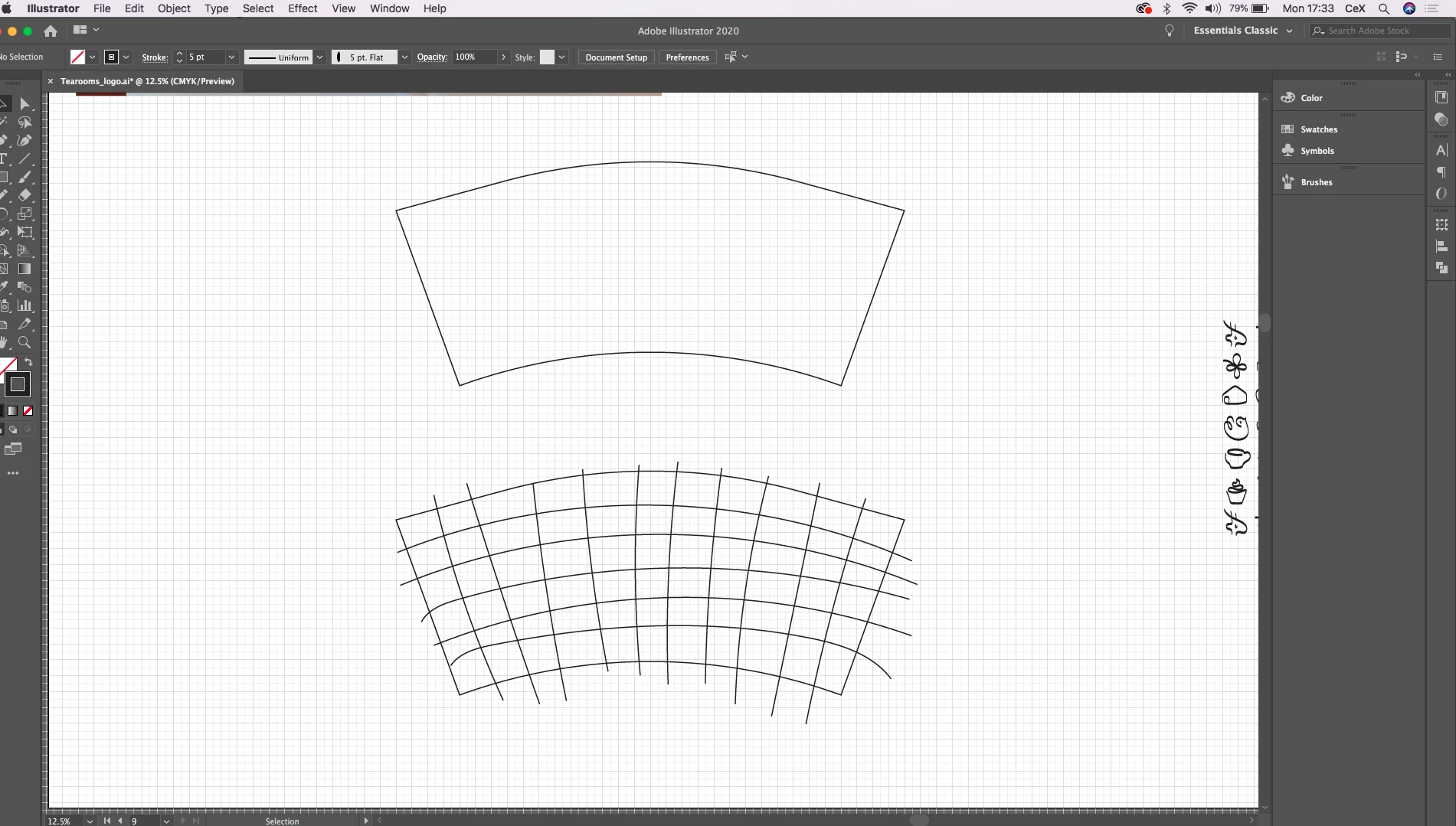
For a new regular (replacement) shape more regular than the one shown, I should do as Hans-Jürgen did with the Polar Grid, maybe reshaping by expanding and then non uniformly scaling if needed before deleting the unneded parts.
For a more customized/existing shape like the one you have shown, I should do as Megan did with the simple blend for the curved lines, and then one of two ways for the straight lines depending on the number and position of Anchor Points on the curved lines, the generally applicable solution being a horizontal blend of (far too) tall vertical lines with the right number of steps with its spine replaced by a copy of (one of) the midmost curved line(s) from the expanded first blend, then expanding the second blend and trimming off the surplus (you can use the Shape Builder Tool); the latter part to obtain a regular grid width along (each of) the curved lines.
https://helpx.adobe.com/illustrator/using/creating-shapes-shape-builder-tool.html
https://helpx.adobe.com/illustrator/atv/cs5-tutorials/creating-complex-art-with-the-shape-builder-tool.html
Was this unintelligible and woolly enough?



 AdChoices